

Shopify Purchase Order App for a Complete Workflow
Choosing a Shopify purchase order app? Learn the seven criteria that separate a real workflow tool from a feature patch, from inventory sync to landed cost.
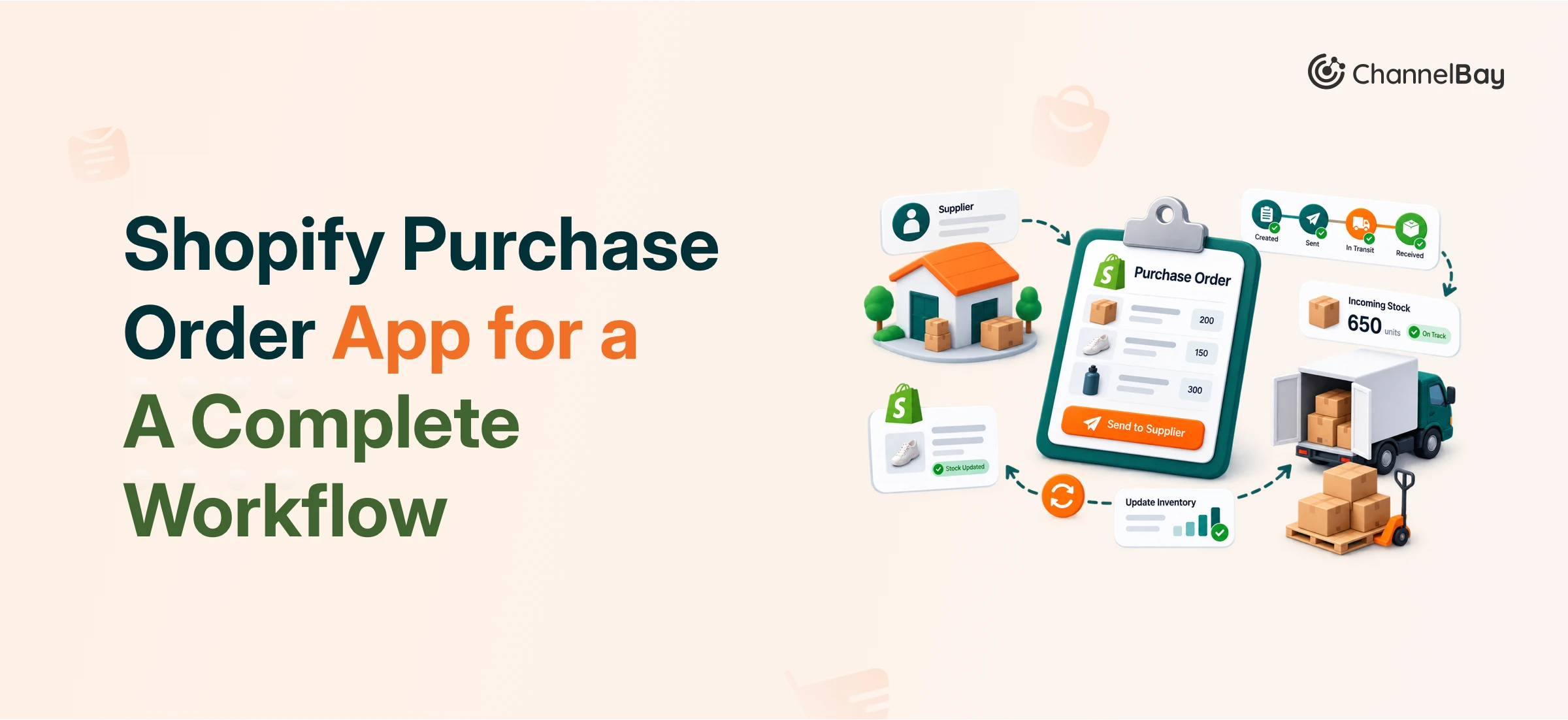

A Shopify purchase order app should do more than replace the button you're missing. The good ones turn purchasing into one connected workflow, so supplier details, stock levels, incoming orders, and costs all move together instead of living in separate tabs and spreadsheets. The apps worth paying for handle seven things well: inventory sync across locations and channels, supplier management, forecasting, PO creation, tracking, receiving with a clean cost breakdown, and stocktakes. If a tool only fixes one of those, it patches a limitation. If it handles all of them, it runs your purchasing.
Most sellers start the search after hitting a wall in Shopify's native purchase order handling, or while looking for a replacement for Stocky. The temptation is to shop for a single feature: multiple suppliers on one PO, CSV export, a landed cost breakdown. Those are useful, but evaluating on one feature is how you end up with a second tool six months later. This guide walks through the criteria that separate a real workflow app from a feature patch, so you can judge any Shopify purchase order app against the same checklist.
Key takeaways
Judge a Shopify purchase order app on the whole workflow, not one feature. The pieces that matter are inventory sync, supplier management, forecasting, PO creation, tracking, receiving and cost breakdown, and stocktakes.
Inventory sync is the foundation. Without accurate, SKU-mapped stock levels across every location and channel, every downstream number is wrong.
Supplier data (catalog, minimum order quantity, pack size, SKU mapping) is what makes forecasting and reordering possible. Treat it as a requirement, not a nice-to-have.
The best sign of a workflow tool is that PO creation, tracking, receiving, and stocktakes all read from the same connected inventory, so you never re-enter the same data twice.
Why the Native Shopify Purchase Order Workflow Falls Short
Shopify can record a purchase order, but it was not built to run purchasing end to end. Native handling is thin on supplier records, has no real forecasting, and does not give you a clean landed cost breakdown when stock arrives. It also struggles once you sell across more than one location or channel, which is exactly when purchasing gets hard to manage by hand.
That is why sellers move to a dedicated app or a spreadsheet. Spreadsheets are flexible but disconnected: they do not know your livestock, your open POs, or your sales velocity, so they go stale the moment you close the tab. A purpose-built Shopify purchase order app is worth the switch only if it closes those gaps, which is what the rest of this guide checks for.
Inventory Sync Across Locations and Channels
Sync is the foundation, so evaluate it first. If stock levels are wrong, every forecast, reorder, and PO built on top of them is wrong too.
Look for two things. First, accurate SKU mapping, so the same product never shows two different stock levels because it was recorded under slightly different identifiers. Second, sync covers every place you sell and store stock: each Shopify location, each warehouse, and each additional sales channel such as Amazon or eBay. A tool that syncs Shopify but ignores your other channels leaves you guessing about true demand.
Sync speed matters more than it sounds. Slow or batch-only updates mean you are always ordering against yesterday's numbers. ChannelBay, for example, syncs in real time on Shopify and in under two minutes across other channels, which keeps sales volume and demand current inside the system.
Supplier Management
Once stock is accurate, supplier data is what lets you act on it. This is the record most spreadsheet setups do worst, and it is a genuine requirement in any serious Shopify purchase order app.
At a minimum, look for the ability to store, per supplier and per SKU: the product catalog you buy from them, minimum order quantity (MOQ), pack size, and a clear SKU-to-supplier mapping. With those in place, the app can tell you not just that you need to reorder, but how much to order to respect MOQs and pack sizes, and from whom. Without them, every PO is a manual lookup across emails and old invoices.
Inventory Forecasting and Replenishment Planning
Forecasting is where connected inventory pays off. When the app already knows your sales orders, current stock, returns and refunds, and incoming purchase orders, it has everything it needs to project when you will run low and how much to reorder.
The goal is ordering the right quantity at the right time: enough coverage to avoid stockouts during your busiest periods, without tying up cash in overstock. When you evaluate a tool, check whether its forecast actually pulls from live data or just asks you to type in numbers. A forecast built on manual inputs is a spreadsheet with a nicer interface.
PO Creation and Supplier Communication
Creating a purchase order should happen on one screen, with everything you need in front of you. If you have to open three tabs to build one PO, the tool is adding work, not removing it.
Strong PO creation puts the relevant information in reach as you build: the supplier's details and past order history, the location you are restocking, on-hand quantities for each SKU, a clear price breakdown, and an estimated delivery date. Invoicing and payment details should be handy at the same time. Once the PO is done, sending it to the supplier should take one step, not a manual export and a separate email.
PO Tracking and Status Management
A purchase order is not finished when you send it. Tracking is how you know what is actually happening with the stock you are counting on.
Look for clear, distinct statuses that cover the real lifecycle of an order: ordered and open, partially received, fully received, closed, cancelled, and overdue when a PO passes its estimated delivery date without arriving. Overdue tracking is easy to overlook and one of the most useful, because a late shipment you do not notice becomes a stockout you did not plan for.
Receiving and Landed Cost Breakdown
Receiving is where purchasing meets your real costs, so it deserves close attention. A good app lets you receive against a PO cleanly: fully, partially, or declining quantities that did not arrive or were wrong.
Just as important is the cost breakdown. When stock arrives, you want each cost that went into it laid out clearly rather than buried in a single number. A clean landed cost picture is what keeps your margins honest, because product cost alone understates what the inventory actually cost you to get on the shelf.
Stocktakes and Inventory Accuracy
Even the best sync drifts over time as shrinkage, damage, and miscounts creep in. Regular stocktakes are how you correct it, so the app should make them easy to run on any location.
Look for the ability to run a stocktake session against a specific location, reconcile the count, and have the result flow straight back into your live inventory. That correction should then feed the same forecasting and reorder logic everything else uses, so an accurate count immediately improves the quality of your next purchase order.
Native Shopify vs. Spreadsheet vs. A Dedicated App
Capability | Native Shopify PO | Spreadsheet | Dedicated PO app |
Multi-location and multi-channel stock sync | Limited | None (manual) | Yes |
Supplier records (MOQ, pack size, SKU mapping) | Minimal | Manual | Yes |
Forecasting from live sales and stock | No | Manual | Yes |
PO status tracking (open, partial, overdue) | Basic | Manual | Yes |
Landed cost breakdown on receiving | No | Manual | Yes |
Stocktakes that sync back to inventory | Limited | No | Yes |
The pattern is consistent. Native handling and spreadsheets can each do a piece, but only a dedicated Shopify purchase order app connects the pieces so the data moves on its own.
Where ChannelBay fits
ChannelBay was built for the whole workflow rather than a single feature. It gives Shopify sellers connected inventory across locations and channels (real-time sync on Shopify, under two minutes cross-channel), supplier management with catalog, MOQ, pack size, and SKU mapping, forecasting that reads from live sales and incoming POs, single-screen PO creation and sharing, full status tracking including overdue, receiving with a clear landed cost breakdown, and stocktakes that sync straight back into inventory. It works across Shopify, Amazon, and eBay, which is why sellers running online and retail together use it to skip the spreadsheet struggle and run purchasing as one system.
If you are choosing between specific tools rather than criteria, see our roundup of the top Shopify purchase order apps for a side-by-side of the main options.
Frequently Asked Questions
What is a Shopify purchase order app?
It is an app that manages the full purchasing workflow for a Shopify store: creating purchase orders, managing suppliers, tracking incoming stock, receiving deliveries with a cost breakdown, and keeping inventory accurate. It goes beyond Shopify's native purchase order handling, which mainly records a PO without connecting it to forecasting, supplier data, or multi-location stock.
Does Shopify have built-in purchase order management?
Shopify has basic purchase order functionality, but it is limited. It lacks strong supplier records, forecasting, landed cost breakdowns, and robust multi-location and multi-channel support, which is why many sellers add a dedicated app or move off spreadsheets.
What features matter most in a Shopify purchase order app?
The core seven are inventory sync across locations and channels, supplier management, forecasting, easy PO creation and sharing, PO status tracking, receiving with a landed cost breakdown, and stocktakes. The most important underlying quality is that these all draw from the same connected inventory instead of separate records.
What is landed cost, and why should a PO app track it?
Landed cost is the full cost of getting a product onto your shelf, not just the product price. Tracking it on receiving keeps your margins accurate, because pricing off product cost alone understates what the inventory really cost you.
Can a Shopify purchase order app replace Stocky?
Yes. Sellers commonly move to a dedicated app when Stocky no longer fits, particularly for multi-location and multi-channel needs. When comparing, check that the replacement covers the full workflow above rather than just the one feature that prompted the switch.
Do I need a purchase order app if I only sell on Shopify and use one location?
Possibly not, if your volume is low and Shopify's native handling covers you. The case for a dedicated app grows as you add locations, sell on more channels, manage more suppliers, or find yourself rebuilding the same forecast in a spreadsheet every week.

