

Shopify Purchase Order Management: How to Choose the Right Tool
Compare the top Shopify purchase order management tools by features, pricing, and fit. Find the right way to manage POs, suppliers, and stock as you grow.

Shopify purchase order management is the process of creating, sending, tracking, and reconciling purchase orders with suppliers, then matching what arrives against what was ordered so your inventory stays accurate. Shopify's native admin has no built-in way to do this beyond manual stock adjustments, so most growing stores add a dedicated app once they're juggling more than a handful of suppliers or SKUs.
The right tool depends less on brand and more on how you actually buy: how many suppliers you work with, how many locations or channels you sell through, and whether you need purchasing tied to demand forecasting or just want a clean way to log what's on order. This guide breaks down what purchase order management actually involves, what to check before picking a tool, and how eight of the most-used Shopify purchase order apps compare.
Key Takeaways
Shopify purchase order management covers PO creation, supplier tracking, receiving, stock transfers, stocktakes, and reconciling incoming inventory against what was ordered.
Stores with a small supplier list can usually get by with a basic PO app. Multi-location or multi-channel sellers need inventory syncing and forecasting on top of that.
Automation reduces manual entry and helps prevent the two most common inventory failures: overselling and over-ordering.
Pricing ranges from free plans to $49/month and up for tools built around AI-driven demand forecasting.
Before choosing a tool, check Shopify integration depth, PO features, supplier management, inventory syncing across locations and channels, reporting, and total cost at your order volume, not just the sticker price.
What is Shopify Purchase Order Management?
Purchase order management is the workflow that connects your suppliers to your Shopify inventory. In practice it covers a handful of linked tasks:
Creating purchase orders for a supplier, including quantities, cost, and expected delivery dates.
Tracking PO status from draft to sent to partially received to closed.
Receiving inventory, ideally with partial receiving support for shipments that arrive in batches.
Reconciling stock, so what Shopify shows as available matches what's actually on the shelf or in the warehouse.
Managing suppliers, including their product catalogs, cost history, and lead times.
Some apps stop at the first three items. Others extend into stock transfers between locations, stocktakes, low-stock alerts, and forecasting, which is where the tools in this guide start to differ meaningfully from one another.
Why Purchase Order Management Matters as You Grow
A store with one supplier and a few dozen SKUs can track purchase orders in a spreadsheet without much pain. That breaks down fast once a store adds suppliers, warehouses, or sales channels. Without a dedicated system, two problems show up repeatedly:
Inaccurate stock tracking. Manual updates lag behind reality, so Shopify shows stock that's already sold or hides stock that already arrived.
Overselling and over-ordering. Without visibility into what's already on order, teams either sell inventory they don't have or place duplicate orders with a supplier out of caution.
A dedicated purchase order tool consolidates creation, tracking, updating, and reconciling in one place, which is what closes both gaps.
What to Look for in a Shopify Purchase Order Management Tool
Before comparing specific apps, it helps to know which categories actually differentiate them:
Feature area | What to check |
Purchase order features | PO generation, supplier assignment, delivery tracking, partial receiving, PO history |
Supplier management | Organizing supplier contacts, product-level pricing, and purchase history per supplier |
Inventory forecasting | Reorder points and demand predictions that flag when to restock before you run out |
Multi-location support | Purchasing and inventory visibility across multiple stores or warehouses |
Multi-channel support | Centralized inventory if you also sell on Amazon, in retail, or on other channels |
Reporting | Visibility into suppliers, purchase history, inventory levels, reorder points, and incoming goods |
Pricing | Total cost at your actual order volume, user count, and location count, not just the base monthly fee |
Best Shopify Purchase Order Management Tools
Tool | Shopify Integration | Purchase Orders | Stocktake | Stock Transfers | Starting Price |
Yes | Yes | Yes | Yes | $30/month | |
Mimoran Purchase Orders | Yes | Yes | Yes | Yes | $6.66/mo |
Auto Purchase Orders | Yes | Yes | No | No | $39.99/mo |
Alfred Purchase Orders & Stock | Yes | Yes | Yes | Yes | $29/mo |
FlowPO Purchase Orders | Yes | Yes | No | No | $10/mo |
Full Shelf Purchase Orders | Yes | Yes | No | No | $9.99/mo |
Prediko Inventory Management | Yes | Yes | Yes | Yes | $49/mo |
Stockroom | Yes | Yes | Yes | Yes | Free |
Channel Bay: Best for Multi-Channel and Multi-Location Purchasing
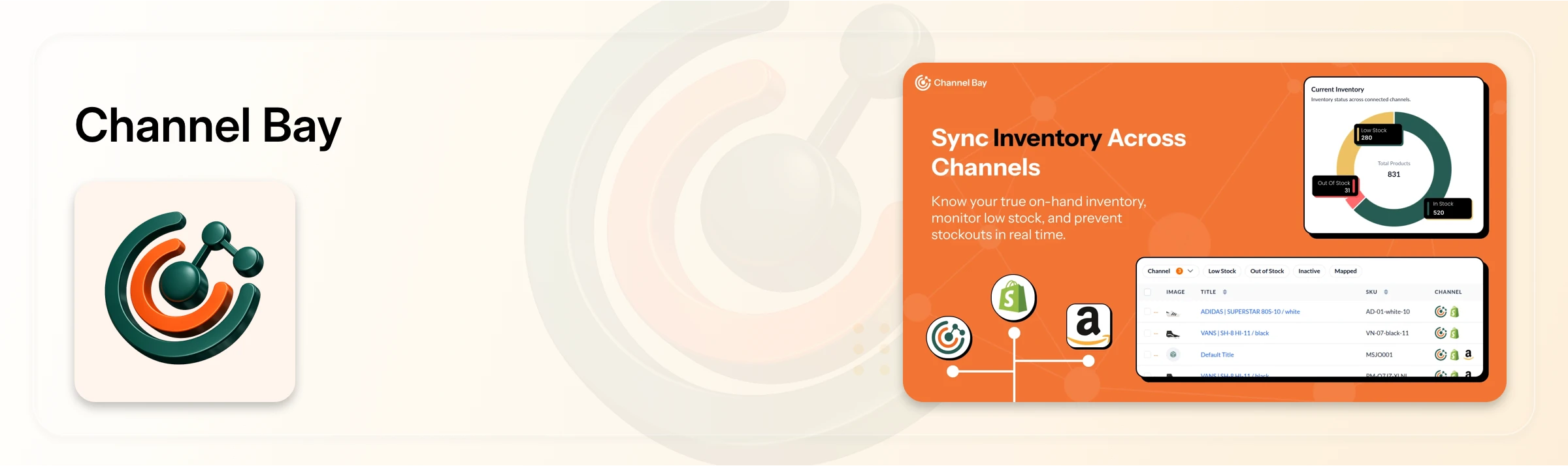
Channel Bay goes beyond basic PO creation. It combines purchase orders, supplier management, incoming stock, stock transfers, stocktakes, low-stock alerts, and forecasting in one workflow, with shared inventory across multiple warehouses, locations, and channels such as Amazon.
Best for: Multichannel retailers and growing companies managing inventory across several stores, warehouses, and sales channels.
Pricing: Plans starting at $30 per month with a 14-day free trial to explore the platform before choosing a plan.
Worth knowing: Channel Bay is newer to the market than some competitors, so it's less established, though it continues to add functionality based on direct merchant feedback.
Mimoran Purchase Orders: Best for Simple Replenishment
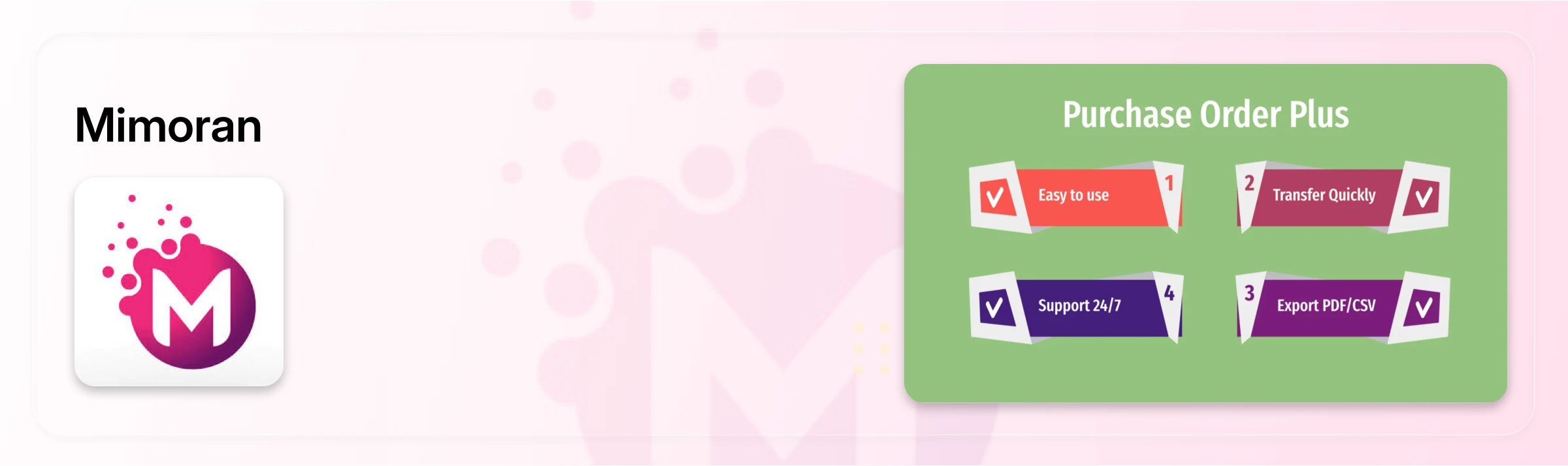
Mimoran focuses narrowly on creating purchase orders and replenishing inventory from suppliers, without the broader planning features some competitors bundle in.
Best for: New and growing Shopify stores that want straightforward replenishment without added complexity.
Pricing: Free plan available, with paid plans starting around $6.66/month.
Worth knowing: Some advanced functionality is reserved for higher-tier plans, so full-feature access can cost more than the entry price suggests.
Auto Purchase Orders: Best for PO Automation
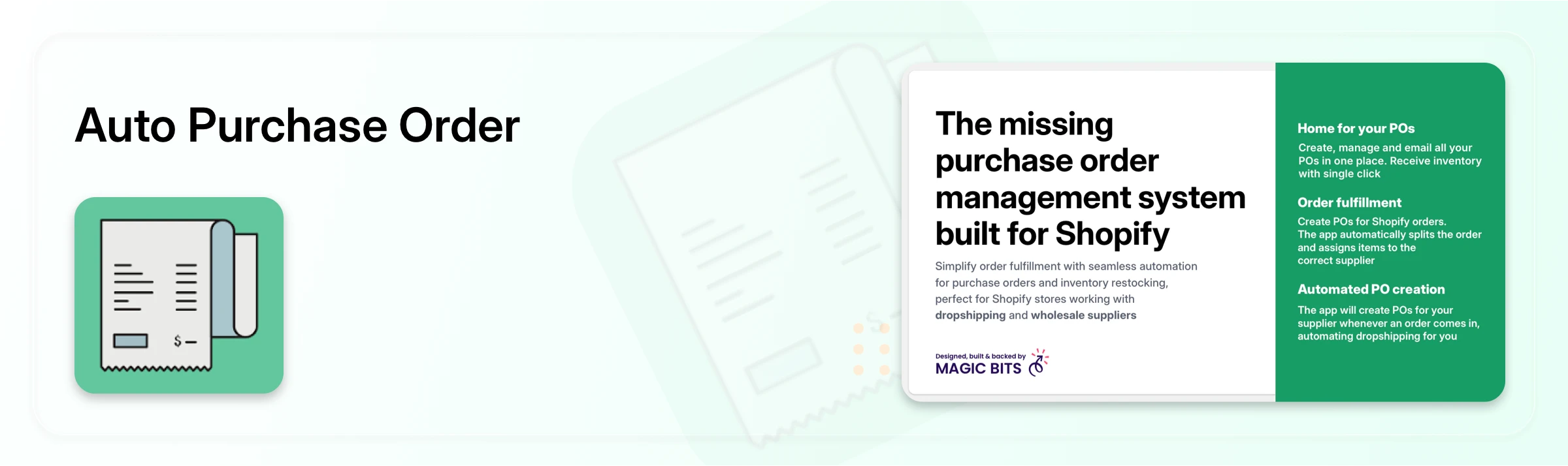
Auto Purchase Orders is built to cut manual purchasing work. It can generate POs directly from Shopify orders, split orders across vendors, combine orders for the same supplier, send POs automatically, and connect purchasing to accounting tools like Xero and QuickBooks.
Best for: Growing companies with complex or high-volume supplier processes.
Pricing: Plans starting at $39.99/month.
Worth knowing: Complex approval workflows may need additional customization, and higher automation or PO volume often requires an upgrade.
Alfred Purchase Orders & Stock: Best for Demand Forecasting
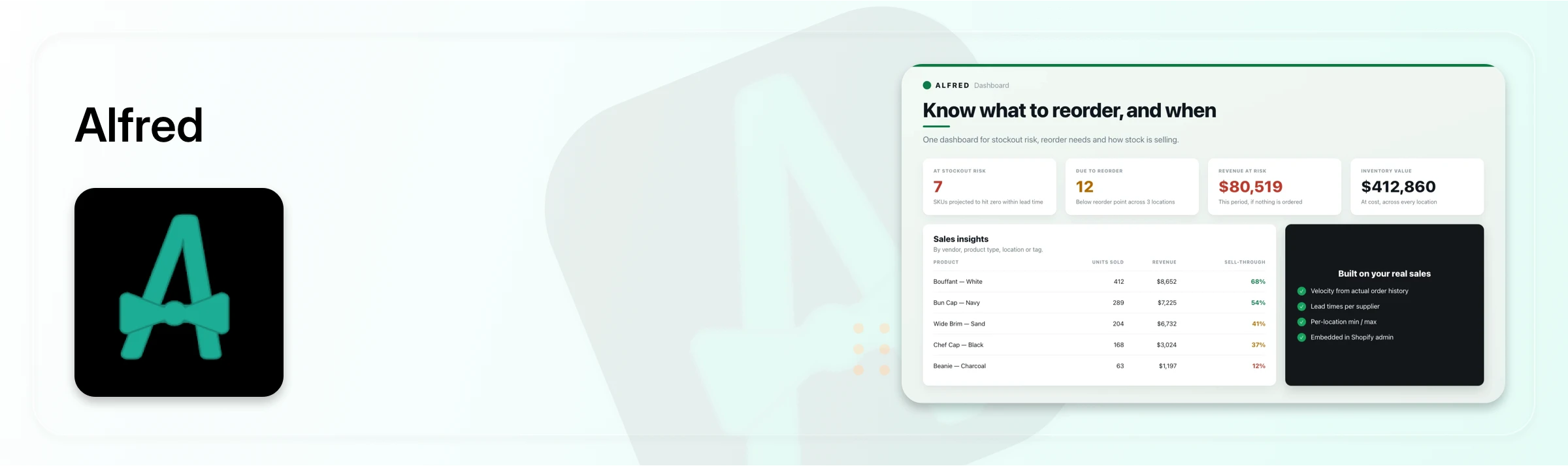
Alfred ties purchasing to forecasting, current inventory levels, and sales velocity, letting merchants plan what and when to restock before issuing a PO.
Best for: Retailers who want sales and inventory data actively shaping their purchasing decisions.
Pricing: Plans start at $29/month, with higher tiers available.
Worth knowing: New users sometimes find the interface less intuitive at first, with a learning curve around the various workflows.
FlowPO Purchase Orders: Best for Inventory Replenishment
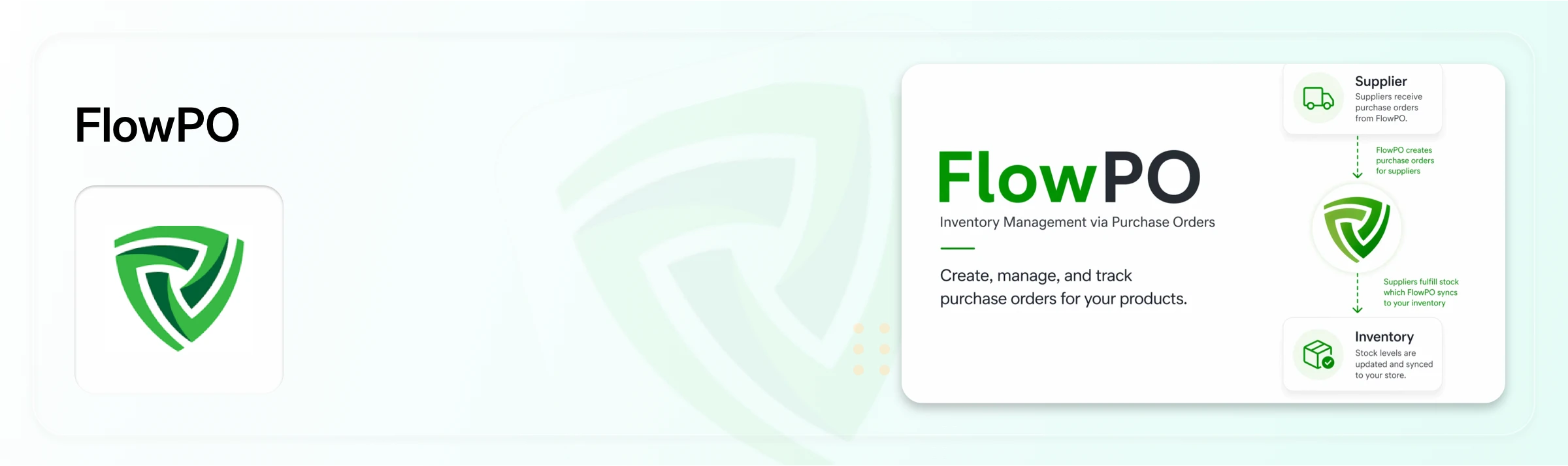
FlowPO treats purchasing as one part of the broader inventory lifecycle, covering receiving, replenishment, low-stock monitoring, and stock updates alongside POs and supplier management.
Best for: Shopify retailers looking for an affordable alternative to Stocky with purchase orders, supplier management, and replenishment built in.
Pricing: Free plan available, with paid plans starting at $10/month.
Worth knowing: The free and Business plans cap monthly PO volume, and features like demand forecasting and ABC analysis are limited to paid tiers.
Full Shelf Purchase Orders: Best for Simple PO Management
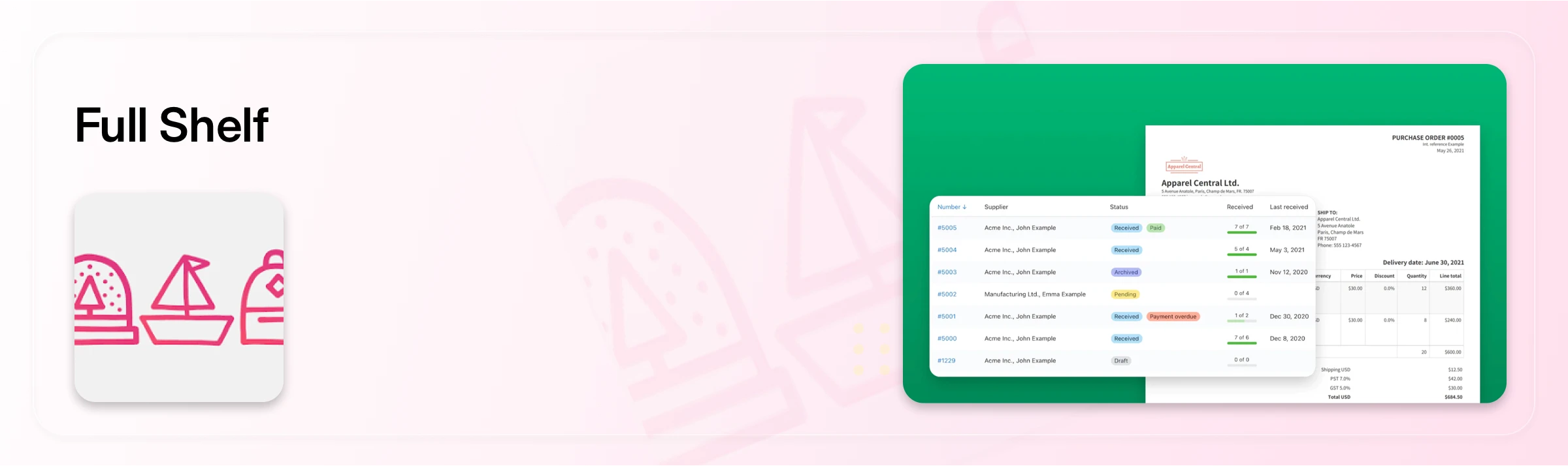
Full Shelf keeps its focus on creating, sending, and receiving POs, with supplier SKUs, partial receiving, automated inventory adjustments, and PDF or email POs.
Best for: Small Shopify stores that want simple, inexpensive PO handling without extra layers.
Pricing: Plans starting at $9.99/month.
Worth knowing: It's built around fundamental PO and inventory tasks, so businesses needing multi-channel planning may outgrow it quickly.
Prediko Inventory Management: Best for AI-Powered Forecasting
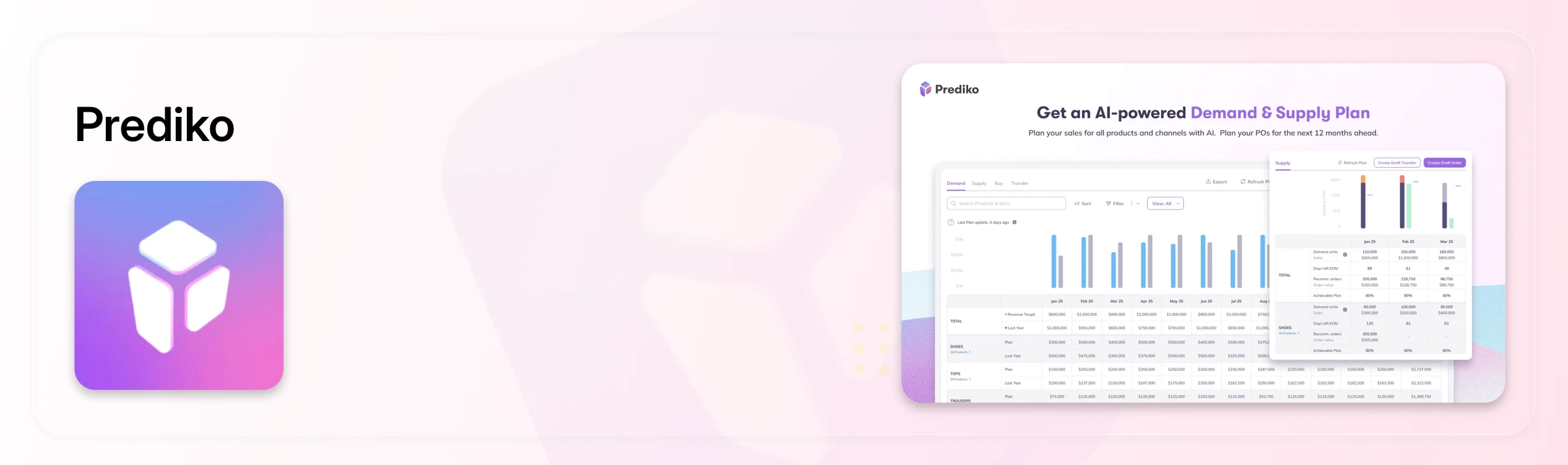
Prediko connects purchasing to inventory planning and demand forecasting rather than just PO creation, helping retailers predict demand and calculate replenishment needs before buying.
Best for: Growing brands with complex inventory needs, seasonal demand swings, or large catalogs.
Pricing: Plans start at $49/month, scaling with business size.
Worth knowing: Its forecasting focus can feel like more than necessary for businesses that just need purchase orders, supplier management, and basic inventory control in one place.
Stockroom: Best for Shopify POS Retailers
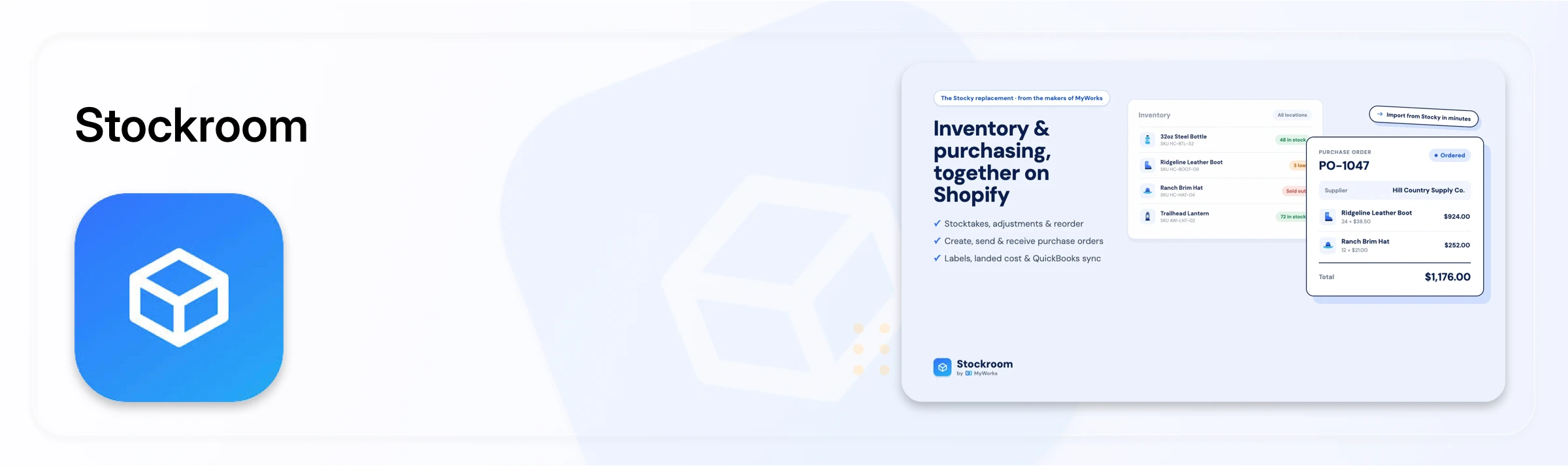
Stockroom is built around physical retail operations, connecting Shopify POS with purchase orders, receiving, stocktakes, reorder planning, supplier management, and landed costs in one workflow.
Best for: Physical retailers who want to manage store inventory and purchasing together.
Pricing: Free plan, upgradeable as needs grow.
Worth knowing: Its POS-focused features are built for physical retail, so online-only merchants may find parts of it unnecessary.
How to Choose the Right Tool for Your Business
Match the tool to how you actually buy, not to feature count:
Simple, single-supplier purchasing: Mimoran or Full Shelf keep things lightweight and inexpensive.
High supplier or order volume you want automated: Auto Purchase Orders reduces manual PO creation and syncs with accounting software.
Purchasing driven by sales and demand data: Alfred or Prediko tie POs directly to forecasting, with Prediko going furthest into AI-driven planning.
Physical retail with Shopify POS: Stockroom is purpose-built for that workflow.
Multiple warehouses, locations, or sales channels: Channel Bay covers purchase orders, suppliers, stock transfers, stocktakes, and incoming stock together, which matters most once purchasing spans more than one location or channel.
If your purchasing has outgrown a simple "create a PO and email it" workflow and now touches multiple locations, channels, or suppliers at once, a connected system that handles the full replenishment workflow, rather than just the PO itself, is worth the switch.
Frequently Asked Questions
What is the best Shopify purchase order management tool?
There isn't a single best option. It depends on your business size, supplier count, and whether you sell through one location or several. Channel Bay fits multi-location and multi-channel sellers, Mimoran and Full Shelf suit simple single-supplier purchasing, and Prediko or Alfred fit stores that want forecasting built into purchasing.
Does Shopify have a built-in purchase order feature?
Shopify's admin does not include a dedicated purchase order management system. Merchants typically add a third-party app to create, track, and reconcile purchase orders against inventory.
What should a Shopify purchase order app include at minimum?
At minimum, look for PO generation, supplier assignment, delivery or receiving tracking, and a history of past orders. Partial receiving and inventory reconciliation matter as soon as suppliers ship in multiple batches.
How does purchase order management help with multi-channel selling?
Tools built for multi-channel selling, like Channel Bay, sync inventory across Shopify and other channels such as Amazon, so a purchase order updates stock levels everywhere at once instead of requiring manual updates per channel.
When should a store move from spreadsheets to a dedicated PO tool?
Once a store works with more than a couple of suppliers, sells across multiple locations or channels, or has started seeing overselling or duplicate orders, a dedicated tool typically pays for itself in reduced manual work and fewer stock errors.

