

Best Shopify Stocktake Apps for Accurate Inventory Counts
Compare the 10 best Shopify stocktake apps of 2026 by pricing, barcode scanning, and multi-location support to find the right fit for your store


A Shopify stocktake app replaces manual CSV exports and physical counts with barcode scanning, real-time syncing, and automatic discrepancy detection, so your recorded inventory matches what's actually on the shelf. The best choice depends on your setup: single-location stores usually need nothing more than a basic barcode counter, while multi-location or multi-channel sellers need real-time sync across every warehouse, store, and sales channel. Below, we compare the 10 top-rated Shopify stocktake apps on pricing, features, and who each one fits best.
Key Takeaways
A Shopify stocktake app fixes the gap between recorded inventory and physical stock, which matters because the average retailer runs at only about 65% inventory accuracy (Linnworks, via Spot AI, 2026).
Multi-location or multi-channel sellers need real-time sync (Channel Bay, Sumtracker, Prediko). Single-location stores can usually get by with a simpler barcode counter (PML, BR Stock Take, Twist).
Pricing ranges from free plans to $199+/month for enterprise-tier multi-channel platforms.
Inventory distortion (stockouts and overstocks combined) costs retailers an estimated $1.7 trillion globally each year (IHL Group, 2025), which is why regular cycle counts matter more than one annual count.
Shopify Stocktake Apps Compared at a Glance
Here's a closer look at all 10 apps, covering what each one does well, who it's built for, and what it costs, so you can compare them against your own store's setup.
App | Starting Plan | Channel / Location / Store Coverage | Key Capability |
$30 | Multi-channel, multi-location, multi-store | Real-time sync across channels, warehouses, and stores during the count itself | |
Sumtracker | $59/month | Multi-channel (Shopify, Amazon, eBay, Etsy, Walmart) | Multi-channel sync plus forecasting, POs, bundles, and landed cost |
BR Stock Take | Free | Multi-location | Straightforward barcode counting, multiple devices per count |
Alfred | $29 | Multi-location | Targeted stocktakes, blind counting, and variance review in one flow |
Prediko | $49/month | Multi-location, Multi-channel, multi-store | Barcode counting tied into a full multi-location inventory system |
StockSavvy | $9/month | Multi-location | Barcode scanning with built-in wrong-barcode and mismatch detection |
PML Stock Take | $10.79/month | Multi-store (POS) | Multi-device counting directly on existing POS hardware |
Logistified | $12/month | Multi-location | Stocktakes folded into transfer orders and replenishment |
EasyScan Inventory | $9.99/month | Single location/store focus | Barcode counting with dead stock and ABC analysis reporting |
Twist: Stock Take | $10/month | Single location/store focus | Cycle counts filterable by tag, metafield, type, or vendor |
When Do You Need a Dedicated Shopify Stocktake App?
You need a dedicated app once manual counting stops being fast enough to keep up with your SKU count, locations, or order volume. The clearest sign is when stock discrepancies start showing up faster than you can reconcile them.
The Limits of Shopify's Built-In Stock Counting
Shopify's native process requires exporting inventory as a CSV, physically counting stock, entering actual quantities into the file, comparing against recorded numbers, and re-importing the file. It works, but it's entirely manual and offline: any sale or stock change that happens while a count is in progress won't be reflected until the import is done, which creates a window where your Shopify admin and your shelves disagree.
Signs You've Outgrown Manual Counts
A few patterns usually mean it's time to move to a dedicated app:
You're managing a large number of SKUs and manual CSV entry is eating hours every week
You count inventory across more than one location, warehouse, or storefront
Discrepancies between recorded and physical stock keep recurring
You sell across more than one channel and need counts to sync everywhere at once
You need to count without pausing regular store operations
The 10 Best Shopify Stocktake Apps for 2026, Ranked
We ranked the best Shopify stocktake apps based on counting features, barcode scanning, accuracy, multi-location support, ease of use, and pricing.
Channel Bay
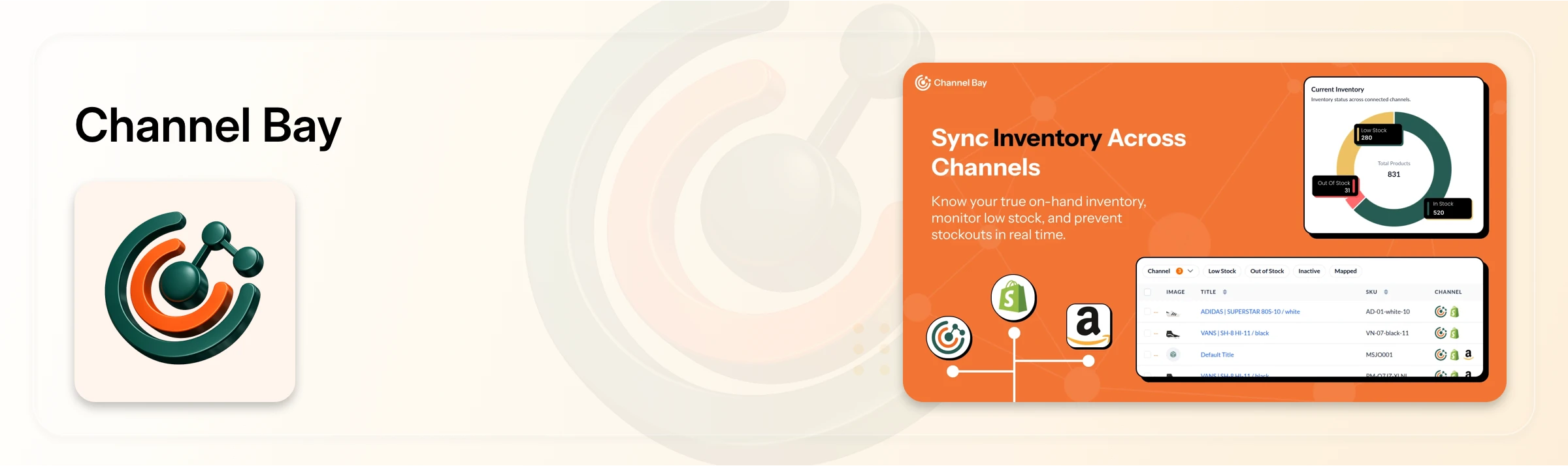
Best for: Merchants running their business on multiple sales channels, locations, or stores who need one dashboard syncing real-time and accurate data across all of them.
Channel Bay uses barcode-based counting to speed up counts and cut manual data entry, and keeps inventory synchronized in real time across warehouses, retail stores, Shopify, and other sales channels during the count itself, not just after. Discrepancies and stock adjustments happen directly inside the stocktake workflow, so there's no separate CSV export/import step. This app on this list covers multi-channel, multi-location, and multi-store counting at once.
Pricing: Starts with Basic $30/month and Pro $60/month + 14-days free trial available.
Sumtracker
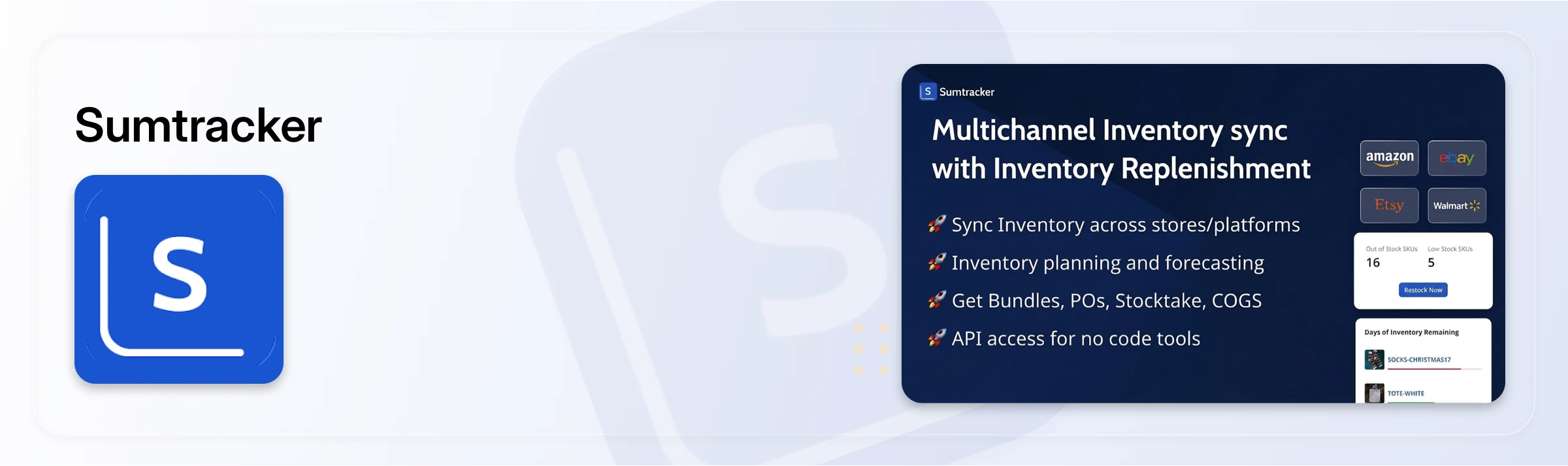
Best for: Merchants syncing inventory across Shopify, Amazon, eBay, Etsy, and Walmart at once.
Sumtracker pairs real-time multi-channel sync with stocktakes, forecasting, purchase orders, bundles, and landed cost tracking. Stocktaking here is one piece of a broader multi-channel inventory system rather than a standalone tool. It's the broadest paid option on this list, covering more sales channels than any other app here, which is what justifies its higher starting price.
Pricing: Manage $59/month, Replenish $119/month.
BR Stock Take
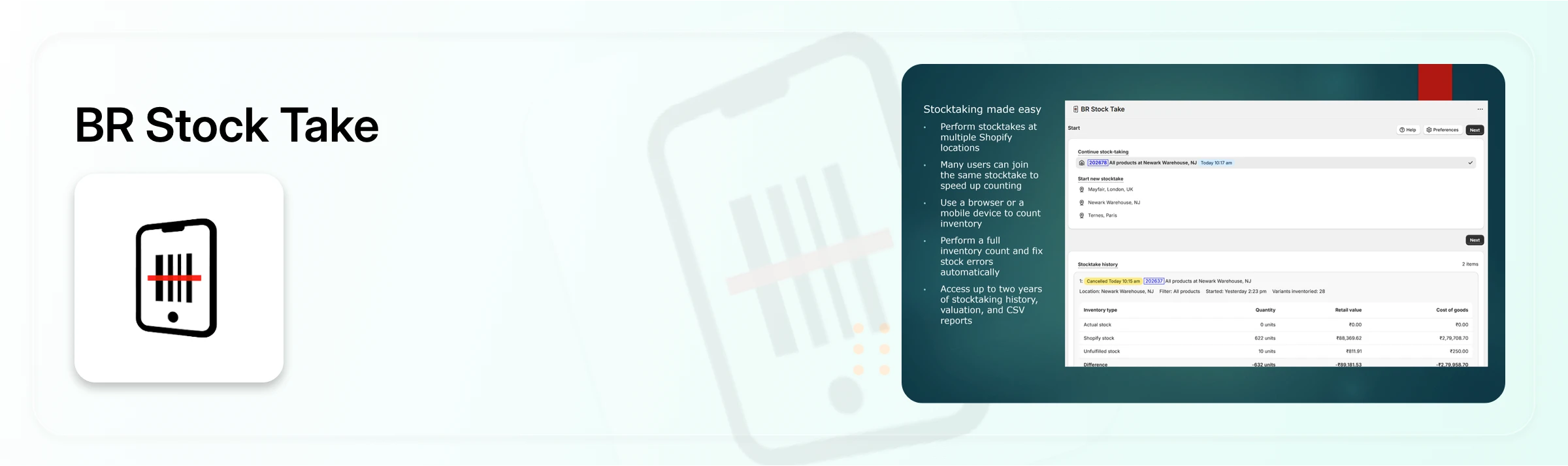
Best for: Merchants who want a straightforward barcode counting tool across multiple locations without a steep price jump.
BR Stock Take covers the basics well: scan or manually enter quantities, run counts on multiple devices at once, perform cycle counts, and adjust inventory once discrepancies are found. It is very similar to how Channel Bay but stays focused on counting itself rather than adjustments, transfers, or channel sync.
Pricing: Free plan available. Paid plans start at $15/month.
Alfred
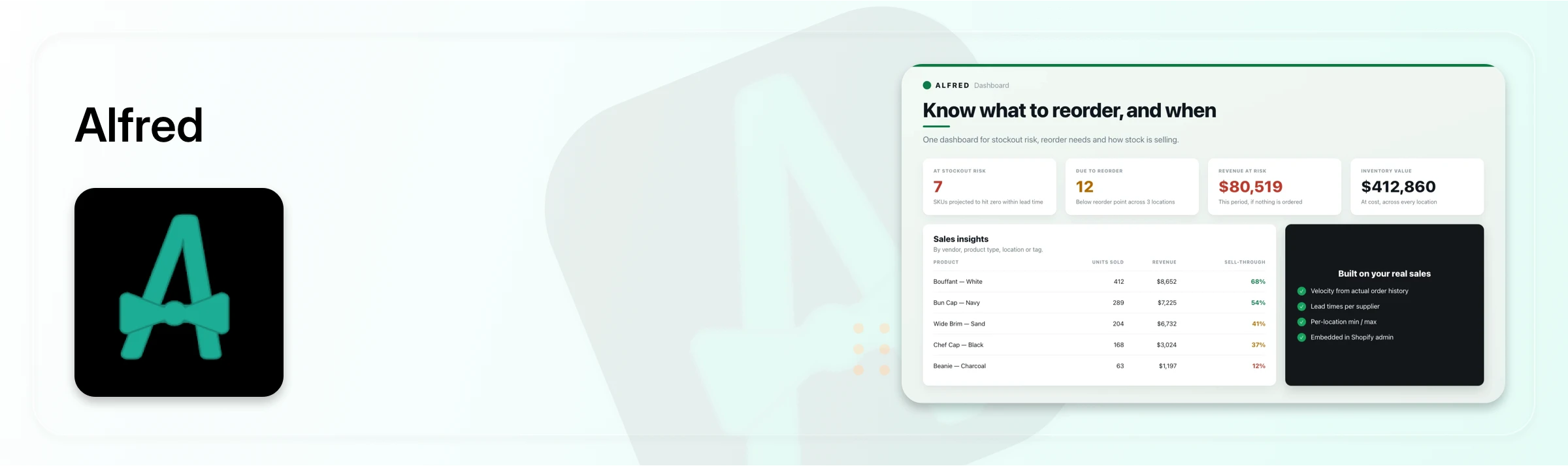
Best for: Shopify merchants who need flexible stocktakes with more control over what they count and how inventory discrepancies are handled.
Alfred supports stocktakes at different levels, from individual products and filtered product sets to an entire location. It also offers barcode scanning and blind counting to reduce counting bias and manual work, while giving merchants a review step to check variances before inventory is adjusted. A useful safeguard is its handling of uncounted products, helping prevent items that weren't part of the count from being unintentionally set to zero.
Pricing: Starts at BuAlfredilt $29/month, Grow $49/month, Scale $69/month, and Thrive $99/month with a free trial available.
Best for: Multi-location merchants who want counting, adjustments, and stock transfers handled in the same workflow, without paying for it.
Prediko
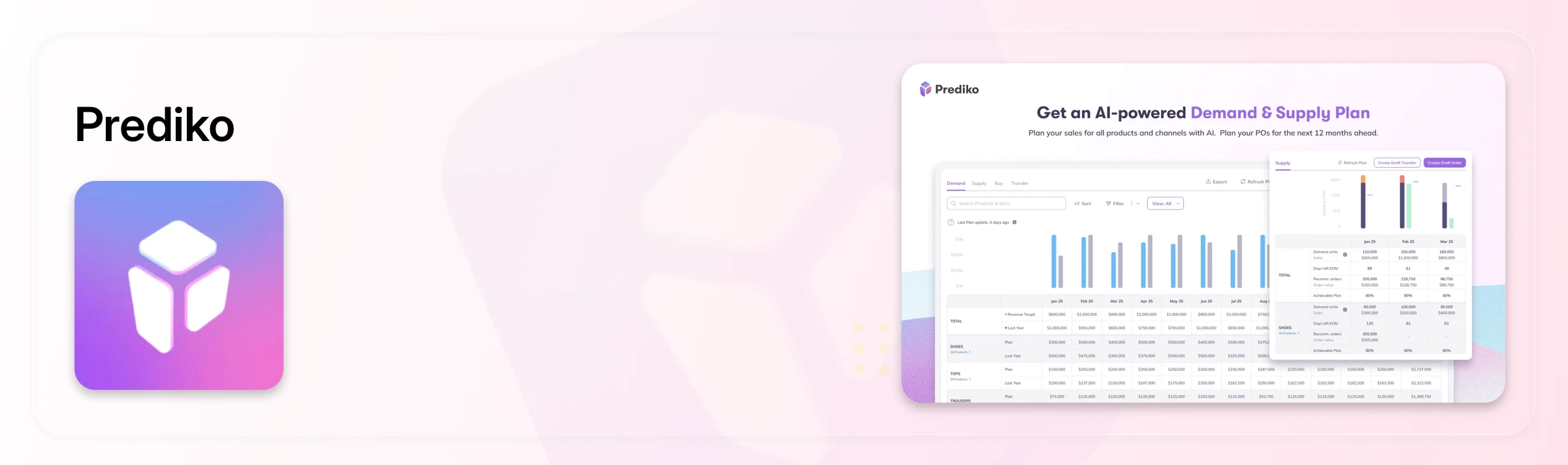
Best for: Merchants running stocktakes across multiple stores and locations who also want barcode scanning tied into a larger multi-location inventory system.
Prediko runs counts by SKU using barcode scanning and updates stock quantities based on the physical result, with counts feeding directly into its multi-location inventory tracking. It covers multiple stores and locations well, though it doesn't extend to external sales-channel sync the way Sumtracker does.
Pricing: Starter $49/month, Scale-up $119/month, Growth $199/month, plus a custom Enterprise plan. Paid plans include a 14-day free trial.
StockSavvy Barcode Scanning
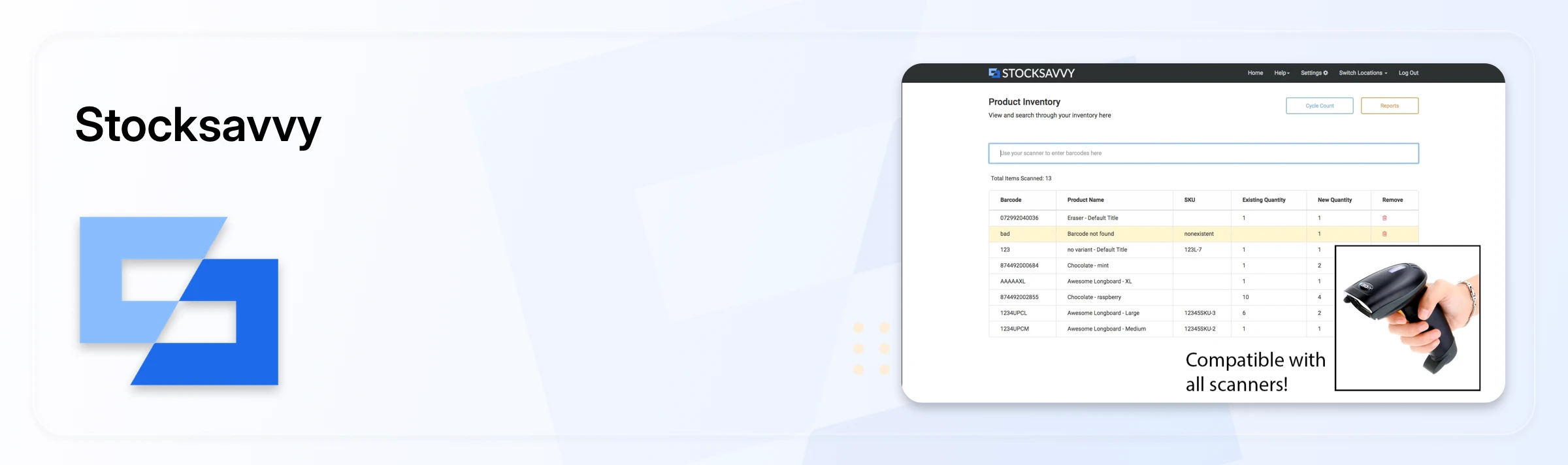
Best for: Merchants who want barcode counting with built-in error checking across multiple locations.
StockSavvy flags wrong barcodes during scanning and compares scanned items against full inventory, catching mismatches as they happen rather than after the count is done. It also supports stock transfers and updates across locations, at one of the lowest paid entry prices on this list.
Pricing: Lite $9/month, Medium $29/month, Plus $39/month, plus a one-month pass for $159.
PML Stock Take
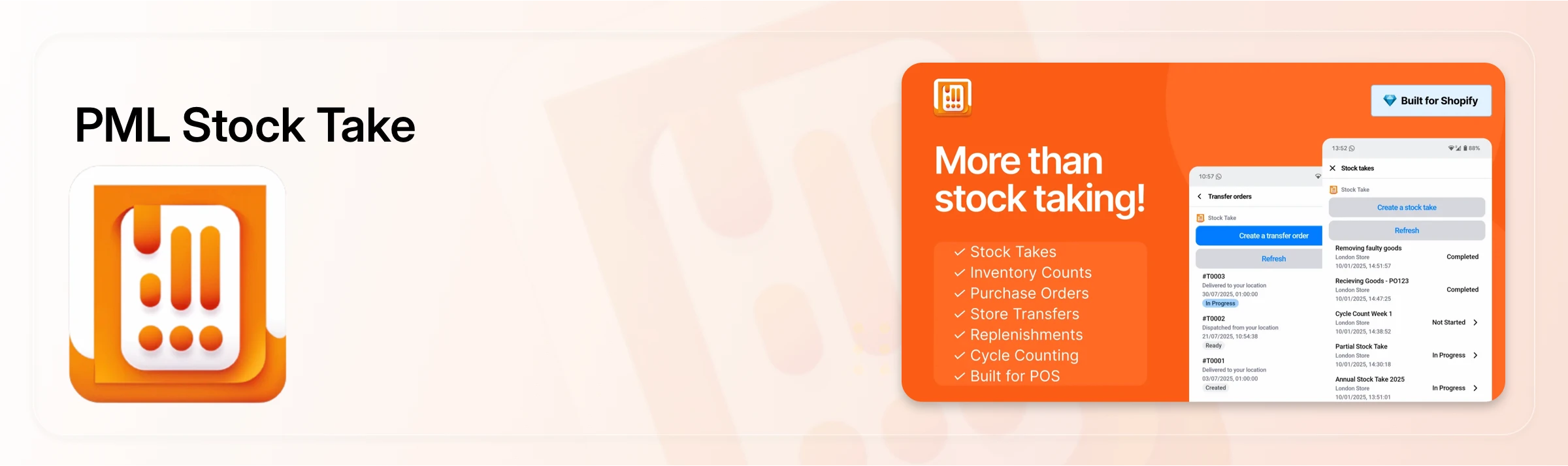
Best for: Shopify POS businesses or merchants running multiple physical stores.
PML is built for fast counting on hardware you already own. You can customize stocktakes by location, scan barcodes on existing Shopify POS devices, or enter quantities manually, with multiple team members counting simultaneously on separate devices. It also supports cycle counts and missing-item tracking, with review, export, and reporting once counting wraps up. Its multi-store coverage is tied specifically to POS hardware rather than a broader inventory system.
Pricing: Basic $10.79/month (1 location), Growth $21.79/month (3 locations), Complete $37.79/month (up to 15 locations). All plans include a 30-day free trial.
Logistified Inventory Management
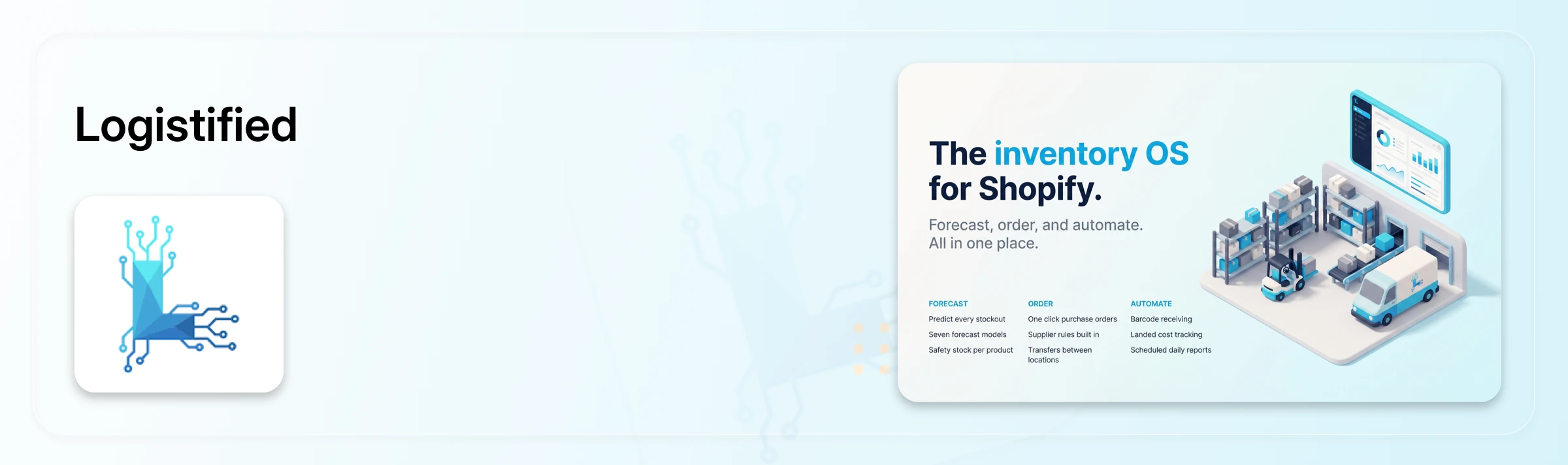
Best for: Merchants who want stocktakes folded into a broader purchasing and replenishment workflow.
Logistified connects barcode-based stocktakes to inventory adjustments, transfer orders, and purchasing across locations. It's less a dedicated stocktake tool and more an inventory-and-purchasing platform that happens to include counting.
Pricing: $12/month, $29/month, $59/month tiers.
EasyScan Inventory
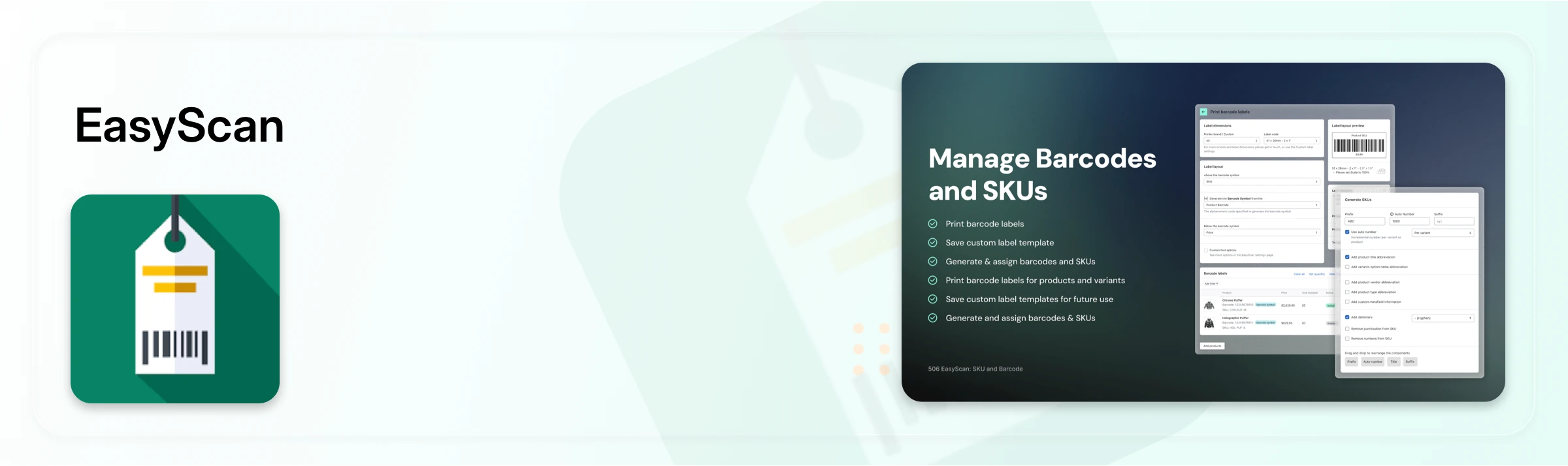
Best for: Merchants who want barcode-first counting for regular stocktakes across large SKU catalogs at a single location or store.
EasyScan runs stocktakes through barcode scanning with fast quantity updates and discrepancy detection built in. It also layers in inventory reporting like dead stock and ABC analysis, giving more visibility into stock performance than a pure counting tool, though it doesn't cover multi-location or multi-channel sync.
Pricing: Basic $9.99/month, Standard $39.99/month, Advanced $79.99/month, Pro $129.99/month.
Twist: Stock Take
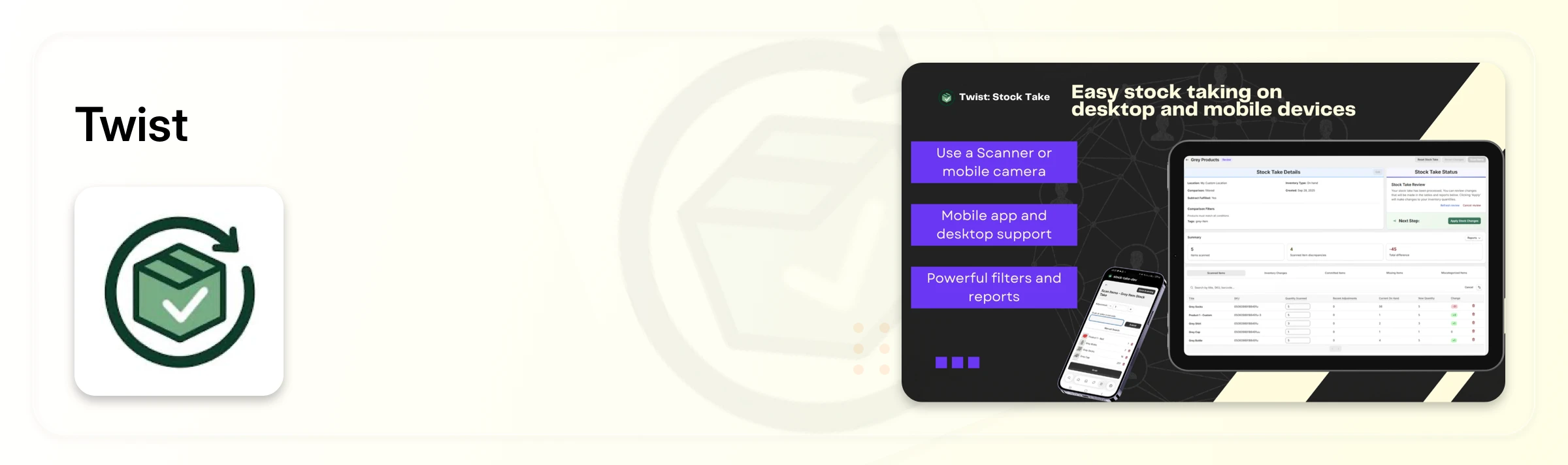
Best for: Merchants who want flexible counting with detailed discrepancy tracking, without a lot of setup.
Twist supports barcode scanning, flexible filters, and direct inventory adjustments, with cycle counts that can be filtered by product tag, metafield, type, or vendor. Reporting flags missing, mismatched, or miscategorized inventory after each count. It's built around counting flexibility at a single location or store rather than multi-location sync.
Pricing: Standard $10/month, Bulk $20/month.
Common Mistakes Merchants Make When Choosing a Stocktake App
Picking a stocktake app that can't update inventory in real time or connect to every sales channel is one of the most common ways multi-channel sellers end up with overselling and unexpected stockouts. A few specific mistakes show up again and again:
Weak POS or ERP connection: tools that don't sync in real time force manual uploads, which reintroduces the exact errors you were trying to eliminate
Multi-location blind spots: software that can't track stock across warehouses, storefronts, and vans at the same time creates data silos between locations
Hardware and usability friction: apps that need expensive scanners or have a clunky interface slow counts down, and slow scanning gets painful fast once you're counting thousands of items
Weak counting controls: tools that can't handle mixed units (individual items, cartons, pallets), don't flag discrepancies for review, or don't restrict who can edit finalized counts
How to Fix the Most Common Shopify Stocktake Problems
The fix for most of these problems is the same: pick a tool that keeps inventory connected everywhere, keeps counting simple for whoever's holding the scanner, and gives your team the right permissions.
Real-time syncing: connect your stocktake tool to Shopify, POS, ERP, and every sales channel so inventory updates without manual uploads
Multi-location support: count and track inventory across every warehouse and store from one system
Easy barcode scanning: use phones, tablets, or standard scanners with a simple, fast interface
Better counting controls: support mixed units, flag discrepancies automatically, and lock down who can edit a finalized count
Regular cycle counts: count smaller groups on a rolling schedule instead of relying on one large annual stocktake
How to Choose the Right Shopify Stocktake App
The right Shopify stocktake app depends on the size of your inventory and how complex your selling setup is. If you run a single store or location with a smaller inventory, a straightforward app like EasyScan Inventory or Twist may be enough for basic barcode-based counting and cycle counts.
For merchants selling across multiple channels, stores, or locations, Channel Bay is the stronger choice. It combines barcode-based stocktakes with real-time inventory syncing, discrepancy tracking, and multi-location support, so inventory stays connected across your entire operation during the count. This becomes especially important as your business grows, since keeping inventory synchronized across locations and sales channels can help prevent overselling and costly stock discrepancies.
In short, choose a simple stocktake app if you only need basic counting. But if you want stocktakes to work as part of a connected, multi-channel inventory system that can scale with your business, Channel Bay is the more complete option.
Frequently Asked Questions
How often should I do a stocktake on Shopify?
Most multi-location or high-SKU merchants run smaller cycle counts weekly or monthly rather than one large annual count, since regular smaller counts catch discrepancies earlier and are far less disruptive to operations.
What's the difference between a stocktake and a cycle count?
A stocktake typically refers to counting all inventory at once, while a cycle count breaks that into smaller, rotating counts of subsets of inventory on a regular schedule. Most stocktake apps support both.
Which app is better for cycle counting in Shopify?
It depends on your store size and workflow. Channel Bay lets you create inventory count sessions, schedule counts, and get notified through the dashboard when it’s time to count.
Can I do a stocktake in Shopify without a third-party app?
Yes, by exporting inventory as a CSV, counting physically, entering actual quantities, and re-importing the file. This works for small, single-location stores but doesn't reflect real-time changes during the count and gets error-prone fast at higher SKU counts.
Do I need barcode scanning for a Shopify stocktake?
Not strictly, but barcode scanning cuts counting time significantly and reduces the data-entry errors that come with typing SKUs and quantities manually, especially past a few hundred items.
Which Shopify stocktake app works best for multi-channel sellers?
Channel Bay, Sumtracker, and Prediko are built specifically for merchants selling across multiple channels and locations, since all three sync stock counts across every connected store and channel in real time.

