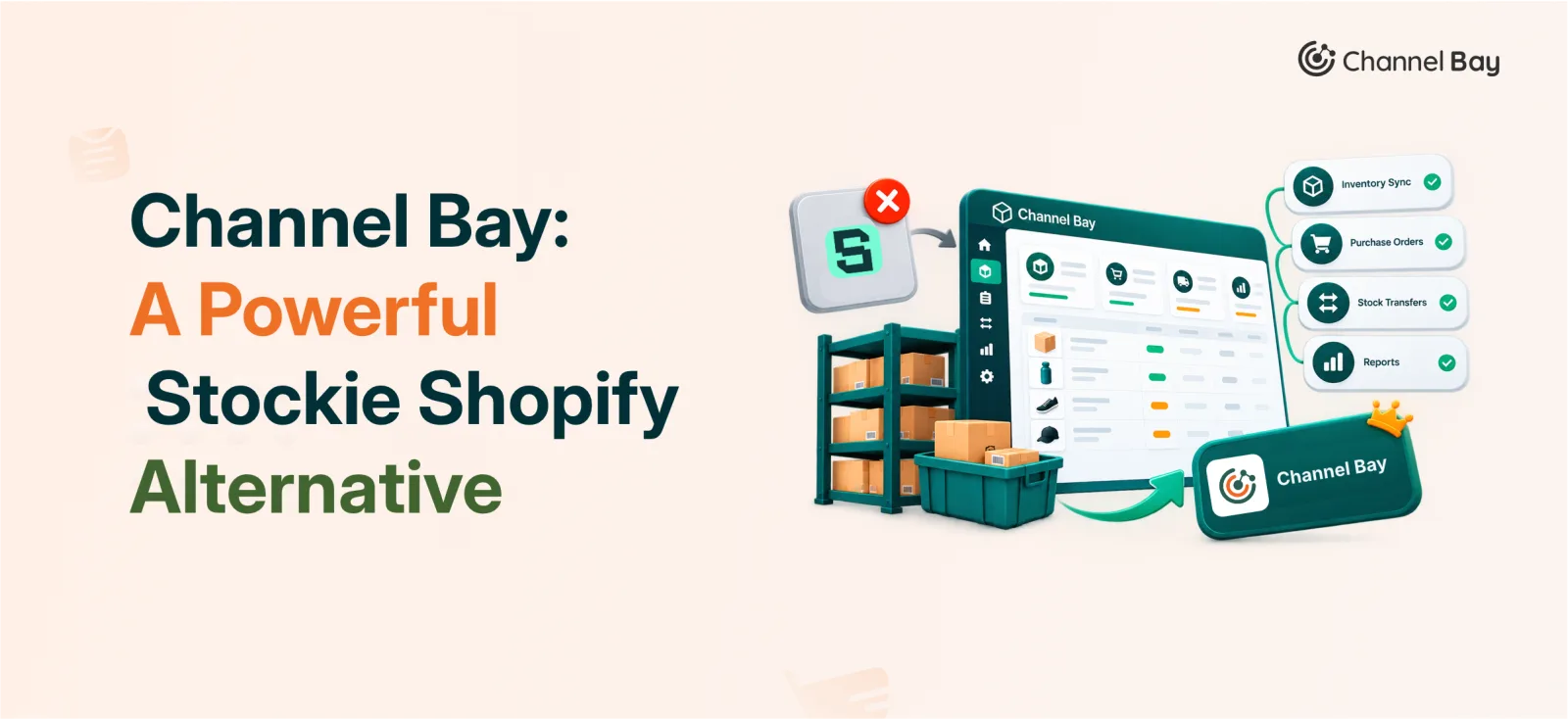
Channel Bay: A Powerful Stockie Shopify Alternative
Looking for a Stockie Shopify alternative? Compare Channel Bay and Stockie on purchase orders, stocktakes, multichannel sync, costing, and plan pricing.
On this page
- What are the key differences between Stockie and Channel Bay?
- What is Stockie for Shopify?
- How do Channel Bay and Stockie compare feature by feature?
- How does Stockie pricing compare to Channel Bay?
- Where does Channel Bay differ from Stockie in daily operations?
- Where does Stockie stand out?
- Which Stockie Shopify alternative fits your store?
Channel Bay is the stronger Stockie Shopify alternative if you sell on more than one channel, need purchase orders without paying for a top tier plan, or want bundles, picklists, and team permissions built in. Stockie is the better fit if you mainly want low stock alerts, demand forecasting, and Shopify native purchasing, and you accept its top plan to get purchase orders.
The gap comes down to plan gating. Stockie starts at $4.99 per month, but purchase orders, stocktakes, and landed costs sit on its Pro Plus plan at $59.99 per month. Channel Bay includes purchase orders on every plan, and its paid plans start at $10 per month. It also syncs inventory across sales channels and locations.
This guide compares both apps on pricing, purchasing, stocktakes, costing, and warehouse tools.
What Are the Key Differences Between Stockie and Channel Bay?
- Plan gating: Stockie puts purchase orders, stocktakes, and landed costs on Pro Plus ($59.99 per month). Channel Bay includes purchase orders on all plans.
- Multichannel sync: Channel Bay syncs stock across sales channels and locations. Stockie manages stock inside Shopify.
- Costing: Channel Bay supports FIFO and LIFO. Stockie uses weighted average costing.
- Warehouse tools: Channel Bay adds picklists, bundles, and label printing. Stockie sends label printing to a separate app.
- Where Stockie wins: $4.99 entry plan, Slack alerts, API access on Pro Plus.
What Is Stockie for Shopify?
Stockie Inventory Management is a Shopify app built by Plutonian and launched on July 19, 2021. Its Shopify App Store listing shows a Built for Shopify badge and a 4.9 rating.
Stockie works in four tiers. Basic ($4.99 per month), Advanced ($9.99 per month), Pro plan ($29.99 per month) and Pro plus plan ($59.99 per month). Every plan has a 14-day free trial, and none is free.
Stockie fits merchants who sell mainly through Shopify and want forecasting and reorder guidance on top of it.
How Do Channel Bay and Stockie Compare Feature by Feature?
The table shows what each app offers and which plan unlocks it. Plan names matter here, because the same feature can cost very different amounts.
| Feature | Channel Bay | Stockie |
|---|---|---|
| Starting price | Free under 1,000 orders per year; paid from $10/month | From $4.99/month; no free plan, 14-day trial |
| Top plan | Pro, $60/month | Pro Plus, $59.99/month |
| Purchase orders | All plans | Pro Plus |
| Demand forecasting | Pro | Pro and above |
| Stocktakes | Supported, including parallel stocktakes | Full and cycle counts, Pro Plus |
| Barcode scanning | Stocktakes and inventory workflows | PO receiving, Pro Plus |
| Multi-location inventory | Yes | Yes, per Shopify location |
| Multichannel inventory sync | Yes | Not supported |
| Inter-location transfers | Basic and above | Created in Shopify |
| Cost tracking | FIFO and LIFO, delivery-level costs | Weighted average and landed costs, Pro Plus |
| Bundles and raw materials | Pro | No native support |
| Picklists | Yes | Not supported |
| User permissions | Per module permissions on Pro | Relies on Shopify staff access |
| Label printing | Built-in custom templates | Separate Stockie Barcode Labels app |
| Reporting | Inventory reports on Basic, advanced reporting through the Report Pundit API on Pro | Sales, stock health, and valuation reports on Pro, purchase order reports on Pro Plus |
How Does Stockie Pricing Compare to Channel Bay?
Stockie is cheaper to start, but its purchase orders cost $59.99 per month. Channel Bay includes purchase orders from its first paid plan at $10 per month.
| Budget | Channel Bay | Stockie |
|---|---|---|
| Free | Free plan for stores under 1,000 orders in the past year | No free plan, 14-day free trial |
| About $5 to $10 | Lite ($10 per month) purchase orders included | Basic ($4.99 per month) alerts and reorder quantities. Advanced ($9.99 per month) Slack alerts and custom thresholds |
| About $30 | Basic ($30 per month) interlocation transfers and inventory reporting | Pro ($29.99 per month) forecasting by location, lead times, safety stock, min/max |
| About $60 | Pro ($60 per month) forecasting, bundles, raw materials, user permissions | Pro Plus ($59.99 per month) purchase orders, suppliers, stocktakes, landed costs, API access |
Channel Bay's price depends on your order volume over the past 365 days, so check which tier your store lands in. Stockie's listing shows one price per plan.
The practical question is not the starting price. It is the cheapest plan that covers the workflows you run every week. A store that buys from suppliers needs Stockie's $59.99 plan. The same store can run purchase orders on Channel Bay from $10 per month, depending on order volume.
Where Does Channel Bay Differ From Stockie in Daily Operations?
The biggest differences show up in how each app handles channels, purchasing, counting, costing, and warehouse work.
Does Stockie Sync Inventory Across Sales Channels?
Stockie manages inventory through Shopify. It tracks stock per Shopify location and writes changes back to Shopify. Its listing does not describe syncing stock to other sales channels. Channel Bay synchronizes inventory changes across connected channels and locations, which reduces overselling when the same product sells in several places. If you sell on marketplaces as well as Shopify, this is the deciding difference.
How Do Forecasting and Purchase Orders Compare?
Both apps turn sales history into reorder suggestions. Channel Bay calculates daily sales velocity from Shopify sales data and estimates supplier lead time from purchase order history. When no history exists, it falls back to the supplier's average lead time or 14 days. Stockie also calculates daily velocity, excludes out of stock days by default, and lets you set lead times, safety stock, demand adjustments, and target stock cover.
On purchasing, Channel Bay handles supplier specific pricing, SKUs, pack sizes, minimum order quantities, and partial deliveries. It records invoice details per delivery batch and calculates landed costs from freight, discounts, taxes, and currency conversion. Stockie generates purchase orders from forecast or min/max quantities, scans deliveries into Shopify, emails orders to suppliers, and tracks supplier returns and credits. All of that sits on Pro Plus.
How Do Stocktakes, Barcodes, and Labels Compare?
Channel Bay builds stocktakes by supplier, product type, collection, tag, SKU, or barcode. Users scan items, save sessions to resume later, review variances, and apply adjustments. Several users can count the same stocktake at once. Merchants can also design label templates and print labels from purchase order receiving batches.
Stockie offers full and cycle stocktakes with barcode counting and manual entry on Pro Plus. It shows stock discrepancies and their cost impact before you apply adjustments. Label printing runs through a separate app, Stockie Barcode Labels.
Which Costing Method Fits Your Accounting?
Channel Bay supports FIFO and LIFO. It records costs by purchase order delivery and keeps cost history by product and location, with inventory valuation by location. Stockie uses weighted average costing, records receipts in a ledger, and can allocate freight and duties. Confirm with your accountant which method you need.
Which App Handles Bundles, Picklists, and Team Access?
Channel Bay includes bundles with sellable quantities calculated from component stock, raw materials, and picklists. Warehouse staff can group orders, scan SKUs while picking, track progress, and print picklist PDFs with barcodes and shelf order. Permissions work per module on the Pro plan.
Stockie has no native bundle or picklist features. Its listing shows it works with Bundles.app and Shopify's own bundle tools. Access control runs through Shopify staff accounts rather than in app roles.
Where Does Stockie Stand Out?
Stockie wins on entry price, alerting, and reviewer sentiment, and a Channel Bay comparison should say so.
- Entry price: Basic costs $4.99 per month and covers real-time alerts, reorder quantity calculations, collection alerts, up to 8,000 variants, and unlimited locations.
- Alerts: Advanced ($9.99) adds Slack notifications, custom thresholds per product, and multiple alert levels.
- Forecasting by location: Pro ($29.99) forecasts demand separately for each Shopify location, with min/max settings, lead times, and safety stock.
- Integrations: Pro Plus includes API access for custom tools and AI agents.
If your store sells only through Shopify and you mainly need alerts and reorder guidance, Stockie's Basic and Advanced plans cost less than Channel Bay's cheapest paid plan.
Which Stockie Shopify Alternative Fits Your Store?
Pick by how your team buys, receives, counts, and sells stock, not by the number of features on a pricing page.
Choose Channel Bay if you:
- Sell on several channels and need stock synced across them
- Run purchase orders but do not want a $59.99 plan to unlock them
- Need bundles, raw materials, picklists, or per-module team permissions
- Want FIFO or LIFO costing and built-in label printing
Choose Stockie if you:
- Sell mainly through Shopify and want alerts and reorder suggestions at $4.99 to $29.99 per month
- Want Slack alerts or API access
- Prefer weighted average costing
- Value a long review history and a Built for Shopify badge
Before you commit, list the five workflows your team runs every week. Then match each one to the plan that includes it. Both apps offer a trial or free tier, so test your busiest workflow first.
Frequently Asked Questions
What is the best Stockie alternative for Shopify?
How much does Stockie cost?
Does Stockie support multichannel inventory sync?
Does Stockie have purchase orders?
Does Stockie support bundles or picklists?

Guides from the team that builds and supports Channel Bay, the Shopify inventory app for purchase orders, stocktakes, stock transfers and multichannel stock sync. About Channel Bay