Best Inventory Management Software for Shopify: 10 Apps Compared
Compare the top 10 best Shopify inventory management apps by features, benefits, pricing, and which app will be a best fit for your business needs.
On this page
- Best inventory management software for Shopify: 2026 comparison table
- When Shopify's built-in inventory tools stop being enough
- Features that define the best inventory management software for Shopify
- The 10 best inventory management apps for Shopify, reviewed
- How to choose the best inventory management app for your Shopify store
- The bottom line: picking the best inventory management software for Shopify
Key Takeaways
- Best overall for most Shopify stores: Channel Bay, for multi-location and multi-channel inventory plus purchase orders, partial receiving, stocktakes, transfers, and forecasting in one app. Free under 1,000 orders in the trailing 365 days, then from $10/month.
- Best for multi-channel sync and bundles: Sumtracker, from $59/month.
- Best for demand forecasting: Prediko (revenue-based pricing) or Assisty (free plan, paid from $19/month).
- Best budget option for reorder alerts: Stockie, from $4.99/month.
- Best for manufacturing and wholesale on Shopify: Cin7 Core, from $349/month.
There are now many Shopify inventory apps designed for different operational needs. Some focus on inventory alerts and replenishment, while others offer demand forecasting, purchase orders, barcode-based stocktakes, multi-channel synchronization, warehouse management, or full ERP functionality.
This guide compares 10 Shopify inventory management apps: Channel Bay, Stockie, Assisty, Prediko, EasyEcom, Stockful, Stockroom, Sumtracker, Thrive, and Cin7 Core.
We compare each app based on its key inventory features, pricing, benefits, ideal and best fit for business needs, and limitations. Whether you run a small Shopify store, manage multiple locations, sell across several channels, or operate a more complex warehouse or manufacturing business, the comparison helps you identify which type of inventory management software fits your operation.
Best Inventory Management Software for Shopify: 2026 Comparison Table
The table below compares all 10 apps on who they suit, their standout inventory features, and starting price in USD per month. Prices are as listed in September 2026 and can change, so confirm on each app's Shopify App Store listing before you install.
| App | Best for | Standout features | Starting price (USD) |
|---|---|---|---|
| Channel Bay | Shopify stores with multiple locations or sales channels | Real-time multi-channel sync, purchase orders, partial and batched receiving, guided stocktakes, transfers, forecasting, reorder suggestions, low-stock alerts | Free under 1,000 orders/year; paid from $10/month |
| Sumtracker | Shopify stores selling on marketplaces, with bundles | Real-time sync, bundles and kits, purchase orders, stocktakes, transfers, replenishment | From $59/month, scales with monthly orders |
| Prediko | Shopify brands planning buys from sales forecasts | AI demand forecasting, replenishment planning, stockout prevention, purchase orders | Revenue-based; 14-day free trial |
| Stockie | Smaller Shopify stores that need reorder alerts | Forecasting, reorder quantities, supplier lead times, low-stock alerts, purchase orders | $4.99 to $59.99/month |
| Cin7 Core | Shopify brands that manufacture or sell wholesale | Multi-location warehousing, batch tracking, manufacturing, B2B, purchasing, reporting | $349/month (Pro $599, Advanced $1,199) |
| Assisty | Shopify stores wanting analytics with forecasting | Demand forecasting, sales analytics, dynamic replenishment, buying calendar, PO receiving | Free plan; paid from $19/month |
| Stockful | Growing Shopify stores needing cost and stock controls | Purchase orders, receiving, landed cost, seasonal forecasting, reorder points, scanners | From $19.99/month |
| Thrive Inventory | Shopify retailers with physical stores and POS | COGS tracking, stock counts, barcode generation, vendor management, bundles, forecasting | $59 to $559/month |
| EasyEcom | High-volume Shopify sellers running a warehouse | Multi-channel sync, warehouse management (WMS), handheld scanning, returns, shipping | Free to install, then $0.49/order |
| Stockroom | Shopify only stores | Unlimited purchase orders, partial receiving, landed costs, stocktakes, labels, audit trail | Free |
When Shopify's Built-in Inventory Tools Stop Being Enough
Shopify provides the core tools needed to manage inventory, including stock tracking, multiple locations, purchase orders, receiving, transfers, and inventory adjustments. It also supports multiple sales channels and marketplace connections, with inventory and orders managed through supported integrations.
The need for a dedicated inventory management app usually comes as inventory operations become more complex. Merchants managing multiple channels, locations, stores, suppliers, or large product catalogs may need more advanced workflows for demand forecasting, replenishment, stocktakes, inventory costing, receiving, and inventory transfers.
For example, Shopify tracks inventory separately at each location rather than maintaining one shared inventory pool across locations. As a business grows, merchants may need additional tools to coordinate inventory across different stores, channels, and operational workflows.
| Inventory Workflow | Shopify | Dedicated Inventory App |
|---|---|---|
| Stock tracking by location | Yes | Yes |
| Purchase orders and receiving | Yes | Yes |
| Inventory transfers | Yes | Yes |
| Multi-channel inventory | Yes, through supported channels and integrations | Yes |
| Demand forecasting | Limited | Available in selected apps |
| Reorder suggestions | Limited | Available in selected apps |
| Barcode-based stocktakes | Available through Shopify's inventory tools and apps | Available in selected apps |
| Advanced inventory costing | Limited | Available in selected apps |
| Inventory across multiple Shopify stores | Requires separate store setups/integrations | Available in selected apps |
If your inventory setup is straightforward, Shopify's native tools may be enough. As your number of channels, locations, SKUs, suppliers, and inventory workflows grows, a dedicated inventory management app can provide the additional planning, automation, and operational controls you need.
Features That Define the Best Inventory Management Software for Shopify
The best inventory management software for Shopify covers the day-to-day workflows that keep stock numbers accurate, not just the ones that look good in a feature list. These eight features separate a real upgrade from Shopify Admin from an app that duplicates it.
Multi-location and multi-channel sync. Stock updates in real time across every Shopify location, connected Shopify store, and marketplace, so one sale never becomes two orders for the same unit.
Purchase order management. Create POs by supplier, track what is on order, and see expected arrival dates across every location.
Partial and batched receiving. Record 30 of 50 units now, keep 20 open, and keep a history of each batch received against the PO.
Barcode stocktakes. Scan items to count physical inventory, then reconcile counts against system quantities with every adjustment logged.
Inventory transfers. Move stock between warehouses and retail locations with both locations updated in the same record.
Cost per item and landed cost. Track changing purchase costs, and ideally freight and duties, so your cost of goods sold (COGS) reflects what each unit really cost.
Forecasting and reorder suggestions. Use sales velocity and supplier lead times to tell you what to reorder, how much, and when.
Low-stock alerts. Set thresholds per SKU or location and get notified before a best seller sells out.
No single app is the strongest at all eight. Each app review in this guide notes which features that app leads on and where it is thinner.
The 10 Best Inventory Management Apps for Shopify, Reviewed
Each review covers what the app does well, one limitation to weigh, pricing, and the Shopify store it fits best. Channel Bay is listed first as the broadest fit for most Shopify stores, and each app after it is labeled with the job it does best.
1. Channel Bay Inventory Management
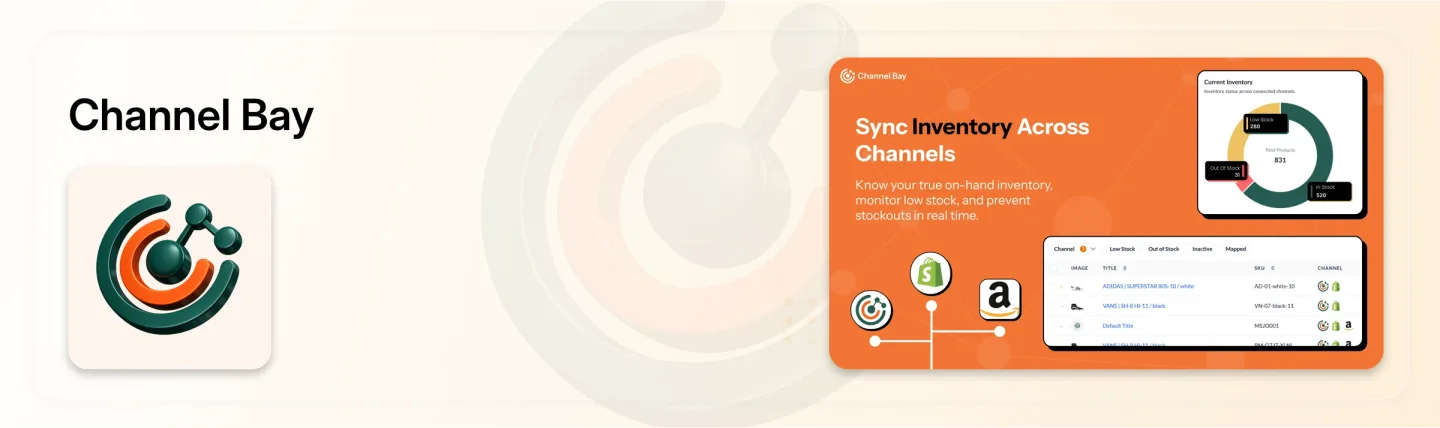
Channel Bay is an inventory management app for Shopify merchants who run more than one location, store, or sales channel. It brings purchasing, receiving, stocktakes, transfers, forecasting, and alerts into one system, so stock data lives in one place instead of across Shopify Admin and spreadsheets.
What it does well:
Multi-channel and multi-location sync: Keeps available stock consistent across supported sales channels, Shopify stores, and locations in real time.
Purchase orders: Create POs, manage suppliers and purchase costs, and track incoming inventory.
Partial and batched receiving: Record stock as it arrives in separate batches, with a receiving history for every PO.
Guided stocktakes: Count physical inventory with barcode scanning and reconcile the results against system quantities.
Transfers: Move stock between locations as part of everyday operations.
Forecasting and alerts: Demand forecasting, reorder suggestions, and low-stock alerts support purchasing decisions.
Limitation: Channel Bay still working on its manufacturing tools such as bills of materials right now, and it is improving a full warehouse management system with pick-and-pack.
Pricing: Free for stores with fewer than 1,000 orders in the trailing 365 days. Paid plans start at $10/month.
Best for: Shopify merchants who want purchasing, receiving, stocktakes, transfers, and forecasting across multiple locations or channels in one app.
2. Sumtracker
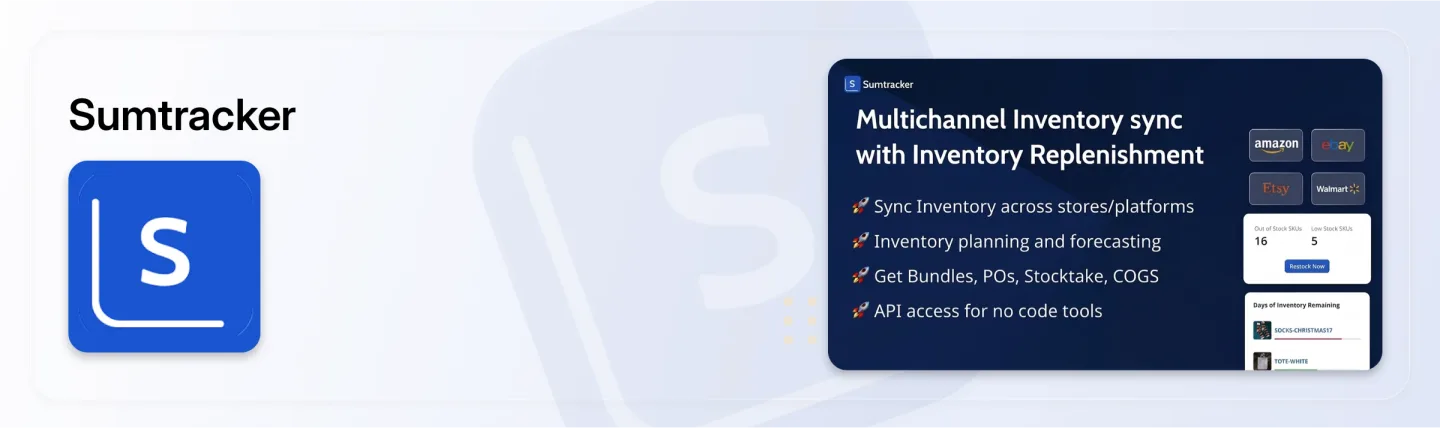
Sumtracker keeps inventory synchronized across Shopify and marketplaces such as Amazon, Etsy, and eBay. It suits Shopify sellers whose biggest risk is overselling the same unit on two channels.
What it does well:
Real-time multi-channel sync: Stock updates across connected stores and marketplaces as each sale happens.
Bundles and kits: One bundle sale deducts stock from each component product.
Purchase orders: Create and track POs by supplier.
Stocktakes and transfers: Count stock and move it between locations.
Replenishment: Forecasting and reorder suggestions on the Replenish plan.
Limitation: There is no free plan, and forecasting sits on the higher Replenish tier. Price also rises with monthly order volume across all connected channels.
Pricing: From $59/month (Manage plan). The Replenish plan costs more, and both scale with monthly orders.
Best for: Shopify stores that also sell on marketplaces and need accurate bundle stock.
3. Prediko
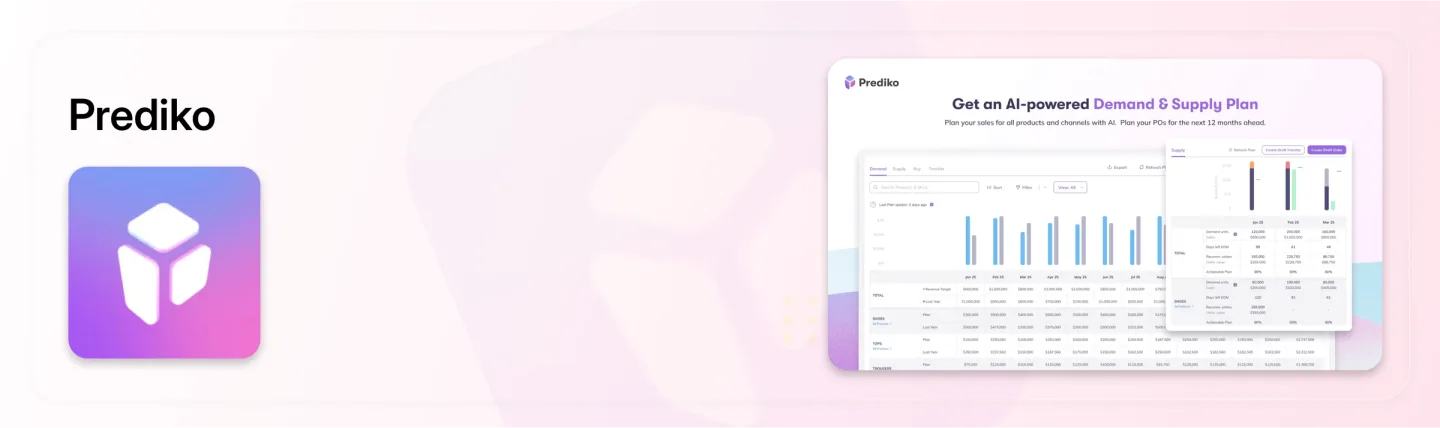
Prediko is a demand planning app for Shopify brands that want sales data, not spreadsheets, to drive purchasing decisions.
What it does well:
AI demand forecasting: Estimates future demand from historical sales.
Replenishment planning: Suggests what to reorder and in what quantity.
Stockout prevention: Flags likely shortages before they happen.
Purchase planning: Turns forecasts into purchase orders.
Limitation: Prediko focuses on planning rather than warehouse operations such as barcode stocktakes, receiving workflows, and transfers. Pricing is tied to store revenue, so it rises as you grow, and there is no free plan.
Pricing: Revenue-based, with a 14-day free trial.
Best for: Shopify brands that have outgrown spreadsheet forecasting and plan buys weeks or months ahead.
4. Stockie
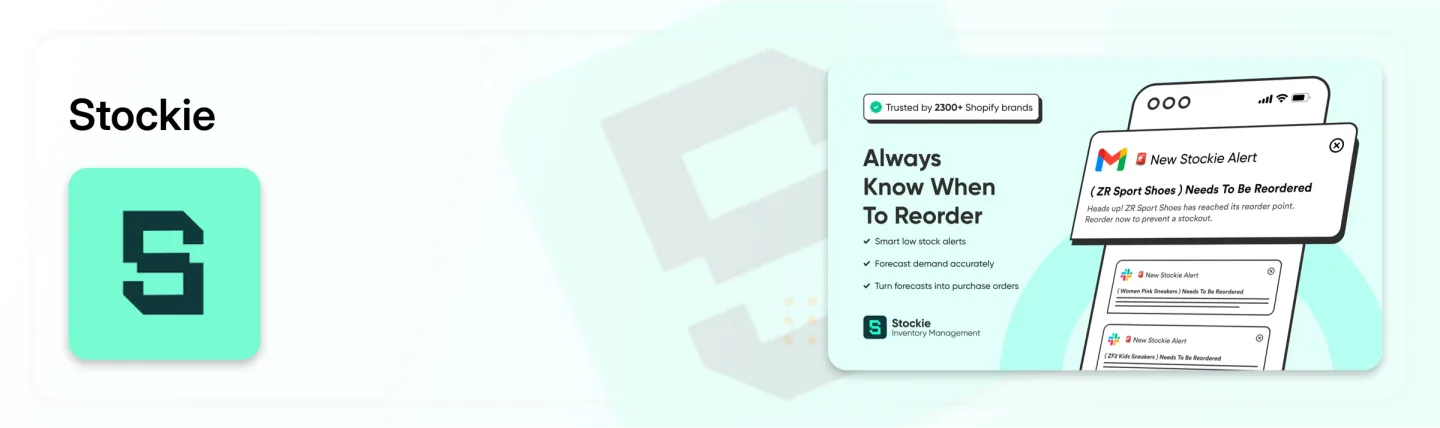
Stockie combines forecasting with purchasing and replenishment for Shopify stores that want to know when to reorder and how much.
What it does well:
Inventory forecasting: Projects stock needs from sales and inventory data.
Reorder quantities: Calculates how much to buy and when.
Low-stock alerts: Notifies you when stock hits a set threshold.
Supplier lead times: Stores supplier details and lead times to time orders.
Purchase orders and unlimited locations: Create POs and track stock at every location.
Limitation: Stockie is built for planning and alerts. If you need barcode stocktakes, batched receiving, or multi-channel sync, confirm support before choosing it as your full system.
Pricing: $4.99 to $59.99/month.
Best for: Smaller Shopify stores that want forecasting and reorder alerts at a low monthly cost.
5. Cin7 Core
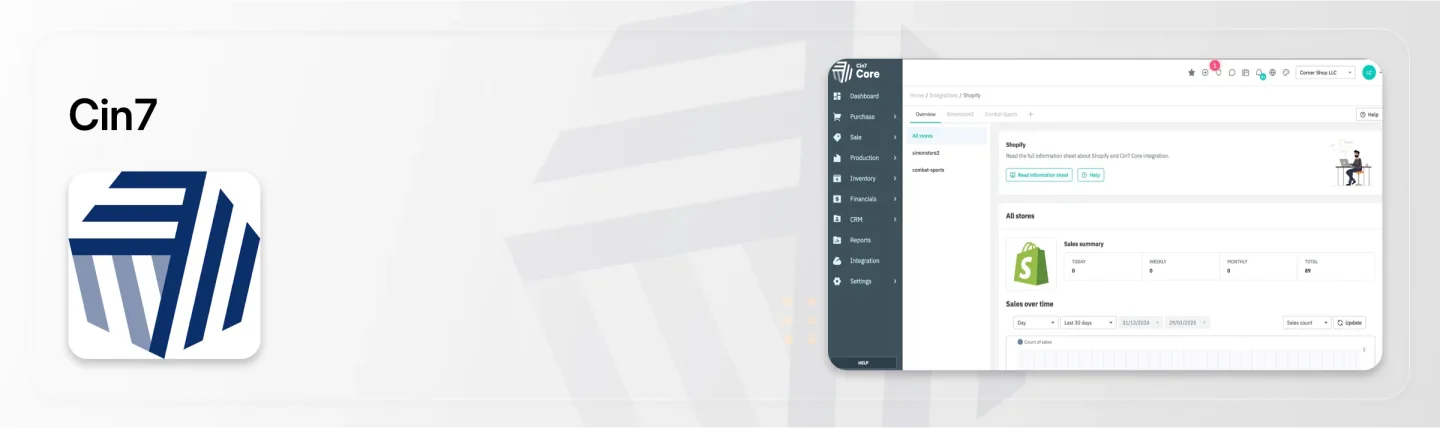
Cin7 Core is an inventory and operations platform, close to a light ERP, for Shopify brands with complex purchasing, warehouse, manufacturing, or B2B needs.
What it does well:
Warehouse and multi-location management: Runs stock across warehouses and locations.
Purchasing and suppliers: Manages POs, suppliers, and incoming stock.
Batch tracking: Follows products through batch-based workflows.
Manufacturing: Supports production alongside inventory.
B2B, reporting, and integrations: Connects wholesale, accounting, and other systems.
Limitation: Cost and complexity. The Standard plan starts at $349/month and caps users, integrations, and annual orders, and many brands pay for implementation on top. That is more system than most online-only Shopify stores need.
Pricing: Standard $349/month, Pro $599/month, Advanced $1,199/month.
Best for: Shopify brands that manufacture, sell wholesale, or run their own warehouse.
6. Assisty
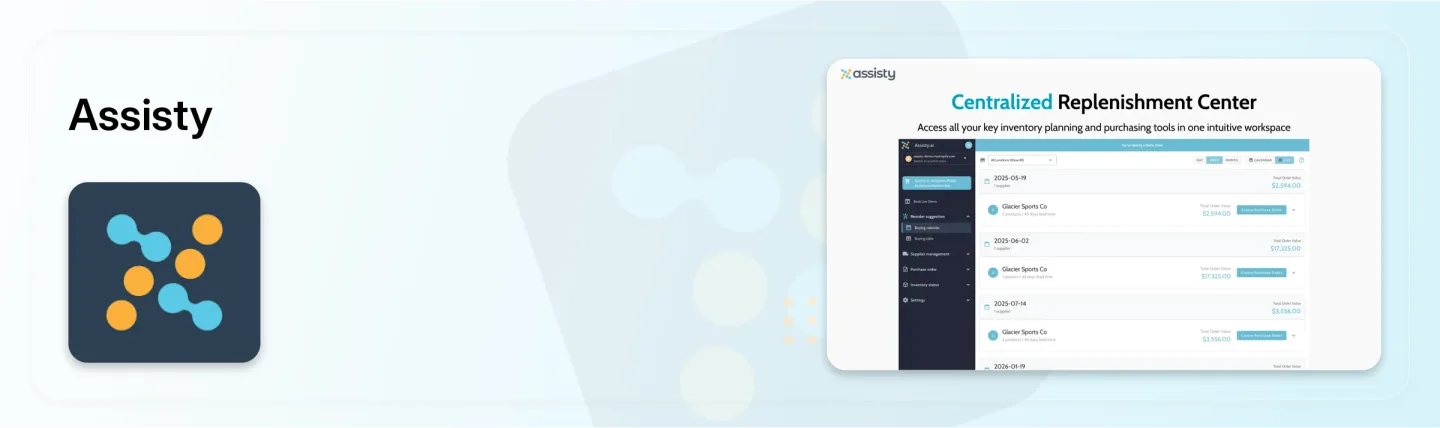
Assisty pairs inventory analytics with demand forecasting and replenishment for Shopify stores that want more visibility before they buy.
What it does well:
Demand forecasting: Estimates future needs from sales and stock data.
Dynamic replenishment: Recommends reorder quantities.
Sales and inventory analytics: Shows performance by product and location.
Purchase orders and receiving: Links planning to purchasing.
Buying calendar: Plans purchases around lead times and seasons.
Limitation: Assisty is stronger on planning and analytics than on warehouse operations. Stores with heavy counting and transfer workflows should check its operational features closely.
Pricing: Free plan; paid plans from $19/month, with tiers at $59 and $199/month.
Best for: Shopify stores that want analytics-led forecasting without moving to an enterprise system.
7. Stockful
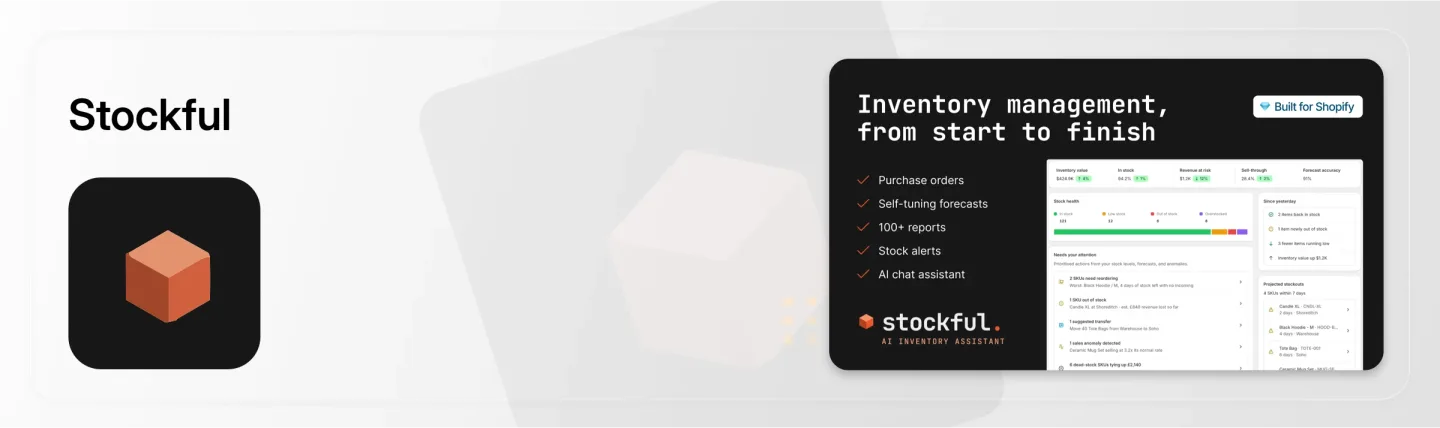
Stockful combines inventory planning with purchasing and daily stock control for Shopify stores that want tighter cost tracking.
What it does well:
Purchase orders and receiving: Create POs and check in incoming stock.
Landed cost: Adds freight, duties, and fees to unit cost.
Seasonal forecasting and reorder points: Plans replenishment around demand patterns.
Transfers and adjustments: Tracks stock movements and corrections.
Reports, alerts, and scanners: Low-stock and stockout alerts plus scanning.
Limitation: There is no free plan. Stores selling on marketplaces should confirm how far its multi-channel sync goes.
Pricing: From $19.99/month.
Best for: Growing Shopify stores that need accurate landed costs and more purchasing control than Shopify Admin offers.
8. Thrive Inventory
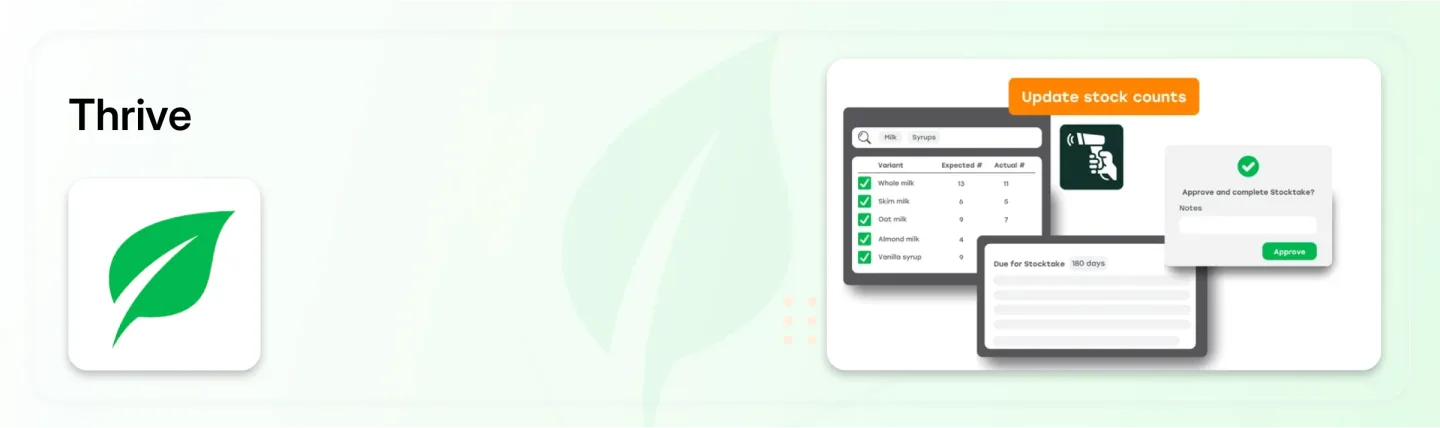
Thrive Inventory offers inventory, catalog, reporting, and retail tools for Shopify merchants who also sell in person.
What it does well:
Multi-location tracking: Monitors stock and movements across stores.
COGS tracking: Tracks cost of goods sold alongside inventory.
Stock counts and barcode generation: Supports counting and labeling.
Purchase orders and vendor management: Handles supplier workflows.
Bundles, reporting, and forecasting: Covers complex product structures and planning.
Limitation: Plans reach $559/month, and its retail and catalog scope is more than an online-only Shopify store usually needs.
Pricing: $59 to $559/month.
Best for: Shopify retailers with several physical locations and POS operations.
9. EasyEcom
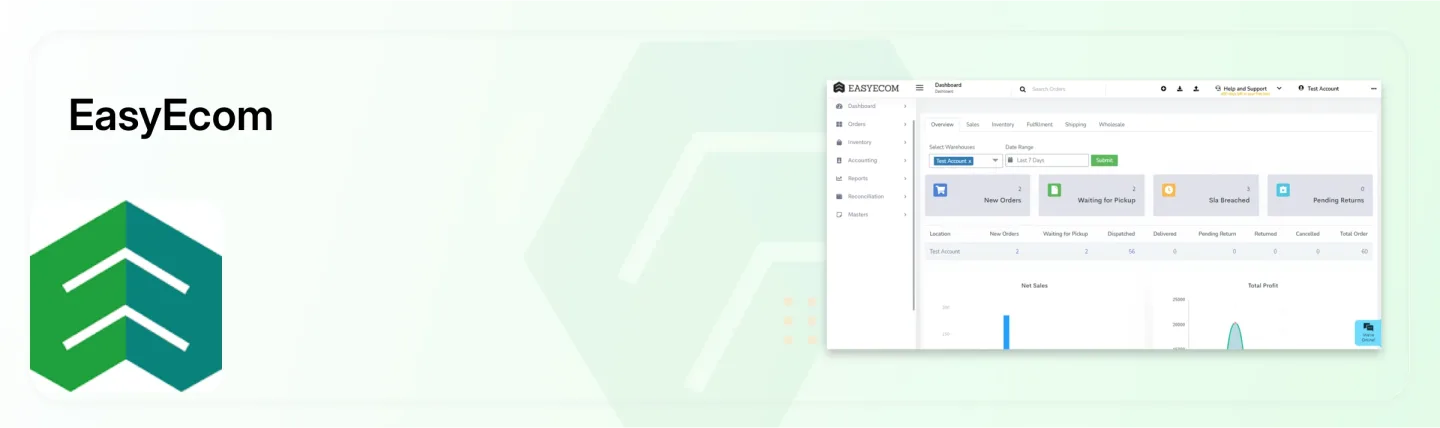
EasyEcom is an omnichannel operations platform that connects inventory, orders, warehouse processes, and shipping for high-volume Shopify sellers.
What it does well:
Multi-channel inventory sync: Centralizes stock across sales channels.
Warehouse management system (WMS): Runs warehouse processes and stock movement.
Handheld scanning: Supports barcode workflows on the warehouse floor.
Purchase orders, returns, and shipping: Links inventory to fulfillment.
Reporting and payment reconciliation: Tracks operations and payouts.
Limitation: Per-order pricing adds up. At 2,000 orders a month, $0.49 per order is $980/month before bulk discounts, and setup is heavier than a typical Shopify app.
Pricing: Free to install, then $0.49 per order, with bulk pricing available.
Best for: High-volume Shopify sellers running their own warehouse across several channels.
10. Stockroom
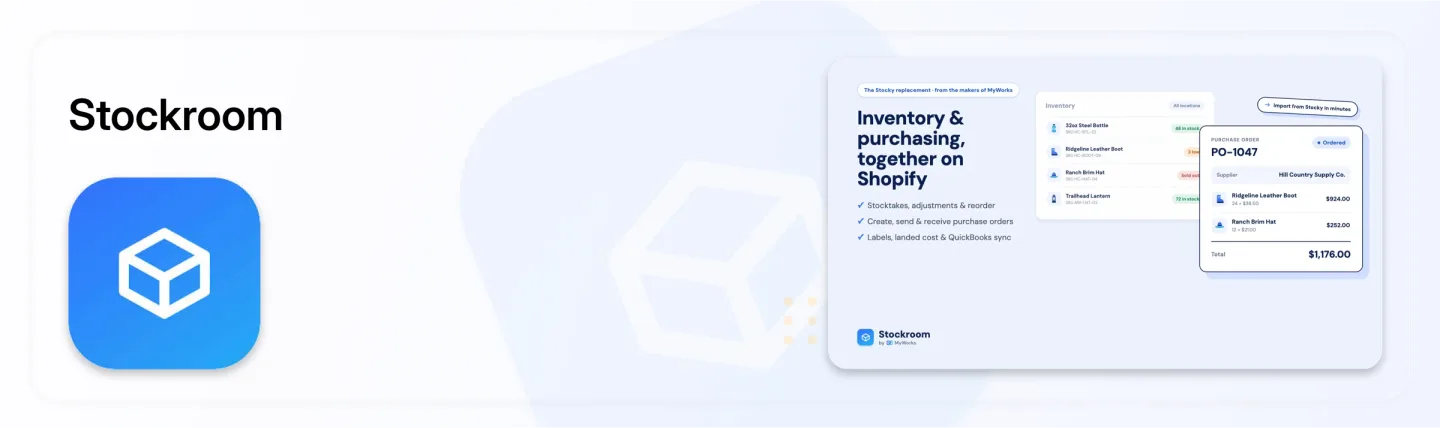
Stockroom covers the core purchasing and stock-control workflows many Shopify merchants relied for, at no cost.
What it does well:
Unlimited purchase orders: Create POs and manage suppliers.
Partial receiving and landed costs: Receive stock as it arrives and include extra costs.
Stocktakes and audit trail: Count and reconcile stock with a record of changes.
Transfers, barcodes, and labels: Move stock between locations and print labels.
Reordering and alerts: Plan replenishment and flag low stock.
Limitation: Stockroom focuses on purchasing and stock control inside Shopify. Merchants who also need inventory synced across marketplaces or separate stores will need another app.
Pricing: Free.
Best for: Shopify stores that want core purchasing workflows without a monthly fee.
How to Choose the Best Inventory Management App for Your Shopify Store
The best inventory management app is the one built around your biggest operational problem, not the one with the longest feature list. Start with the job that costs your team the most hours each week, then match it to an app.
| If your main requirement is | Consider |
|---|---|
| Purchasing, receiving, stocktakes, transfers, and forecasting across locations and channels in one app | Channel Bay |
| Multi-channel sync with marketplaces and bundle inventory | Sumtracker |
| Demand forecasting and purchase planning | Prediko |
| Low-cost forecasting and reorder alerts | Stockie |
| Manufacturing, wholesale, and warehouse workflows | Cin7 Core |
| Inventory analytics with forecasting | Assisty |
| Landed costs and purchasing controls | Stockful |
| Retail stores, POS, and catalog management | Thrive Inventory |
| High-volume warehouse and fulfillment operations | EasyEcom |
| Core purchasing | Stockroom |
Before you install, run a short trial against the workflows you do every week:
Sales channels: Does it sync stock across every Shopify store and marketplace you sell on?
Locations: Does it cover every warehouse, retail store, and 3PL you stock?
Purchase orders: Can you create POs by supplier, track costs, and see incoming stock?
Receiving: Does it handle partial receipts, multiple batches, and receiving history?
Stocktakes: Can your team count with barcode scanners and reconcile in the app?
Transfers: Do both locations update in one record when stock moves?
Forecasting and alerts: Does it suggest reorder quantities and warn before stockouts?
Cost tracking: Does it track cost per item, landed cost, or COGS at the level you need?
Scalability: Will pricing and performance hold up as SKUs, orders, and channels grow?
Budget: Is the monthly cost smaller than the staff time it saves? Include per-order and per-user fees in that sum.
The Bottom Line: Picking the Best Inventory Management Software for Shopify
The best inventory management software for Shopify in 2026 depends on the inventory problem you need solved first. Channel Bay is the strongest starting point for most Shopify stores, with multi-location and multi-channel sync, purchase orders, partial receiving, stocktakes, transfers, forecasting, and alerts in one app, free under 1,000 orders a year.
Choose a specialist when one job dominates. Sumtracker fits marketplace sellers with bundles, Prediko and Assisty fit forecasting-led buyers, and Cin7 Core fits Shopify brands that manufacture or sell wholesale.
List your three most time-consuming inventory tasks, shortlist two apps that handle all three, and run both on a trial with real purchase orders and a real stock count before you commit.
Frequently Asked Questions
What is the best free inventory management app for Shopify?
Do I need an inventory management app if Shopify has built-in inventory tracking?
What is the best inventory management app for Shopify stores selling on multiple channels?
How much does Shopify inventory management software cost?
Can inventory management software prevent stock outs on Shopify?
Which features matter most in a Shopify inventory app?

Guides from the team that builds and supports Channel Bay, the Shopify inventory app for purchase orders, stocktakes, stock transfers and multichannel stock sync. About Channel Bay