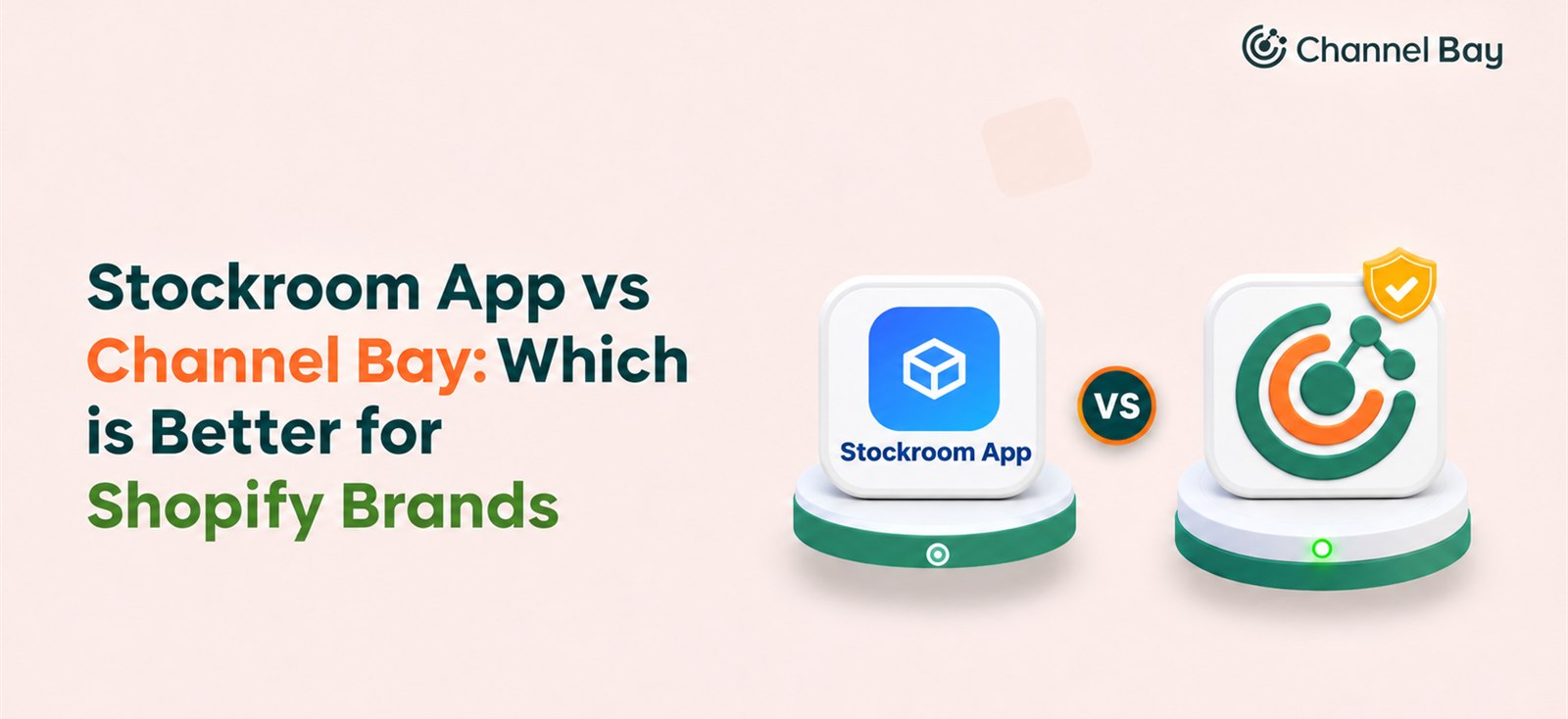
Stockroom App vs Channel Bay: Which Is Better for Shopify Brands?
An honest Stockroom vs Channel Bay breakdown for Shopify merchants: what each app does, on what basis, how they price, and which one fits your store.
On this page
- Stockroom Shopify app vs Channel Bay: comparison at a glance
- How does pricing compare?
- Which app has better demand forecasting?
- Purchase order creation and supplier management
- Which handles multichannel sync for Shopify and Amazon?
- Which app handles receiving and landed cost better?
- How do stock transfers work in each app?
- Which app has better reporting and analytics?
- Which Shopify app should you choose
- Final verdict
Key Takeaways
- Stockroom focuses on purchasing, supplier management, warehouse operations, and in-house manufacturing.
- Channel Bay focuses on purchasing, multichannel inventory synchronization, demand forecasting, stocktakes, inventory transfers, and more.
- Stockroom is a strong fit for businesses that need warehouse tools, barcode operations, and manufacturing support.
- Channel Bay is better suited to growing Shopify businesses that sell across Shopify and Amazon and need accurate inventory visibility.
- Both apps support flexible purchase order management, but Channel Bay connects purchasing with forecasting and reorder recommendations as well.
If you run a growing Shopify store, the Stockroom Shopify app and Channel Bay are two of the most capable inventory tools you will compare. They solve different problems.
Stockroom is a free purchasing and warehouse toolkit built for single-channel merchants who pick, pack, and sometimes manufacture their own products. Channel Bay is a multichannel inventory engine built for merchants who sell on Shopify and Amazon and need forecasting that actually prevents stockouts.
This guide breaks down both apps across pricing, forecasting, procurement, multichannel sync, warehouse operations, and reporting, so you can pick the right one on the first try.
Overall takeaway: Stockroom is built around warehouse and purchasing operations, while Channel Bay offers a more connected approach to inventory synchronization, forecasting, and replenishment which is important for all growing multichannel businesses.
Stockroom Shopify App vs Channel Bay: Comparison at a Glance
| Area | Stockroom | Channel Bay |
|---|---|---|
| Built for | Shopify and WooCommerce stores that manage purchasing and manufacturing in one place | Shopify stores that also sell on Amazon and need one stock count across channels |
| Sales channels | Shopify, Shopify POS, WooCommerce | Shopify (one or many stores), Amazon |
| Pricing | Free. MyWorks Sync is a paid QuickBooks add-on | Free under 1,000 orders a year, then $10, $30, or $60 a month with caps |
| Multichannel sync | Shopify is a source of truth. No Amazon sync | One quantity pushed to Shopify and Amazon every minute |
| Forecasting | Sales-based reorder points, one-click buy plan | Sales per day, days of stock left, learned lead times, suggested reorder qty |
| Purchase orders | Unlimited POs, multi-currency, Stockroom Network for Shopify suppliers | Unlimited POs on all plans, built from low stock or supplier buying queue |
| Receiving | Partial and batched, landed cost by value, qty, weight, or manual split | Partial and batched, freight and FX spread across every unit |
| Costing basis | FIFO or weighted average, every receipt kept as a cost layer | FIFO or LIFO cost layers by location, plus a separate rolling average cost that cost sync can push to Shopify |
| Stocktakes | Blind counts, cycle schedules, full audit trail | Guided scan-and-count, variance in units and at cost |
| Stock transfers | Shopify native transfers with redistribution suggestions | Independent transfers that hold in-transit stock off sale on every channel |
| Label printing | Built in for Dymo, Zebra, Rollo, Avery | Yes, Customizable PDF labels with barcodes; printable on standard label printers |
| Reporting | 23 reports with CSV export | 60+ reports, CSV, Report Pundit API |
How Does Pricing Compare?
Channel Bay offers better long-term value for growing stores. The Stockroom Shopify app is free, but the savings often evaporate when you need accounting sync or a second sales channel.
Stockroom: Why It Is Free
Stockroom offers its inventory and purchasing features for free, including unlimited POs, suppliers, and SKUs. The reason is its connection with MyWorks, which generates revenue through its paid accounting integration, MyWorks Sync. So, while Stockroom itself costs nothing, it also helps introduce merchants to MyWorks' paid accounting services, particularly its QuickBooks integration.
Channel Bay: Four Tiers
- Free for stores under 1,000 orders over the trailing 365 days. Includes multi-location inventory, purchase orders, and partial PO receiving.
- Lite at $10 a month once you cross 1,000 orders. Capped at $75 a month.
- Basic at $30 a month unlocks guided stocktakes, Shopify and Amazon multichannel sync, and secure stock transfers. Capped at $100 a month.
- Pro at $60 a month unlocks predictive forecasting, learned supplier lead times, advanced reporting via the Report Pundit API, and multi-currency PO conversion. Capped at $200 a month.
Every paid plan includes 3,000 orders over the trailing 365 days, then $0.005 per additional order up to the monthly cap.
The honest read: for a tiny single-channel store, Stockroom costs less. For an active brand growing past 1,000 orders and adding Amazon, Channel Bay's capped pricing buys you a real-time sync engine and predictive forecasting that Stockroom cannot match. The money "saved" on a free sticker price gets lost to overselling or manual bookkeeping.
Which App Has Better Demand Forecasting?
Channel Bay clearly wins this category.
Stockroom uses sales-based reorder points. It analyzes sales patterns, current stock, and supplier lead times, and excludes out-of-stock days from the baseline. The dashboard shows how many days your stock will last and recommends what to reorder. For manufactured goods, production planning can raise a build when finished stock is low or a PO when a component is short.
Channel Bay uses a predictive model that cross-references your trailing 60 days of sales velocity, physical inventory on hand, incoming stock on open POs, and supplier lead times learned from your own PO history. Every product shows sales per day, days of stock left, a suggested reorder quantity, and a status flag (Healthy, Monitor Stock, Stockout Risk). One click turns the suggestion into a draft PO.
The difference: Stockroom tells you when to buy. Channel Bay tells you when to buy, how much, and how long you have before you run out. If replenishment timing is the part of your workflow that keeps breaking, this is the single biggest gap between the two apps.
Purchase Order Creation and Supplier Management
Stockroom: Flexible PO Creation and Supplier Management
Stockroom supports multiple PO creation methods, including product selection, CSV uploads, barcode scanning, and duplicating previous orders. It also offers supplier-specific pricing, MOQs, pack sizes, multi-currency purchasing, and multiple delivery destinations.
Channel Bay: End-to-End Purchasing With Predictive Insights
Channel Bay offers flexible PO creation and supplier management, including supplier-specific product details, costs, vendor SKUs, and MOQs. Beyond these purchasing capabilities, it connects POs with inventory forecasting, low-stock alerts, and automated reorder suggestions based on sales patterns, available stock, and supplier lead times. Merchants can review, edit, and approve suggested orders or create POs manually.
The Verdict: Stockroom provides a comprehensive set of purchasing tools for managing suppliers and creating POs. Channel Bay builds on this workflow by connecting purchasing with forecasting and automated replenishment, helping merchants manage not just how they order stock but also what to order, how much, and when.
Which Handles Multichannel Sync for Shopify and Amazon?
Channel Bay is the only option. This is the single biggest reason a Shopify and Amazon seller would skip the Stockroom Shopify app.
Stockroom does not sync with Amazon today. It is listed as an open request on the roadmap. Live integrations are Shopify, Shopify POS, and WooCommerce, with QuickBooks via MyWorks and Slack for alerts.
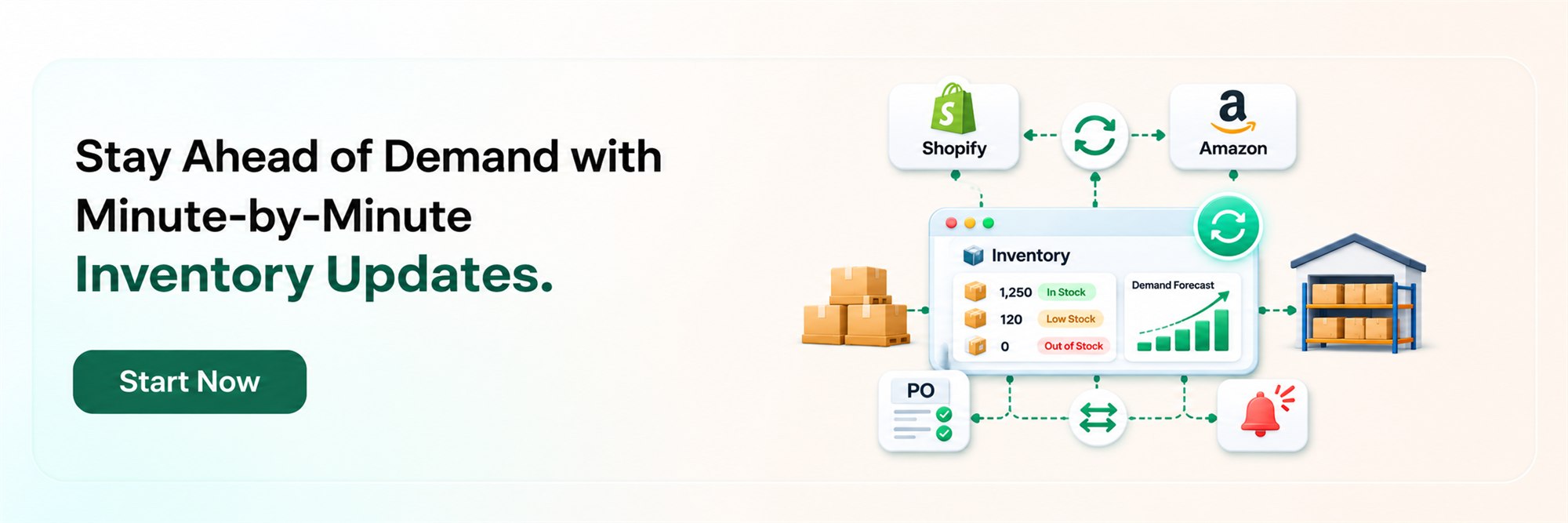
Channel Bay matches Amazon listings to Shopify products by SKU or barcode, with a review step before each match goes live. One on-hand quantity gets pushed to every connected Shopify store and your Amazon account every minute. If a sale lands on Amazon, your Shopify listing drops in the same cycle.
If you run multiple Shopify stores (wholesale, regional, outlet) that should draw from the same stock pool, Channel Bay handles that the same way it handles Amazon. See how to sync inventory between Shopify stores.
Which App Handles Receiving and Landed Cost Better?
Both are strong. Channel Bay extends the valuation options further.
Stockroom supports full or partial receiving and allocates freight, duties, and handling fees across items by value, quantity, weight, or a manual split. It tracks value via FIFO or weighted average, and every receipt is kept as its own cost layer, so historical stock values never get rewritten.
Channel Bay supports partial and batched receiving, spreading freight, discounts, and FX across every unit on the PO. It offers FIFO or LIFO cost layers by location through Cost Tracking and, as a separate setting, a rolling average cost that cost sync can push to Shopify. Both work from the unit cost entered at receiving. You can view specific cost layers per product and location with remaining units and unit cost on each layer.
The difference: Stockroom is clean and complete for single-channel stores. Channel Bay adds LIFO and a per-location cost layer history for Shopify stores, which you can export per product for your accountant.
How Do Stock Transfers Work in Each App?
Channel Bay wins on safety. Stockroom wins on Shopify-native alignment.
Stockroom uses Shopify's native transfer system. It marks transfers in transit, scans products, prints labels, and suggests redistribution from locations with excess stock. Because transfers run through Shopify, your records stay aligned with the Shopify admin.
Channel Bay runs transfers through an independent, locked-down workflow. The moment a transfer is dispatched, that stock is pulled off sale across every connected channel. The inventory sits in an in-transit ledger and becomes available for purchase only after scan-and-receive at the destination. Partial receiving, shortfalls, and line-by-line rejections are all tracked.
The difference: Channel Bay prevents the classic problem of selling stock that is sitting in a truck.
Which App Has Better Reporting and Analytics?
Channel Bay offers more depth and flexibility. Stockroom offers a novel AI layer.
Stockroom delivers 23 reports covering purchasing, inventory, landed cost, and COGS, exported to CSV. Near real-time out-of-stock alerts go to email and Slack. Stockroom AI connects Claude or ChatGPT to your inventory so you can ask plain-English questions.
Channel Bay has 60+ reports, it runs a built-in report hub at /reports, where every report is built on a dataset you can slice yourself. Current datasets cover sales lines, variant stock, variant and location stock, PO lines, PO receipt lines, stock adjustments, stock transfers, stocktakes, supplier catalogue, cost positions, and POS sales lines.
Every report in the hub supports:
- Multi-select and number-range filters that keep the full list of values visible so you can pivot without losing context.
- Saved views for column, filter, and sort setups you reload with one click.
- Background CSV export that kicks off a job for large result sets.
Alongside the hub, Channel Bay runs a stocktake variance report generated per stocktake session, exportable straight from that session. The main dashboard is a buying and inbound overview, not an analytics view, showing which suppliers need reordering and what stock is on its way. For teams that want programmatic access, the Report Pundit API gives read-only access to POs, receptions, and stock transfers, available only in Channel Bay.
Reporting is a plan-gated feature in Channel Bay. If the /reports hub does not show up on a store, check the plan first.
The difference: Stockroom's AI assistant is the more novel feature. Channel Bay's reporting layer is broader, built on datasets you can filter and save, and it extends to programmatic access through the Report Pundit API.
Which Shopify App Should You Choose
| Choose Stockroom if... | Choose Channel Bay if... |
|---|---|
| You sell only through Shopify or WooCommerce and don't plan to expand to Amazon. | You sell on Shopify and Amazon and need reliable inventory synchronization to prevent overselling. |
| You manufacture, assemble, or kit your own products. | You manage multiple Shopify stores and need a shared inventory pool. |
| You need warehouse-specific tools such as pick lists, packing workflows, and barcode label printing. | You want minute-by-minute inventory synchronization across multiple sales channels. |
| You prefer free inventory management with unlimited POs, SKUs, and users. | You need predictive forecasting based on sales patterns, current stock, and supplier lead times. |
| You want to connect an AI assistant to your inventory data. | You want automated replenishment recommendations covering what to order, how much to order, and when. |
| Your priority is in-house manufacturing and physical warehouse operations. | You need controlled stock transfers, in-transit inventory tracking, and accurate stock availability across channels. |
The bottom line: Stockroom is a suitable choice for businesses focused on purchasing, manufacturing, and warehouse operations. However, for growing Shopify brands managing multiple stores or selling on Amazon, Channel Bay offers a more comprehensive approach to inventory synchronization, demand forecasting, and replenishment planning. Its reporting capabilities and scalable pricing also make it a strong option for businesses planning to expand.
Final Verdict
Stockroom Shopify app is the right pick for single-channel brands that run their own warehouse or production line. It gives you heavy-duty operational tools, including manufacturing and pack bench, completely free.
Channel Bay is the better choice for growing Shopify businesses selling across multiple channels. Its minute-by-minute inventory synchronization, predictive forecasting based on sales patterns and supplier lead times, purchase order management, and controlled stock transfers help maintain inventory accuracy and prevent stockouts or overselling. For businesses planning to expand to Amazon or manage multiple sales channels, Channel Bay offers a more suitable long-term inventory management solution.
Frequently Asked Questions
Does the Stockroom Shopify app work with Amazon?
Which app has better demand forecasting?
Can I use both apps together?

Guides from the team that builds and supports Channel Bay, the Shopify inventory app for purchase orders, stocktakes, stock transfers and multichannel stock sync. About Channel Bay