Counting With a Team: How to Run One Stocktake With Several People
How to run one stocktake with several people: split the shelves, avoid double counts, see who counted what, recount a line and decide who submits.
On this page
- Split the count by area before anyone starts
- What each person needs in Channel Bay
- How Channel Bay adds the counts
- Recount a line without doubling it
- Watch the count while it runs
- Submit with one person in charge
- Common mistakes when several people count
- Counting with a team in Shopify
- Agree the rules before the first scan
Key Takeaways
- In Channel Bay, each person who counts a stocktake uses their own login and keeps their own count. Everyone's counts for a product are added together when the stocktake is submitted.
- Adding is right when people count different stock, such as the shop floor and the stockroom, and wrong when two people count the same shelf. Split the count by physical area before anyone starts.
- A row a teammate has counted shows +N by others under your count box. It is the only warning of an overlap while you count, so read it before you count a row.
- A second person's recount is added to the first count instead of replacing it, so the person who counted a line should retype their own figure.
- Check the Counted by panel and the amber banner on the variance report before you submit. Submitting while someone is still counting finalises the counts as they stand.
To run one stocktake with several people in Channel Bay, give each person their own login and their own area to count, and let the app add their counts together. Each person who opens Continue Counting gets a separate counting session, and their Counted Qty box shows only their own count. When the stocktake is submitted, everyone's counts for a product are added up. That is right when two people count different stock. It goes wrong when two people count the same stock, because the total doubles and nothing stops it.
This guide covers how to split the count, what each person needs, how Channel Bay combines counts, how to recount a line, and what to check before you submit. It describes Channel Bay as of November 2026. The method around it, blind counts, a cut-off and recounts, is in our stocktake guide.
Split the Count by Area Before Anyone Starts
Give each counter a physical area, such as an aisle, a shelf unit or a room, and name one owner for each. The University of Oklahoma's inventory guidelines say the same for any count run by two or more people or teams: assign specific inventory areas to each counting unit, so that every item is counted only once (University of Oklahoma Financial Services, Inventory Guidelines).
Split by area, not by product list. A product often sits in more than one place. If you split the list, each person walks the whole building to find their products, and two people end up at the same shelf. If you split the space, each person stays on one stretch of shelf, and adding counts does what you want: the mug on the shop floor and the mug in the stockroom are counted by different people, and the two figures are meant to be added.
| Way to split | Works when | Watch out for |
|---|---|---|
| Physical area: an aisle, a shelf unit or a room | One product sits in several places, which is the usual case | Gaps at the edges of areas. Walk the boundaries at the end |
| Vendor or category | A vendor's or category's stock is kept together | Stock kept in two places. The Filter by bar changes only what you see, so it doesn't stop anyone counting any row |
| A pair: one counts and one records | Any area. It suits scanning and catches slips | Channel Bay records a pair as one counter, because the count belongs to a login |
The same guidelines have counters work in pairs, one counting aloud and the other recording the result and marking the stock as counted. They also say counting shouldn't be done only by the people who have custody of the stock. Whether you use pairs or single counters, mark each shelf or bin once it is counted, with a sticker or a tag, so the next person can see it.
What Each Person Needs in Channel Bay
Each counter needs their own Channel Bay login, because a counting session belongs to a login. Two things about their access matter.
- Team access. Staff logins are part of user management, which is on the Pro plan by default and is listed on our pricing page.
- Full Access to Inventory. Typing or scanning a count records a quantity, so a counter needs Full Access to the Inventory group, which holds Products, Inventory and Stocktakes. A View Only person can open a stocktake but can't count in it. The Custom role lets you give a counter Full Access to Inventory and No Access to everything else.
Don't share one login between people who are counting in different places. A login has one count per row, so two people on the same login overwrite each other's typed numbers, and neither sees +N by others. A pair counting side by side can share a login. Each counter then opens Stocktakes, finds the stocktake and clicks Continue Counting.
How Channel Bay Adds the Counts
As of November 2026, the count page works like this when several people count.
- Each person has a session. The header shows
Products counted:with your own figure first and everyone else's after it, for exampleyou (12), Priya (8). It counts products, not units, and it updates live. - Your box holds only your count. A scan adds 1 to your count of that row, and typing a quantity in
Counted Qtyreplaces your count for that row. Counts save as you go. - Other people's counts show as
+N by others. If a teammate has counted the same product, the row says so under your box. - Submitting adds everyone up. The counted quantity for a row is the sum of every person's count for it.
- A session ends when you leave. Closing the page or clicking
Save as draftends your session. Your counts stay, andContinue Countingreopens your session later.
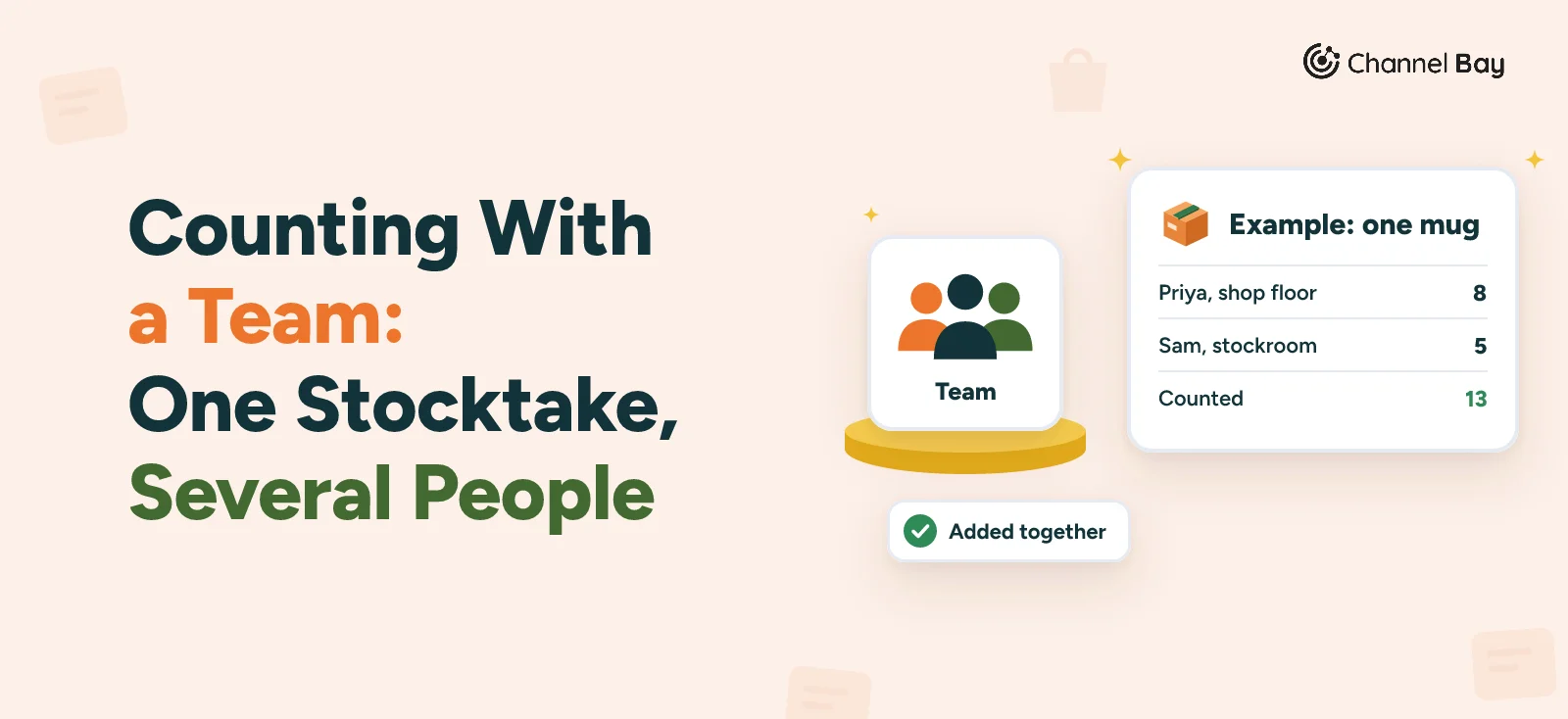
Take one mug. These figures are made up to show the arithmetic.
| Case | Priya | Sam | Counted | Expected | Variance |
|---|---|---|---|---|---|
| Shop floor and stockroom, counted by different people | 8 | 5 | 13 | 14 | -1 |
| One shelf of 6, counted by both | 6 | 6 | 12 | 6 | +6 |
The first row is the case adding is made for, and the -1 is a real gap to investigate. In the second row the +6 is not real, because both people counted the same six mugs. Sam's row showed +6 by others once Priya had entered her count. That note is the warning you get while you count. Channel Bay adds the counts and doesn't flag two people counting one shelf, so read the note before you count a row that has one.
One button needs care. Match sets your box to the row's current quantity. On a row a teammate has counted, it fills your box with the current quantity less their count, and never below 0. Either way it copies the system's number and counts nothing, so use it only on a row you have counted yourself.
Recount a Line Without Doubling It
A recount is most useful when a different person does it. The University of Oklahoma's guidelines say a blind second count by another individual or team provides the best assurance that counting has been accurate, and that the two totals should be compared and any difference reconciled immediately.
Channel Bay's count page shows the current quantity beside each row, so a count made on it is not blind. With a team there is a second leak: +N by others tells a counter how many a teammate found on that row. For a blind recount, count from a printed list with no quantities and key the numbers in afterwards. Our stock take template has a count sheet for that.
The bigger trap is that a second person's count is added to the first, not set against it. If Sam recounts Priya's eight mugs and types 8, the row shows 16. So:
- The recounter counts and writes the figure down. They don't type it into the row.
- If the two figures differ, agree the right one.
- The person who entered the wrong figure retypes their own box. Each box holds only its owner's count, so only that login can change it.
Keep the original counters around until the recounts are done. A counter who has stopped can reopen their own session with Continue Counting and retype the agreed figure. Put a line in Notes saying who recounted. The cause hunt that follows a variance is in our inventory reconciliation guide.
Watch the Count While It Runs
A lead can check progress without stopping anyone.
- The header. It shows how many products each person has counted so far.
- The
Uncountedfilter. It lists products that nobody has counted, counting every person's counts. When most areas are done, use it to find the shelves nobody covered. - The count log.
Export, thenLogs, downloads every add, count and removal with who did it and when. It works on a draft too. - A last walk. The Oklahoma guidelines have a supervisor check each area to verify that counting has been completed. One person can do the same here, looking for stock with no mark.
Submit With One Person in Charge
Channel Bay has no approval step on a count, so decide before you start who presses Submit and Sync, and record the sign-off outside the app. Arizona State University's inventory questionnaire asks for a similar control: whether records are adjusted after approval by a responsible official other than stores personnel (Arizona State University Financial Services). For a small team, that can be the owner reviewing a lead's report.
Save and review opens the variance report, and three things on it matter to a team.
- The
Counted bypanel lists each person and how many items they counted. - The per-person columns beside each row show what each person counted on it, with a dash where they didn't. A row where two people both have numbers is a row to check for an overlap.
- An amber banner names any teammate who is still counting and says that submitting finalises the counts as they stand.
Click Submit and Sync. The Complete stocktake? window names anyone still counting. Finalise stocktake completes the stocktake and applies the inventory adjustments at once, and Go back lets you wait. If someone started counting after you opened the report, Channel Bay sends you back to the report with a warning, and you press Submit and Sync again to go ahead. A counter who types a number after the stocktake is submitted is told it is no longer open for counting and that nothing was saved.
Common Mistakes When Several People Count
| Mistake | What happens | Fix |
|---|---|---|
| Two people count the same shelf | The row's total doubles | Assign areas. Check +N by others before you count a row |
| Two people share one login | Typed numbers overwrite each other | One login each |
| Someone else recounts a line | Their figure is added to the first | The first counter retypes the agreed figure |
A counter presses Match without counting |
The system's number becomes a count and hides a variance | Use Match only on rows you have counted |
| A teammate is given View Only access | They can open the stocktake but can't count | Full Access to Inventory |
| You submit while a teammate is still counting | The counts are finalised as they stand | Read the banner, and wait until they click Save as draft |
Counting With a Team in Shopify
Shopify's stock counts also let several people count at once. Shopify's help says several staff members can work on the same count at the same time, with each quantity attributed to the staff member who recorded it in the Counted by column. It also says you can request a review so that a manager approves the results before inventory is updated (Shopify Help Center). Channel Bay has no review step. Our guide to stocktakes in Shopify compares the two, and the barcode scanning guide covers scanners and how a scan is counted.
Agree the Rules Before the First Scan
Agree the areas, the recount rule and who submits before the first scan, and the app's adding does the rest. We haven't timed a team count or measured how a team changes accuracy, and the figures in the tables are made up to show the arithmetic.
Frequently Asked Questions
How many people can count one stocktake at once?
Can two people scan the same barcode at the same time?
Can I merge two separate stocktakes into one?
Who should recount a line when several people are counting?
Can a teammate with View Only access count?

Guides from the team that builds and supports Channel Bay, the Shopify inventory app for purchase orders, stocktakes, stock transfers and multichannel stock sync. About Channel Bay