Inventory Reconciliation: Why Your Count Doesn't Match and How to Fix It
Inventory reconciliation compares your records with a physical count and explains the gap. See the causes to check, a worked example and when to adjust.
On this page
- What is inventory reconciliation?
- Before you hunt: make the comparison fair
- Where the missing units go: causes in the order to check them
- A worked example: the sage mug is 8 short
- When to adjust, when to keep looking
- What to write down
- Reconciling inventory in Shopify, on Amazon and in Channel Bay
- Common inventory reconciliation mistakes
Key Takeaways
- Reconciliation is finding out why your records and your shelf differ, then fixing the cause. The adjustment is the last step, and sometimes the wrong one.
- Before you hunt, make the comparison fair: the same variant, location and unit, the same moment, and the same stock state. Shopify counts against on-hand stock. Channel Bay counts against available stock.
- Check causes cheapest first: a recount, stock that moved during the count, receipts, transfers, returns, a wrong variant, damage, and only then theft.
- If the cause is a wrong or missing document, such as a receipt, a transfer or a return, fix the document. Adjust only for stock that left or moved without a record, such as damage or a wrong-variant swap, or after a hunt that found nothing.
- Write one line for every variance: units, cause, evidence and fix. An unexplained gap is an acceptable answer if it is written down.
Inventory reconciliation is comparing your inventory records with the stock you physically hold and accounting for the differences. Shopify puts it as "comparing your inventory records to your actual stock levels and accounting for the differences" (Shopify, Inventory reconciliation, Allie Decker, 2023). ShipBob calls it "the process of comparing physical inventory counts with records of inventory on hand" (ShipBob, Inventory reconciliation, updated 28 July 2026). The hard part is the last four words of Shopify's definition: accounting for the differences. This guide covers where the missing units go and the order to check, a worked example where the count is 92 and the system says 100, when to adjust and when to keep looking, and what to write down. It is the longer version of the last steps in our stocktake guide, where you compare, adjust and investigate causes.
What Is Inventory Reconciliation?
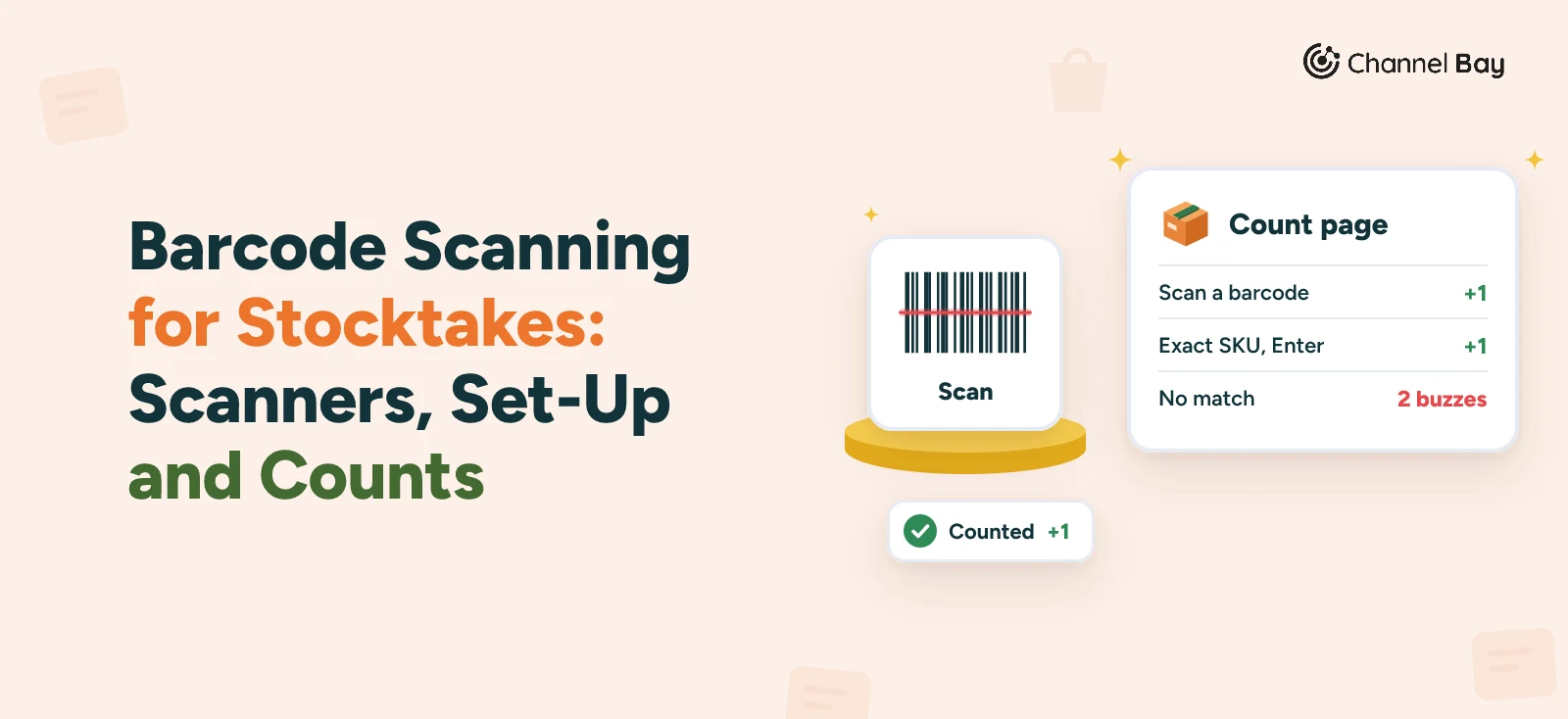
A count produces numbers. Reconciliation explains them. If the shelf holds 92 and the system says 100, the stocktake found the gap, and reconciliation answers three questions: where did the 8 go, what do we change in the records, and what do we change in the process so it doesn't happen again?
That is not the same as the adjustment. An adjustment only makes the system agree with the shelf. If you adjust and stop, the number is right and the cause is still there, whether that is a supplier who ships short or a packer who picks the wrong colour.
The gap runs in two directions. A shortfall is when the records say more than the shelf holds. A surplus is when the shelf holds more than the records say. Both matter. A shortfall is the costly one, because an overstated record delays reorders, as the inventory accuracy guide shows. A surplus is just as informative, because it points at a receipt, a return or a mislabelled variant that was never recorded.
In accounting, the phrase can also mean tying the stock value in your inventory records to the inventory account in your books. That check is for your bookkeeper. This guide is about quantities. For the year-end and audit side, see the physical inventory count guide and the inventory audit guide.
Before You Hunt: Make the Comparison Fair
Some variances are not real. They come from comparing two numbers that were never measuring the same thing. Check these first, because each one takes a minute and can clear a line completely.
| Check | What goes wrong | Fix |
|---|---|---|
| Same variant, location and unit | A case of 6 counted as 1, or the wrong colour scanned | Compare per variant, per location, in the unit you sell |
| A recount | Some variances disappear on a recount, as the stocktake guide notes | Recount every line outside your tolerance, with a different person |
| The same moment | Sales and receipts keep moving the records while you count | Pause movements, or compare at the moment you count each line |
| The same stock state | The shelf holds units that are not "available", such as packed orders not yet shipped | Compare with on-hand stock, or set those orders aside before you count |
A practical tolerance is a variance of no more than 5% of expected units and no more than $50 at cost, the rule used in the inventory accuracy guide. Lines inside it can usually be adjusted with a short note. The cause hunt is for the lines outside it. Freezing movements and setting a cut-off is covered in step 3 of the stocktake guide.
The stock-state row is the one people miss. Shopify tracks several states for one variant, and on-hand stock is "committed plus unavailable plus available" (Shopify Help Center, inventory states). A packed order that has not shipped is committed. It is still on your shelf, but it is not available. We come back to this in the Shopify and Channel Bay sections.
Where the Missing Units Go: Causes in the Order to Check Them
This order is a practical suggestion, not a standard. It puts the checks that take a minute first, so you can stop as soon as the gap is explained.
| # | Cause | Shows as | How to confirm | Usual fix |
|---|---|---|---|---|
| 1 | A counting slip | Either | Recount with a second person. Check the variant scanned and the unit | Correct the count. No adjustment needed if the recount matches |
| 2 | Stock moved during the count | Either | Look at sales, receipts and transfers between your count of the line and the close | Compare at the same moment, or recount |
| 3 | Committed stock on the shelf | Surplus against available stock | Check open orders for that line that are packed but not shipped | Ship or set those orders aside before you count |
| 4 | A receipt keyed wrongly | Shortfall if keyed too high. Surplus if too low, in the wrong location or never received | Compare the packing slip, the purchase order and the receipt | Correct the receipt (goods receipt, receiving in Shopify) |
| 5 | A transfer in transit, or closed at one end | Shortfall at one location, surplus at the other | Open transfers between the two locations, and their status | Receive or correct the transfer (Shopify inventory transfers) |
| 6 | A return recorded differently from what happened | Either | A customer return restocked but binned, a cancelled order not restocked, a supplier return sent with no record | Post or correct the return (return to vendor) |
| 7 | A manual adjustment slip | Either | Read the adjustment history for the line since the last count, for example +100 typed for +10 | Reverse it and add the right reason |
| 8 | The wrong variant | A shortfall on one line and a surplus on a sister line | Look for a matching surplus on the other colour or size | Adjust both lines, and fix the pick |
| 9 | Damage, samples and giveaways | Shortfall | Ask the packers. Check the damaged bin | Adjust with a specific reason |
| 10 | Theft or loss | Shortfall | Only after everything above is ruled out. Look for a pattern by location, day or person | Adjust, then change the controls |
Causes 4 to 6 are worth checking early, because each one is a document that no longer matches what happened. A three-way match catches the receipt version before you pay the invoice.
A surplus needs the same hunt in reverse. Start with unrecorded receipts, returns that were restocked without a record, cancelled orders that never returned stock, and the other half of a wrong-variant swap.
A Worked Example: The Sage Mug Is 8 Short
Here is a made-up count for a kitchenware shop. The sage mug, 12 oz, costs $3.20, and so does the cream mug. The system says 100, the first count is 92, and a second person recounts and gets 92 again. The variance is -8 units, or -$25.60 at cost, and it is outside tolerance.
Working down the checklist:
- Cause 1, a counting slip. The recount agrees, so no.
- Cause 2, movement during the count. Picking was paused, so no.
- Cause 3, committed stock. No packed orders are waiting for this mug.
- Cause 4, the receipt. The last purchase order brought in 48 sage mugs six days ago, and the supplier invoiced 48. The packing slip says 46, and the receipt was keyed at 48, the ordered quantity.
- Causes 5 and 6, transfers and returns. There are no open transfers and no returns of this mug since the last count.
- Cause 7, a manual adjustment. The adjustment history shows none since the last count.
- Cause 8, the wrong variant. The cream mug line is 3 over, and three recent cream mug orders have photos showing sage mugs in the box.
- Cause 9, damage. The packers say two mugs cracked while packing and went in the bin with no adjustment.
- What is left. One mug, and nothing explains it. Calling it theft (cause 10) would be a guess, not a finding.
| Units | Cause | Evidence | Fix | Adjust? |
|---|---|---|---|---|
| 2 | Supplier shipped 46, receipt keyed 48 | Packing slip | Edit the received batch to 46 and ask the supplier for a credit of 2 x $3.20 = $6.40 | No. Fix the receipt |
| 3 | Sage picked for cream on three orders | Cream line is 3 over, order photos | Adjust sage -3 and cream +3, and sort out the three orders with the customers | Yes, both lines, net $0 |
| 2 | Cracked in packing and binned | Packer's note | Adjust -2, reason Damaged, $6.40 | Yes |
| 1 | Unexplained | Nothing found | Adjust -1, reason Count, note "unexplained, recounted by two people", $3.20 | Yes |
The sage line looked like a $25.60 loss. Of that, $9.60 is a swap, not a loss: three sage mugs went out in cream orders and three cream mugs stayed on the shelf, so the two lines net to $0 at the same cost. Another $6.40 is a credit to claim from the supplier. Only $9.60 is a true write-off, made up of the broken mugs and the one unexplained unit. If you had posted -8 on the sage line and moved on, you would have written off stock the supplier owes you for and left the pick error to repeat. The inventory write-off guide covers when to write off stock like the broken mugs and how to record it.
Across the sage and cream lines together, the net variance is -5 units. The 3-unit swap cancels out in a total, so only a line-by-line comparison shows it. The inventory shrinkage guide takes these lines into a full count and shows how the headline shrinkage rate falls once the causes are sorted.
When to Adjust, When to Keep Looking
Post a document, not an adjustment, when the cause is a receipt, transfer or return that is wrong or missing. An adjustment makes the quantity right but leaves the document open, so the purchase order still shows units outstanding and the stock can be counted twice if someone receives it later. The stocktake guide's worked example makes the same point with 12 extra gift boxes from an unreceived delivery.
Adjust when stock left or moved without a record, or when the hunt found nothing. Damage, samples, theft and a wrong-variant swap are adjustments by nature. For an unexplained gap, set a limit on the hunt that matches the value at cost: a few minutes for a $3 line, longer for a $300 one. Pick the most specific reason on offer and avoid a catch-all such as Correction, because the next person reading the history cannot tell what happened. Our inventory adjustment guide covers the steps, the reasons and the journal entry.
Keep looking when the pattern says the cause is still there. That means a line that missed on the last count too, several lines from one supplier or location, a large value, or gaps that always fall on the same day. Add those lines to your cycle counting schedule, so a recurring cause shows up in weeks instead of at the next annual count.
What to Write Down
One line per variance outside tolerance is enough. The line stops the next person starting from zero, and an auditor may ask for it if you have one.
| Field | Example from the sage mug |
|---|---|
| Line and direction | Sage mug 12 oz, -8 |
| Value at cost | -$25.60 |
| Cause | 2 short receipt, 3 wrong variant, 2 damaged, 1 unexplained |
| Evidence | PO packing slip, cream line +3, packer's note |
| Fix | Receipt edited to 46, supplier credit requested, sage -6 and cream +3 adjusted |
| Who and when | Initials and date |
| Follow up | Add to next cycle count |
After a few counts, tally the causes. If most gaps come from receiving, tighten receiving. If they come from picking, scan the barcode at the pick. The tally tells you where the process leaks. The inventory audit guide shows how a reviewer samples adjustments, which is a reason to keep each reason specific.
Reconciling Inventory in Shopify, on Amazon and in Channel Bay
In Shopify
Shopify's stock counts compare against the on-hand quantity: the count is "checked against the on-hand quantity that's recorded in Shopify for each product", and approving a count "applies the difference between the counted and expected quantities" (Shopify Help Center, inventory counts). Because on-hand stock includes committed units, a packed order still on the shelf does not create a false surplus there.
Shopify also lets you give a reason for an adjustment, such as "damaged" or "returned", and shows those changes in the inventory history (Shopify changelog, adjustment reasons, 26 January 2022). To read the history for one product, open the variant, find the Inventory section and choose View adjustment history (Shopify Help Center, adjustment history). That is your cause 7 check. How to do a stocktake in Shopify walks through each counting tool.
On Amazon
Stock in an Amazon fulfillment center is yours but not on your shelf, so reconcile it against Amazon's reports rather than a count. For an inbound shipment, Amazon's reimbursement policy points to the Contents tab, which shows "discrepancies between your shipping plan and what the fulfillment center received", and allows one claim per shipment, no later than nine months after the verified delivery date. For units lost or damaged in the fulfillment center, check the Inventory Ledger report for the date and adjustment code, and claim no later than 60 days after the item was reported lost or damaged (Amazon, Reimbursements). Policies change, so check the current page. Compare Amazon's quantity per SKU on the same date as your own count, and see Shopify Amazon inventory sync for why the two sides drift.
In Channel Bay
Channel Bay shows the gap and keeps the trail. Finding the cause is up to you.
- The variance report. After you save and review a stocktake, the report shows the value of the stock difference, and each line shows expected, counted and variance. Each line has a notes field, which is where the cause goes. The report exports as CSV with cost price and retail price beside each line, so you can value each miss.
- The count log. Export the logs to see who added, counted or removed each product, the previous count, the count and when it was scanned. That is the evidence for cause 1.
- What it compares against. The count page's Current Qty is the location's available quantity. While the stocktake is open, the variance is measured against live stock. Units in unfulfilled orders are committed rather than available, so they are not in that figure, even if they are still on your shelf. Ship or set those orders aside before you count.
- What submit does. Submitting sets each counted line to the quantity you counted. It applies the gap between your count and the live stock at that moment, and the completed report keeps that expected figure. A unit that leaves the shelf between your count of a line and your submit will still show in stock afterwards, so count while picking is paused and submit soon after.
- The reason it records. Submit posts the whole gap on every line under one generic reason, such as "Stocktake Back room count variance applied", and you cannot choose Damaged or Theft / Loss there. If you want a specific reason in the history, edit the receipt and post the reasoned adjustments from Inventory while the stocktake is still open. Live expected stock then drops to match, so submit has little left to apply on those lines. Otherwise put the cause in the line's note.
- Uncounted products. Products you remove at save and review are left out of the report and do not change inventory. Products set to zero stay in the report as uncounted, and their zero count is included in the variance. Resolve these before you submit, so a skipped shelf does not become a write-off. Our guide to uncounted items in a stocktake says which choice fits which count.
- Receipts and history. If a receipt count turns out to be wrong, as in the sage mug, you can edit the received batch on the Basic plan and above. Each variant's History tab and the Inventory Adjustment Report list changes with a reason, user and reference. The reasons you can pick when you adjust a quantity from Inventory include Count, Damaged, Theft / Loss and PO Restock. A stocktake adjustment carries the stocktake as its reference.
Channel Bay has no cause field per variance, only notes, and no approval step on a count. If you want a second person to sign off, record that outside the app.
Common Inventory Reconciliation Mistakes
| Mistake | What goes wrong | How to avoid it |
|---|---|---|
| Adjusting first and asking later | The cause is buried and the supplier credit is lost | Find the cause, then adjust |
| Adjusting for a missing document | The purchase order stays open and stock is counted twice | Post or correct the receipt, transfer or return |
| Comparing unlike stock states | Packed orders show as a surplus against available stock | Compare on-hand, or set packed orders aside |
| Skipping the write-up | The same gap returns at the next count | One line per variance, with the cause and the fix |
Frequently Asked Questions
What is inventory reconciliation?
How do you reconcile inventory?
Why doesn't my physical count match my inventory records?
What is the difference between inventory reconciliation and a stocktake?
Should I adjust inventory when the counts don't match?
What do you do with a variance you can't explain?

Guides from the team that builds and supports Channel Bay, the Shopify inventory app for purchase orders, stocktakes, stock transfers and multichannel stock sync. About Channel Bay