Inventory Planner Alternative for Shopify: When Channel Bay Fits Better
Compare Channel Bay and Inventory Planner by Sage for Shopify: forecasts, purchase orders, channels, onboarding, reviews and what each costs.
On this page
- What is Inventory Planner by Sage?
- What is each forecast built from?
- How does each get from forecast to purchase order?
- How do channels, locations and everything beyond forecasting compare?
- What does each cost, and what do you sign up for?
- What do reviewers say about Inventory Planner?
- How do Inventory Planner and Channel Bay compare?
- Which one fits you?
- What about moving from Stocky?
- About Channel Bay
- The short version
Key Takeaways
- Inventory Planner by Sage is a forecasting and replenishment platform that has been on Shopify since 2013. Its pages describe a forecast model chosen per product, seasonality, trend adjustment, per-location planning and links to Amazon, WooCommerce, eBay, BigCommerce and ERPs. Channel Bay's forecast is a flat sales rate inside a stock system.
- Stay with Inventory Planner if you sell on several channels or connect an ERP or 3PL, want modelled seasonality and trend per location, and are happy with a quote and required onboarding. Channel Bay has no seasonality or trend, forecasts across the whole store and does not count Amazon sales in its forecast.
- Choose Channel Bay if you sell on Shopify and Amazon, want purchase orders, transfers, stocktakes and cost tracking in one system, and want a price list you can read before you talk to anyone.
- Inventory Planner publishes no price. Its pricing page says the price is based on the volume of inventory you manage, and its pages give go-live as 4 weeks, 30 days and 5 to 6 weeks. Channel Bay is Free, Basic at $30 or Pro at $60 a month, with unlimited orders on every plan and forecasting from Basic.
- Inventory Planner has 4.3 from 155 Shopify reviews, 131 of them five-star and 13 one-star. The low reviews are mostly about price changes and contract terms, so ask for the terms in writing, whichever app you pick.
Channel Bay is the better Inventory Planner alternative if you sell on Shopify and Amazon and want purchase orders, transfers, stocktakes and cost tracking in the same system as a simple forecast, at a price you can read on a page. Inventory Planner by Sage is the better fit if you sell on several channels or connect an ERP or 3PL, want a forecast model chosen per product with seasonality and trend, and are happy to get a quote and go through its required onboarding.
Channel Bay is our app, so weigh this guide with that in mind. Everything about Inventory Planner below comes from its Shopify App Store listings and reviews pages and from inventory-planner.com, read on 20 November 2026.
"Inventory Planner" names more than one thing on the Shopify App Store. This guide is about Inventory Planner by Sage, the long-running forecasting platform. A separate Inventory Planner - Essentials listing from the same developer is covered in one row and one price line below. Fabrikatör Inventory Planner is a different app from a different developer, built around backorders and preorders, and our guide to Shopify inventory tracking covers it.
What Is Inventory Planner by Sage?
Inventory Planner by Sage describes itself on Shopify as "inventory insights to forecast, order and manage stock easily". Its listing shows it launched on 15 January 2013, with a developer address in Austin, Texas, and a rating of 4.3 from 155 reviews. The listing is in English only and has no Built for Shopify badge. Its works-with line names Amazon, Cin7, Linnworks, QuickBooks, ShipBob and WooCommerce. Its site says it is part of the Sage Group.
Its site and listing describe forecasting, replenishment and purchase orders, multi-location planning, transfer recommendations and open-to-buy planning. The site also lists a "Sage Ai" and a "Sage Copilot" menu. The forecasting and purchasing pages do not say how either fits into the forecast, so this guide does not either.
What Is Each Forecast Built From?
Inventory Planner's forecasting page says it uses configurable forecasting models. Seasonal, non-seasonal, retail and wholesale products all sell differently, it says, so you select the most suitable model for each product. It describes automated adjustments to new trends and forecasts SKU by SKU. New products borrow sales data from similar ones, by size, colour, fabric and pattern. It forecasts for multiple locations, and a "stock coverage days" setting can be tweaked from SKU to supplier. It also talks about lining forecasts up with marketing activity, such as an influencer campaign or a big promotion, and promises "full visibility into how forecasts are calculated". The pages do not state the history window, whether lead times feed the forecast, or inputs beyond sales.
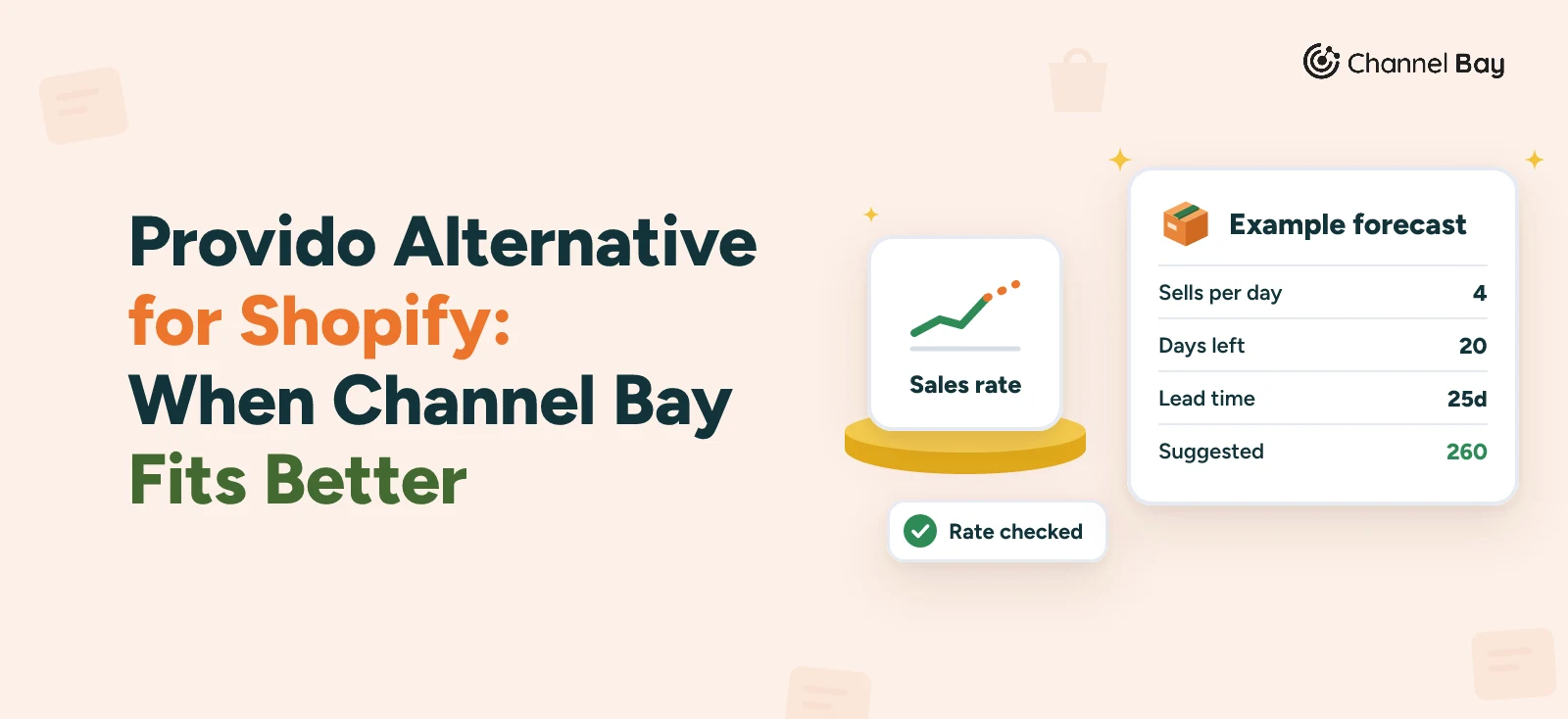
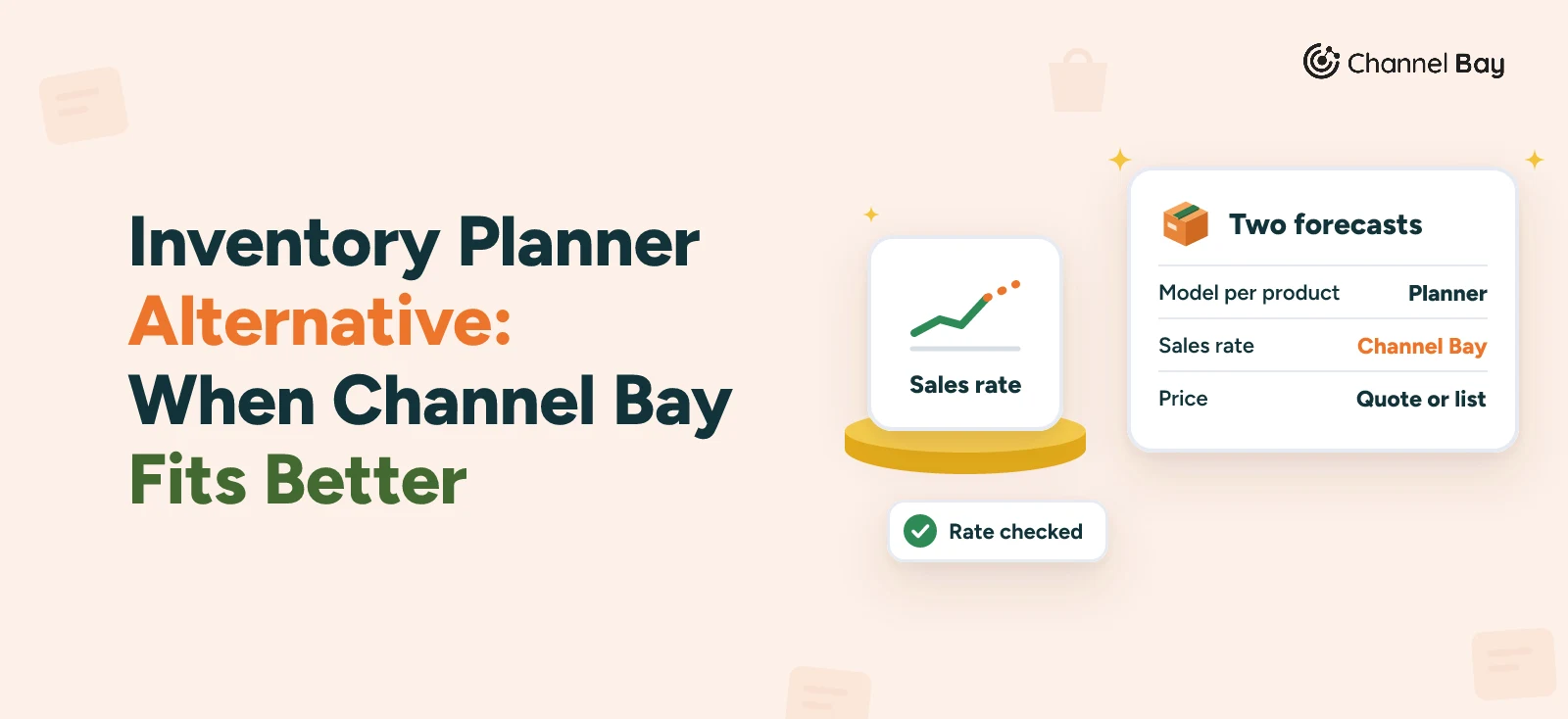
Channel Bay builds one number per product from one input, the recent sales rate. It divides units sold over a look-back by the days in it, 90 days by default and up to 365. That gives sales per day, days of stock left, and days to reorder against each supplier's lead time. A suggested order quantity follows from the same numbers:
sells per day x (lead time + days to cover) - available stock - incoming on open purchase orders
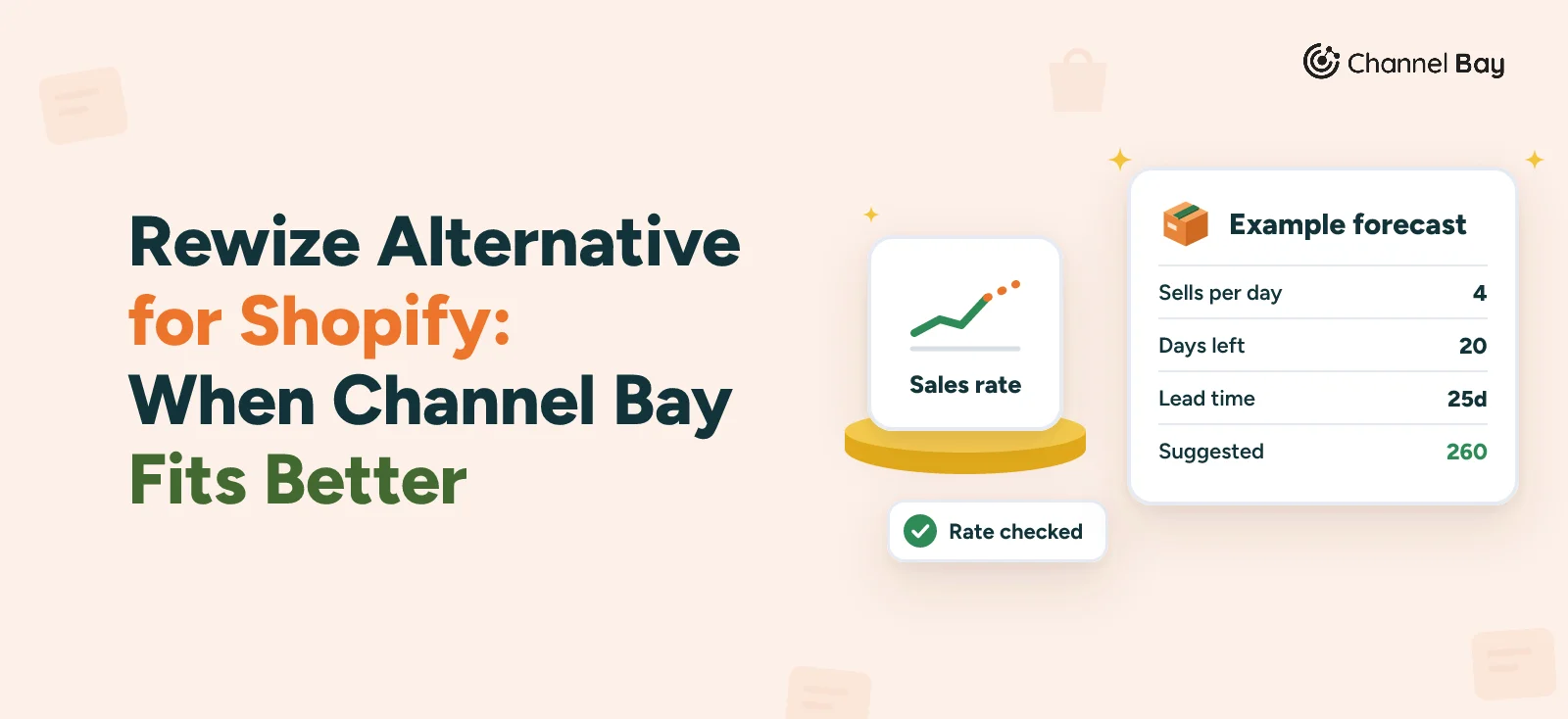
Here is one example, not a real store. A mug sells 4 a day, with 80 on hand, nothing on order and a 25-day lead time, and days to cover are 60 by default. The mug has 20 days of stock left, which is 5 days past the point to reorder, and the suggested quantity is 4 x (25 + 60) - 80 = 260. The rate counts Shopify orders for mapped products plus orders created in Channel Bay. Amazon sales are not counted, which matters if Amazon is a large share of what you sell. Our guide to Shopify inventory forecasting walks through how to check a rate like this.
| Inventory Planner | Channel Bay | |
|---|---|---|
| Forecast level | SKU by SKU, with forecasts for multiple locations | Per product, across the store |
| Model | Configurable models chosen per product | Sales rate over the look-back |
| Seasonality and trend | Seasonal and non-seasonal models, and automated adjustment to new trends | Not modelled |
| Promotions and marketing | Forecasts can be lined up with marketing activity | Not modelled |
| Safety stock | Stock coverage days, from SKU to supplier | Days to cover, 60 by default, and a reorder point you set, 10 units by default |
| Lead times | Not stated on the pages read | From your own purchase orders (the middle of the five most recent), or a number you set |
| Stock already on order | Not stated on the pages read | Counted from open purchase orders |
| History window | Not stated on the pages read | A look-back you set, 90 days by default |
| Marketplace sales in the forecast | Not stated on the pages read | Shopify orders for mapped products plus orders created in Channel Bay. Amazon sales are not counted |
Neither set of pages lets us say which forecast is more accurate, and this guide does not claim it. A flat average repeats the past. If your sales swing with the seasons, move with promotions, or you launch many new products, an average will miss that, and that is the main reason to choose a tool like Inventory Planner.
How Does Each Get From Forecast to Purchase Order?
Inventory Planner's purchasing page describes automated buying recommendations for all SKUs, built from its demand forecasts, and automated purchase order creation. Supplier defaults such as currency, minimum order quantity and payment terms are applied automatically, and you can place an order directly from a recommendation. It also recommends warehouse transfers. The purchasing page does not say how an order is sent to a supplier, whether it is approved first, or how receiving works. Inventory Planner's Stocky page lists complete purchase order creation and receiving, and one-click Shopify transfer order creation.
Channel Bay shows days of stock left, days to reorder and the suggested quantity on each product. An Add to purchase order button opens a purchase order for that product with the quantity filled in, and you check and save it. Channel Bay does not create a purchase order on its own. Purchase order emails to suppliers go out from the system, and you receive stock in full or in batches, so what you ordered and what arrived sit next to what you hold. Each product also has a reorder point you set, 10 units by default, and low stock alerts fire against it. For more on that side, see our guides to reorder points and purchase order software.
How Do Channels, Locations and Everything Beyond Forecasting Compare?
Inventory Planner's site lists a wide set of integrations: Shopify and Shopify Plus, Amazon, WooCommerce, eBay and BigCommerce for sales channels, Brightpearl, Cin7, QuickBooks, Linnworks and NetSuite for inventory systems and ERPs, ShipHero, ShipBob and ShipStation for shipping, and Microsoft Dynamics 365. It also mentions Amazon FBA and 3PLs on the purchasing page. It does not say, on the pages read, which way stock moves between a channel and Inventory Planner. Its pages do not mention stocktakes or product cost tracking. That does not mean it lacks them. It means the pages we read did not say.
Channel Bay connects Shopify and Amazon, and no other channel. There is no WooCommerce, eBay or BigCommerce link. It holds one count per product and location and pushes it to every connected store every minute. Each store location is paired with a Channel Bay location by hand, and a location left unpaired stays out of the sync. Guided stocktakes are on every plan, forecasting and stock transfers start on Basic, and real-time multichannel sync, bundles and raw materials and FIFO, LIFO or weighted average cost tracking are on Pro. Channel Bay also works without a Shopify store. For how the Shopify and Amazon link works, see our guide to syncing Shopify and Amazon inventory.
If you sell on more than Shopify and Amazon, that is a real gap, and it is the clearest reason to look at Inventory Planner first.
What Does Each Cost, and What Do You Sign Up For?
Inventory Planner does not publish a price. The Shopify listing says "Free to install. Additional charges may apply", asks you to contact the company for a quote, and says charges are billed in US dollars and may be billed separately from your Shopify invoice. The pricing page has a "Request pricing now" button and says "Our pricing is based on the volume of inventory you manage", with unlimited users at no extra cost. It does not state plans, a trial, a contract term or setup fees, and it does not name a SKU limit (a forecasting FAQ says there is none).
Onboarding is part of the price. The forecasting FAQ calls onboarding "led by us (required)", covering system integrations, data migration, forecasting configuration, tests and training. The pages disagree on how long it takes: the pricing page says go live in 4 weeks on average, the forecasting FAQ says within 30 days on average, and the homepage says live in 5 to 6 weeks.
The separate Essentials listing is priced and trialled openly. On 20 November 2026 it showed INR 11,215.17 a month with a 14-day free trial, billed every 30 days, with the listing's note that INR prices are estimates at 1 INR = 0.0107 USD. That works out to about $120 a month, although the page does not show a dollar price. Essentials is built for small Shopify stores with a single warehouse, and lets you adjust a monthly sales forecast by variant. It has 2 reviews, too few to say anything about.
Channel Bay prices by plan. Free is $0, Basic $30 a month and Pro $60, and every plan, Free included, has unlimited orders with no per-order charge (read on 23 November 2026). Forecasting and reorder suggestions start on Basic, and real-time Shopify and Amazon sync is on Pro. Basic and Pro start with a 14-day free trial. Our pricing page lists what each plan includes.
Inventory Planner's price is a quote, so there is no honest side-by-side figure to give. If you are comparing, ask both vendors the same questions: what the plan costs for your inventory volume, how long the contract runs, what the price is at renewal, and who is onboarded.
What Do Reviewers Say About Inventory Planner?
Inventory Planner's Shopify reviews page showed 4.3 from 155 reviews on 20 November 2026: 131 five-star (85%), 4 four-star, 3 three-star, 4 two-star and 13 one-star (8%). The latest review was dated 24 September 2026. Shopify's own summary of what merchants think lists a powerful replacement for spreadsheet purchasing, accurate forecasting, purchase order automation, and fast, knowledgeable onboarding and support. The five-star reviews we read, the first ten on the filtered page, praise forecasting and purchase order automation that replaced spreadsheets. They also mention time saved, fewer stockouts, less overstock and named support staff. Several come from merchants with two to five years on the app.
The one- and two-star reviews, 17 in all, are where the pattern is. By our count, roughly eight mention price changes or contract terms, roughly six mention support, roughly five mention sync or connector problems, and roughly three mention onboarding delays. Two say the forecast needed manual overrides for seasonal or new products. These are merchants' statements, and Inventory Planner's pages do not state the contract terms they describe. Some examples, with dates:
- 24 September 2026, a US store, 11 months in. QuickBooks needed a manual web connector sync each time, onboarding took more than 10 weeks, and the reviewer describes a one-year contract paid up front and pricing tied to revenue.
- 20 October 2025, a US store, over four years. Sync broke at the end of September 2025, and the reviewer describes a year paid up front.
- 17 September 2025, a store in Chile. The reviewer says they were told the company was too small for support. The developer replied that it had made difficult decisions about its pricing model and that the criteria should be clearer on the App Store.
- 11 February 2024, a store in Hong Kong. The reviewer describes a renewal offered at more than twice the old price on a yearly contract. The developer replied that pricing is based on GMV.
- 28 January 2025, a US store. Shopify sync was intermittent. The developer replied that Shopify's move from REST to GraphQL caused it and that a fix was coming.
The developer replied to most of the low reviews, usually with its side of the pricing or a sync explanation. Read against 131 five-star reviews, 13 one-star reviews are a small share. The useful part is the questions they suggest asking before you sign. How long is the contract? What is the price at renewal? Who is onboarded, and who pays for more training? Which direction does each connector sync?
How Do Inventory Planner and Channel Bay Compare?
| Inventory Planner by Sage | Channel Bay | |
|---|---|---|
| What it is | Forecasting and replenishment platform | Stock system with a forecast, purchase orders, transfers and stocktakes |
| Forecast | Configurable model per product, seasonality, trend, per-location | Sales rate over a look-back, lead times, open purchase orders |
| Purchase orders | Buying recommendations and automated creation, sending and approval not stated on the pages read | Suggested quantity, Add to purchase order opens one for you to check |
| Transfers | Transfer recommendations and transfer order creation | Stock transfers from Basic |
| Stocktakes | Not stated on the pages read | Guided stocktakes on every plan |
| Cost tracking | Not stated on the pages read | FIFO, LIFO or weighted average on Pro |
| Channels and integrations | Shopify, Amazon, WooCommerce, eBay, BigCommerce, ERPs, 3PLs | Shopify and Amazon |
| Onboarding and migration | Required, led by Inventory Planner, 4 weeks to 6 weeks stated, with help migrating your data | Stocky migration run by our team on every plan |
| Pricing basis | Volume of inventory, by quote | Flat plan price, unlimited orders, listed |
| Published price | None | Free, then $30 and $60 a month |
| Trial | Not stated for the main app, 14 days for Essentials | 14 days on Basic and Pro |
Where an Inventory Planner cell says "not stated", its pages did not say. That does not mean it lacks the feature.
Which One Fits You?
Stay with Inventory Planner, or choose it, if:
- You sell on several channels, or connect an ERP, a 3PL or shipping tools, and need a planning layer above them.
- Seasonality, trend and promotions drive what you buy, and you want a forecast model chosen per product and per location.
- You plan open-to-buy or have a large or complex catalogue.
- You are happy to request a quote, go through required onboarding and agree a contract.
Choose Channel Bay if:
- You sell on Shopify and Amazon and want one count across both.
- You want stock, purchase orders, transfers, stocktakes and cost tracking in one system.
- A simple forecast you can check by hand is enough, and you want to spend your time on the purchase order rather than on a model.
- You want a price list you can read, and a free plan to start with at any order volume (forecasting starts on Basic).
Either way, test the forecast. Take your last two months of sales, ask the tool what it would have told you to order two months ago, and compare it with what actually sold. With Inventory Planner, ask for contract terms in writing before you start onboarding.
What About Moving From Stocky?
Inventory Planner's Stocky page says it covers what Stocky users relied on, forecasting, purchase orders, multiple locations and receiving, and that onboarding support helps you migrate your data. The page is dated 2 March 2026 and still describes Stocky's end as upcoming, so use our own guide for dates. Channel Bay includes Stocky migration on every plan: our team runs the import from your Stocky API key or your Shopify export and tells you what came across and what did not, and the 14-day free trial gives you time to check before you choose a plan. Our guide to using Stocky after the sunset shows how to tell which situation your store is in.
About Channel Bay
Channel Bay holds one count per product and location, pushes it to every connected Shopify store and Amazon every minute, and connects Shopify and Amazon only. Its forecast is a sales rate, not a seasonal model. For other forecasting tools compared the same way, see our Rewize alternative and Provido alternative guides, and for ten forecasting apps side by side, our guide to the best Shopify inventory forecasting apps. For stock systems more broadly, see the best inventory management software for Shopify.
The Short Version
Inventory Planner by Sage models demand per product and connects to many channels and ERPs, on a quote and required onboarding. Channel Bay is a stock system with a flat sales-rate forecast and Shopify and Amazon sync, with its prices listed. Check either forecast against your own last two months, and get the contract terms in writing.
Frequently Asked Questions
How much does Inventory Planner cost?
Is Inventory Planner free?
Does Inventory Planner work with Amazon?
Is Inventory Planner the same as Inventory Planner Essentials or Fabrikatör Inventory Planner?
Does Inventory Planner replace Stocky?

Guides from the team that builds and supports Channel Bay, the Shopify inventory app for purchase orders, stocktakes, stock transfers and multichannel stock sync. About Channel Bay