Amazon FBA and Shopify: How to Count FBA and Merchant-Fulfilled Stock
FBA stock sits at Amazon, merchant-fulfilled stock at home. See which units count in Shopify, what Amazon's numbers mean and what Channel Bay reads.
On this page
- What is the difference between FBA and merchant-fulfilled stock?
- Where do Shopify and FBA counts go wrong?
- Which Amazon number is your FBA stock?
- How do you split your units into pools?
- What does Channel Bay do with each pool?
- What if you sell the same product both ways?
- Can FBA stock fill your Shopify orders?
- A short check you can run
- What to check first
Key Takeaways
- Stock Amazon holds for FBA is a separate pool from stock you hold yourself. Your Shopify store and your merchant-fulfilled Amazon listings share only your own stock.
- Of Amazon's quantity groups, fulfillable is the number open to new orders. Reserved, unfulfillable, researching and inbound units are not.
- Units you send to Amazon leave your home count the day they go. Counting them twice is how Shopify keeps selling stock that is no longer on your shelf.
- Channel Bay can't map or push FBA stock. It shows an FBA row with the fulfillable quantity Amazon reports, and keeps your own stock in one shared count.
- Amazon's Multichannel Fulfillment can ship Shopify orders from FBA stock, but those units are still Amazon's pool, outside your home count.
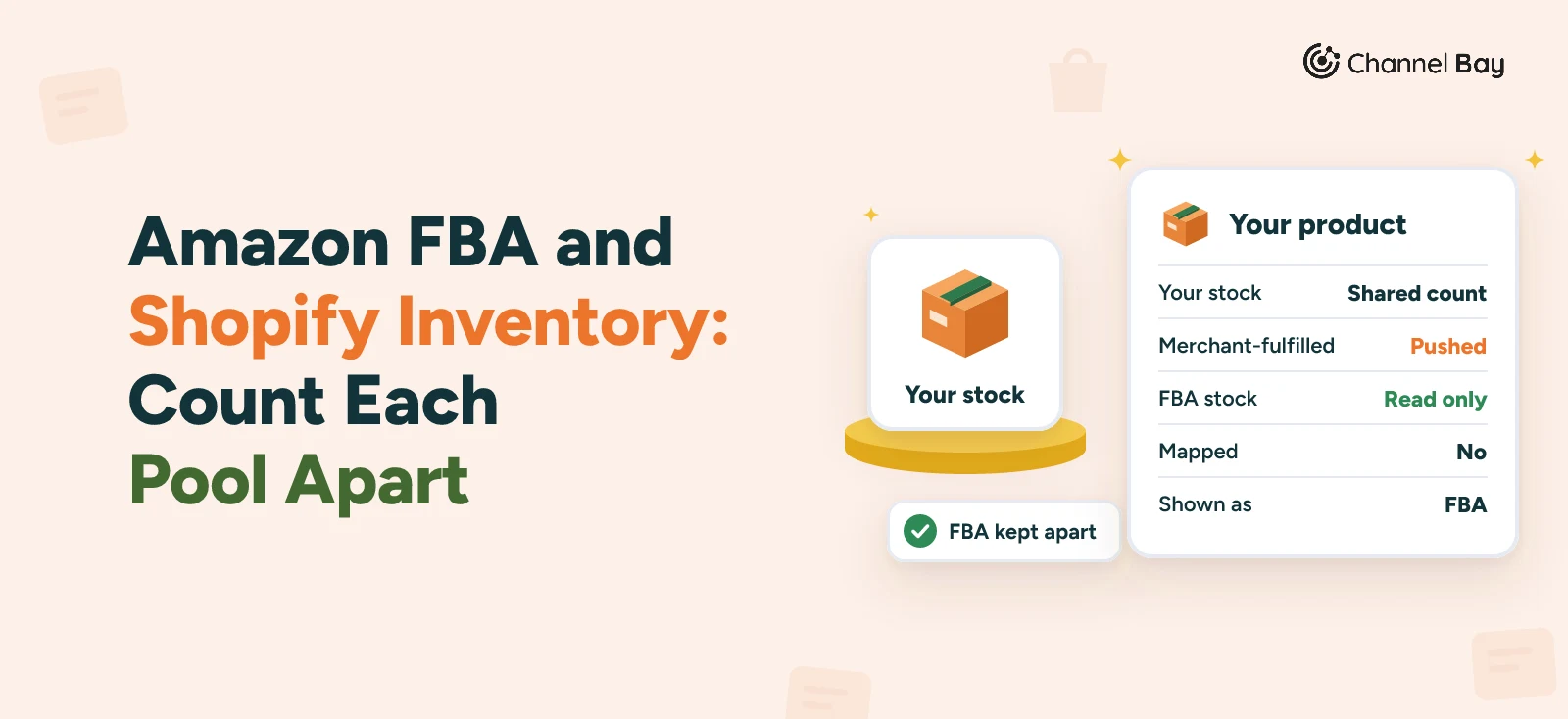
Stock that Amazon holds in its fulfillment centers is a different pool from stock you hold yourself. Your Shopify store and your merchant-fulfilled Amazon listings sell from your own stock, so that is the pool a sync tool can keep in step. FBA stock is Amazon's to report. A tool can read that number. The count itself is Amazon's.
This guide covers the difference between Fulfillment by Amazon (FBA) and merchant-fulfilled stock, the three places the counts go wrong, which of Amazon's numbers is your FBA stock, how to split your units into pools, and what Channel Bay does with each pool.
What Is the Difference Between FBA and Merchant-Fulfilled Stock?
Amazon describes FBA as a program that lets you outsource order fulfillment to Amazon: it receives and stores your inventory, then packs and ships the orders (Amazon, Fulfillment by Amazon). With Fulfilled by Merchant (FBM), you store, pack and ship the items yourself, and Amazon says you can use it alongside FBA (Amazon, Fulfilled by Merchant).
| What differs | FBA | Merchant-fulfilled (FBM) |
|---|---|---|
| Who stores the stock | Amazon | You, or your warehouse |
| Who packs and ships | Amazon | You |
| Where the count lives | Amazon's records | Your records |
| Can your Shopify store sell from it | Only through Amazon's Multichannel Fulfillment | Yes, from the same shelf |
A merchant-fulfilled unit and a Shopify unit come off one shelf, so one count has to cover both. An FBA unit is on a different shelf with a different owner of the count.
Where Do Shopify and FBA Counts Go Wrong?
- Units you sent to Amazon, still counted at home. Your Shopify store keeps selling units that left your shelf. Take them out of the count your Shopify store sells from on the day you send them. Our guide to overselling on Shopify lists the other causes.
- An FBA sale that Shopify never hears about. If you sell a product on Shopify from your own stock and on Amazon through FBA, an FBA sale lowers Amazon's number and, unless a tool reads it, nothing else. That is correct while the pools are separate, because the unit came off Amazon's shelf. It becomes a problem when you expected one count to cover both. One merchant on Shopify Community reports that FBA sales did not reduce linked Shopify inventory while they used Marketplace Connect, so their staff reconcile by hand. The thread has no marked solution (Shopify Community thread).
- A merchant-fulfilled listing and Shopify on the same shelf. This is the ordinary two-channel case: two counts for one set of units. One count pushed to both channels fixes it. Our guide to syncing Shopify and Amazon stock has the setup.
Which Amazon Number Is Your FBA Stock?
Amazon reports FBA stock in groups, and only one of them is open to new orders. Amazon's FBA Inventory API documentation describes the groups (Amazon, FBA Inventory API).
| Amazon's group | What Amazon says it is | What it means for you |
|---|---|---|
| Fulfillable | Inventory that can be picked, packed and shipped | The number open to new orders |
| Reserved | Inventory being picked, packed and shipped, or set aside for measurement, sampling or other internal processes | Already spoken for or set aside |
| Unfulfillable | Inventory that cannot be sold | Not for sale |
| Researching | Misplaced or damaged units Amazon is confirming at a fulfillment center | Unknown until Amazon confirms |
| Inbound | Inventory on its way to Amazon's fulfillment network | Not yet available to sell |
The number to use is the fulfillable quantity. Channel Bay reads that one and shows it on the FBA row in Inventory.
Here is one product with invented figures. You own 150 canvas tote bags: 90 on your shelf and 60 sent to Amazon. Amazon reports its 60 as 52 fulfillable, 5 reserved and 3 unfulfillable.
| Where the units are | Units | Counts toward your Shopify stock |
|---|---|---|
| Your shelf | 90 | Yes, Shopify sells from this |
| Amazon, fulfillable | 52 | No, Amazon sells these |
| Amazon, reserved | 5 | No |
| Amazon, unfulfillable | 3 | No |
Example, invented figures. All 150 units are yours, but Shopify should read 90 and the FBA listing should read 52. A single blended total of 150 would let Shopify sell 60 units that sit at Amazon.
How Do You Split Your Units Into Pools?
Sort each unit by where it is, not by who owns it. Use three pools.
- At home. Your shelf, a prep area or a third-party warehouse. This is the pool your Shopify store and your merchant-fulfilled listings sell from.
- At Amazon. Everything Amazon holds for you. It reports the count, and you read it.
- On the way. Units you have shipped to Amazon that aren't yet available to sell. They have left your shelf and aren't sellable at Amazon yet, so they sit in neither your home count nor Amazon's fulfillable quantity. Amazon lists them as inbound.
Here are three products with invented figures.
| Product | At home | At Amazon (fulfillable) | On the way | Shopify sells from |
|---|---|---|---|---|
| Canvas tote | 90 | 52 | 0 | 90 |
| Water bottle, all in FBA | 0 | 120 | 0 | 0, unless you use Multichannel Fulfillment |
| Mug, 40 just shipped to Amazon | 60 | 0 | 40 | 60 |
Example, invented figures. Apart from products you ship through Multichannel Fulfillment (covered below), the rule never changes: Shopify and merchant-fulfilled listings sell from the home number. When you send units to Amazon, lower the home number by the same amount that day, so it is true while the shipment is on the road. Our guide to inventory accuracy covers keeping the home count honest.
What Does Channel Bay Do With Each Pool?
Channel Bay is our app, so weigh this section with that in mind. As of November 2026, Channel Bay holds one count per product and location and pushes stock changes to every connected Shopify store and Amazon every minute. It can't sync Amazon FBA stock: it reads the fulfillable quantity and shows it, and never pushes one back. It connects Shopify and Amazon only. It treats the two kinds of Amazon listing differently.
| In Channel Bay | Merchant-fulfilled listing | FBA listing |
|---|---|---|
| Linked to a Channel Bay product | Yes, by seller SKU where exactly one product has it, and you link the rest with Map Items | No, FBA items can't be mapped |
| Part of the shared count | Yes | No |
| Quantity pushed to Amazon | Yes, every minute | Never |
| What Inventory shows | The shared count | An FBA mark under the product name and the fulfillable quantity Amazon reports |
So a product you fulfill yourself on both channels is the one Channel Bay keeps in step. A product Amazon stores and ships shows its Amazon number and is left alone. Our guide to connected inventory in Shopify and the wider guide to multichannel inventory management put this in context.
What If You Sell the Same Product Both Ways?
Amazon says Fulfilled by Merchant can be used alongside FBA. If you sell a product both ways, it has two Amazon numbers: the home count behind the merchant-fulfilled listing and the fulfillable quantity behind the FBA listing. In Channel Bay, the merchant-fulfilled listing is the one that links to your product. The FBA listing stays Amazon's.
Add your home count to every Amazon group, inbound included, to see what you hold in total, but never give that total to Shopify. Shopify should see the home number only, except for products you ship through Multichannel Fulfillment. Count your own shelf on a schedule, as in our guides to cycle counting and the year-end physical inventory count, and compare Amazon's inventory report with your records on the same schedule.
Can FBA Stock Fill Your Shopify Orders?
Yes, through Amazon's Multichannel Fulfillment (MCF). Amazon says MCF lets you use FBA inventory to fulfill orders from other sales channels, including your own website, and its page names Shopify among the integrations it supports (Amazon, FBA Multichannel Fulfillment).
Shopify's Marketplace Connect app connects your store to marketplaces including Amazon. Its help lists three Amazon fulfillment options: Shopify (FBM), FBA and MCF. For MCF, you turn on the Amazon MCF setting under Settings, then Accounts, and save it. For FBA in general, the same page says that when FBA stock runs out, the product switches to FBM inventory (Shopify Help Center, fulfill your Marketplace Connect orders).
Units in MCF are still FBA units. They stay in Amazon's pool, outside your home count. Products you ship this way sit outside the home-count rule above, so keep those products out of the shared count and take the number your Shopify listing shows from Amazon's fulfillable quantity. In Channel Bay, an FBA listing stays unmapped, outside the shared count and never pushed a quantity, whether or not you use MCF, so nothing links your Shopify listing to it.
A Short Check You Can Run
- Pick five products that sell on both channels. Include at least one FBA product.
- Compare the FBA rows. In Channel Bay, find the rows marked FBA in Inventory and compare their quantity with the fulfillable quantity in Amazon's inventory report for the same SKUs. The Amazon-report side works in any tool.
- Compare the home count. For the merchant-fulfilled products, count the shelf and compare it with the Channel Bay count. A wrong home count is a counting problem, not a sync problem.
- Test one merchant-fulfilled product. Pick a product with plenty of stock and lower its count by one unit. Wait for the next push, which runs every minute. Amazon can take several minutes to show a change, so check the quantity Amazon shows for the product and look at Last synced on the store in Linked Stores. Then put the count back. The FBA rows from step 2 don't change when you change your own count, because Channel Bay never sends them a quantity.
What to Check First
Decide where each unit sits: at home, at Amazon or on the way. Then make sure your Shopify store and your merchant-fulfilled listings read only the home number (products you ship through Multichannel Fulfillment are the exception), and that the fulfillable quantity is the only Amazon number you treat as sellable. Whatever tool you use, get the home count right first, because a sync copies a wrong number as faithfully as a right one.
Frequently Asked Questions
Does an FBA sale lower my Shopify stock?
Which Amazon quantity counts as sellable FBA stock?
Can I sell the same product as FBA and as merchant-fulfilled?
Does Multichannel Fulfillment use FBA stock for Shopify orders?

Guides from the team that builds and supports Channel Bay, the Shopify inventory app for purchase orders, stocktakes, stock transfers and multichannel stock sync. About Channel Bay