Cycle Counting: What It Is, How to Run It And a Schedule to Copy
Cycle counting checks a few SKUs a day, so every item is counted on a rotation. See the ABC method, a worked 5-lines-a-day schedule and how to run it.
On this page
- What is cycle counting?
- Why count in cycles?
- How to run a cycle count in 7 steps
- A cycle count schedule to copy
- What else to count between scheduled counts
- How to count while you keep selling
- Cycle counting and your year-end stock figure
- Cycle counting with Shopify and Amazon
- Cycle counting in Channel Bay
- Common cycle counting mistakes
Key Takeaways
- Cycle counting counts a few SKUs every working day on a rotating schedule, instead of everything once a year. Trading carries on, and in the schedule below every item is counted at least twice a year.
- Grade products A, B and C by revenue (Shopify's grades are about 80%, 15% and 5%), then count A items often and C items rarely. Published frequencies vary a lot, so start with a monthly, quarterly and twice-a-year rhythm and tighten it where counts miss.
- A 300 SKU catalog with 40 A, 60 B and 240 C items, counted every 4, 12 and 24 weeks, comes to 5 lines a day: 2 A, 1 B and 2 C. Over a year that is about 1,250 counts.
- Count blind where you can, recount any line outside tolerance, check whether your tool compares against on hand or available stock, and add counts for zero stock, deliveries and returns.
- A miss is a clue, not just a number to fix. Log the cause, correct the process, and count an item more often if it misses twice.
Cycle counting is a way to keep stock records accurate by counting a few products every working day, on a rotating schedule, instead of counting everything once a year. Every item still gets counted, just in slices, and the products that sell fastest get counted most often. The APICS Dictionary describes it as an inventory accuracy audit technique in which stock is counted on a cyclic schedule rather than once a year (APICS Dictionary, 14th edition, as quoted by the APICS San Antonio chapter, 2020).
For an online seller the appeal is simple: you can't close the store for a day, and a record that was right in January can be well off by August. This guide covers what cycle counting is, how it differs from a full stocktake, a seven step method built on ABC grading, a worked schedule you can copy, what to do when orders keep arriving mid-count, and how it works in Shopify, on Amazon and in Channel Bay. It is a companion to the stocktake guide, which covers the full count.
What Is Cycle Counting?
Cycle counting is a rolling count of a small part of your stock, repeated until every item has been counted once, then repeated again. The "cycle" is the time it takes to get through the whole list. Each count is compared with the quantity your system expects, and any difference is checked, corrected and traced to a cause.
The counted slice can be chosen in a few ways. The most common is ABC grading, where you count high-value items more often than low-value ones. Others are counting a random sample, counting a shelf or bin at a time, and counting an item when something happens to it, such as a delivery or a drop below its reorder point. A 2001 academic review of the method lists random sample, ABC and opportunity-based counting among the main approaches (Rossetti, Collins and Kurgund, 2001). A practical setup combines two of them, a schedule plus triggers, and that is the method below.
Cycle Count vs Full Stocktake
A full stocktake counts everything at once, a few times a year at most. Shopify draws the same line: a physical count covers all your inventory in one go, while a cycle count covers a small amount in phases on a regular basis (Shopify, Cycle count, updated June 2026). The two answer different problems.
| Cycle count | Full stocktake | |
|---|---|---|
| What you count | A few SKUs at a time | Everything, wall to wall |
| How often | Every working day or week, all year | Once or twice a year |
| Trading | Carries on | Often paused or restricted |
| Errors are caught | Usually within weeks, depending on the cycle | At the next full count, up to a year later |
| Best for | Larger catalogs (as a rule of thumb, 100 or more SKUs), fast sellers, multichannel stock | Year-end accounts, audits, small catalogs |
| What you must track | Which SKUs were counted and when | The cut-off time and the uncounted items |
Many businesses use both: cycle counts all year and one full count at year-end.
Why Count in Cycles?
Cycle counting finds errors close to when they happen. A wrong variant scanned at receiving, a return put back on the wrong shelf or a pack that was never booked in is easy to trace when it is a few weeks old, and nearly impossible to trace at year-end. Records drift a long way from the shelf, and a year is a long time to leave them.
There is supporting evidence, with limits. The 2001 review concludes that cycle counting is the dominant method for keeping inventory records accurate. The authors' own benchmarking of more than 20 companies found that the best performers, at 99% record accuracy or better, were those that dedicated resources to cycle counting, had system support and put effort into finding and eliminating common process errors. The research it reviews is mostly of manufacturers and mostly decades old, and the review reports no controlled comparison with an annual count and nothing on online sellers. Read it as support for the method, not proof of a result for your store.
The cost is discipline. A cycle count only works if the list is counted every day it is due, and nothing in it gives you one tidy dated snapshot of the whole shop.
How to Run a Cycle Count in 7 Steps
The method is the same at 100 SKUs or 10,000: clean the data, grade the products, set a cycle for each grade, turn the cycles into daily lists, count, recount what's off, and fix the cause.
1. Clean Up Your SKUs and Barcodes
Every product variant needs one SKU and one barcode, and no two products can share a code. Duplicates and blank codes are the usual reason a scan lands on the wrong line. If you hold stock in a stockroom, label the shelves and bins too, so the counter can find each item.
2. Grade Your Products A, B and C
Rank every active SKU by its sales over the last 12 months, then draw two lines. The A items are the ones that make up about the first 80% of revenue, the B items the next 15% and the C items the last 5%. Shopify's ABC analysis by product report grades the same way: A is about 80% of revenue, B 15% and C 5%, based on retail price excluding discounts, with item cost left out (Shopify Help Center, ABC inventory analysis). On the Basic or Lite plan, the help page points to a reporting app from the Shopify App Store instead of the built-in report.
Revenue is a proxy for where errors cost most, not a measure of it. The 2001 review warns that grading on dollar value alone can mislead, because a low-value item can hurt just as much when a shortage delays a shipment, and suggests weighing lead time and how critical the item is. For a seller, move a product up a class when it:
- has a long supplier lead time, so a wrong count leaves you short for weeks
- is small and easy to steal
- is also sold on Amazon or another channel, where a wrong count oversells twice
- keeps missing when it is counted
Re-grade every quarter. Products move between classes, and new products arrive.
3. Set a Cycle Length for Each Class
How often to count each class is a judgment call, and the published rules disagree. The 2001 review reports typical rules of four counts a year for A items, two for B and one for C, and says the frequencies usually rest on the subjective priorities of the business. Shopify's guide suggests A items monthly, B items quarterly and C items once or twice a year.
Start with Shopify's rhythm, since it keeps the whole catalog moving, and shorten the cycle for any class where more than a few lines per hundred miss. A schedule you keep every day beats a tighter one you drop in week three.
4. Turn the Cycles Into Daily Lists
Work out how many lines a day you need:
Lines per day = SKUs in the class ÷ working days in its cycle
Add the three classes together, then split each class's SKUs into equal groups, one group per day. Put the lists in a spreadsheet with a column for the date each SKU was last counted, so you can see coverage at a glance. Our free stock take template has a count sheet you can reuse for each daily list. The next section works through this with numbers.
5. Count, Blind Where You Can
A blind count means the counter doesn't see the system quantity until the count is entered, so nobody "finds" the number the system expects. Cycle counting methods differ on this. The 2001 review describes one variant, process control counting, where the counter sees the on-hand balance and chooses what to count, and calls it statistically biased partly because the count is not blind.
For a small seller, a blind first count is cheap: the daily list is short and the counter is usually one person. Count blind on A items and on every recount, where a wrong "match" costs the most. Scan barcodes rather than typing SKUs, and open a sealed case before you count it by the case.
6. Recount Anything Outside Tolerance
A tolerance is the difference you accept without a recount. An old APICS training guide, as reported in the 2001 review, suggested 0.5% for A items, 1% for B and 5% for C. On a shelf of a dozen units even 0.5% means any difference at all, so a practical version for a small seller is:
- A items: any difference is recounted, ideally by a different person.
- B and C items: recount anything off by more than 5% of expected units or more than $50 at cost, the same rule as the full stocktake guide.
Plenty of misses vanish on recount: a wrong variant, a case behind another product, a unit on the wrong shelf.
7. Find the Cause and Log It
A confirmed miss is the point of the exercise. Write down what the variance was, what you think caused it and what you changed. Check the movements since the last count first: deliveries received, returns, transfers, refunds and orders picked. Fix the process that caused it, not only the number. The inventory reconciliation guide lists the causes in the order to check them.
Then act on the pattern. A product that misses twice goes up a class. A cause that shows up on many products, such as one supplier's cartons or one packing shift, points to a process to fix. If the miss is a delivery nobody received, receive it against its purchase order rather than posting a gain, as the stocktake guide explains.
One shortcut is worth knowing. The 2001 review reports an argument that record errors only enter when a transaction happens, so an item with no sales, receipts or returns since its last count can't have drifted through a recording error. That ignores theft and damage, so use it only to reorder the day's list, never to leave an A item uncounted.
A Cycle Count Schedule to Copy
Here is the method on a hypothetical kitchenware brand with 300 active SKUs and one stockroom. The numbers are assumed for the example, and the mug is the one from our reorder point guide: MUG-WHT-12, which sells about 4 a day.
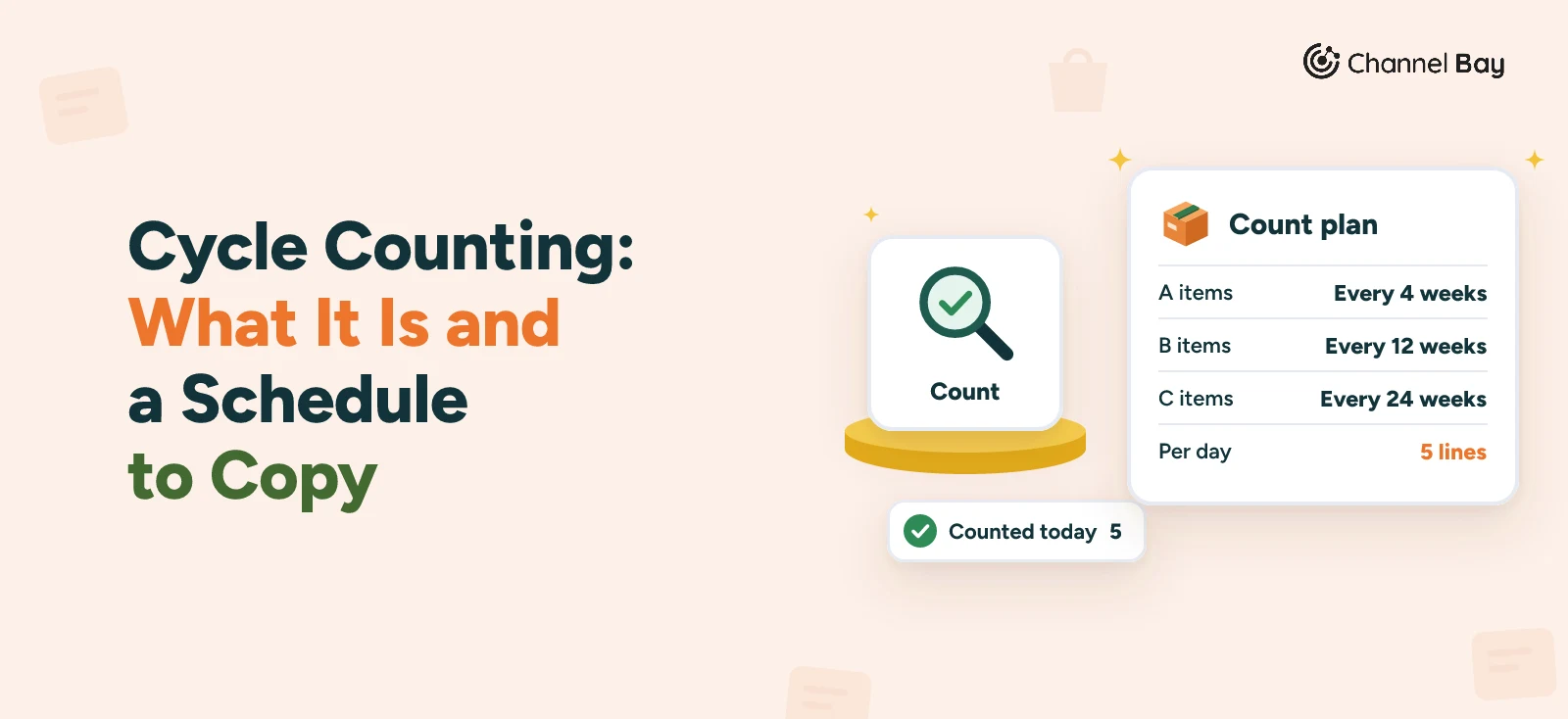
Ranked by last year's revenue, 40 SKUs bring in about 80% (A), the next 60 about 15% (B) and the last 240 about 5% (C). With 250 working days in a year, the cycles are 20 working days (4 weeks) for A, 60 (12 weeks) for B and 120 (24 weeks) for C.
| Class | SKUs | Share of revenue | Cycle | Lines per day | Counts per SKU per year |
|---|---|---|---|---|---|
| A | 40 | About 80% | 20 working days (4 weeks) | 40 ÷ 20 = 2 | 12.5 |
| B | 60 | About 15% | 60 working days (12 weeks) | 60 ÷ 60 = 1 | 4.2 |
| C | 240 | About 5% | 120 working days (24 weeks) | 240 ÷ 120 = 2 | 2.1 |
| Total | 300 | 5 |
That is 5 lines a day, or 1,250 counts a year, against 300 for one full count. Every SKU is counted at least twice a year, and each A item about once a month. Number the SKUs in each class and deal them out in order. Week 1 looks like this:
| Day | A items (2) | B items (1) | C items (2) |
|---|---|---|---|
| Monday | A01, A02 | B01 | C01, C02 |
| Tuesday | A03, A04 | B02 | C03, C04 |
| Wednesday | A05, A06 | B03 | C05, C06 |
| Thursday | A07, A08 | B04 | C07, C08 |
| Friday | A09, A10 | B05 | C09, C10 |
If MUG-WHT-12 is A09, it is counted on Friday of week 1 and every fourth Friday after that. The A list finishes on day 20 with A39 and A40, the B list on day 60 and the C list on day 120, and then each starts again.
Track accuracy as lines matched divided by lines counted (our inventory accuracy guide compares this with unit and value measures and covers tolerance). At 5 lines a day you count about 100 lines a month, so the figure is steady enough to read month by month. If A items miss more than C items, shorten the A cycle. If nothing misses for several months, lengthen the C cycle. Re-grade each quarter, and count each new product when its first delivery is received.
What Else to Count Between Scheduled Counts
The schedule is the base, and a few events deserve a count of their own. Shopify's guide lists counting after receiving inventory and after returns are processed. A short list of triggers:
- Stock shows zero or negative but the item is on the shelf. The record is wrong, and the system may be hiding stock you could sell.
- A delivery arrived short, over or damaged. Count those lines when you receive the delivery.
- A product reaches its reorder point. Counting before you reorder means you buy against the real figure, and your low-stock alerts tell you when it happens.
- A transfer between locations has landed. Check both ends of a stock transfer.
- A customer got the wrong item, or an order was picked short.
- A product missed twice in a row.
Counts like these go on top of the daily list, so allow a few extra lines a day.
How to Count While You Keep Selling
The advantage of cycle counting is that the shop stays open, but a moving system can still produce false variances. Three habits keep them out:
- Pick a quiet window. Shopify's guide suggests scheduling counts when inventory is stable and movement is easiest to control, and avoiding times of active receiving. First thing in the morning, before the day's orders are picked, suits most sellers.
- Check what the system is compared against. Shopify's stock counts check what you count against the on-hand quantity recorded in Shopify (Shopify Help Center, stock counts). Units in orders you haven't packed are committed, not gone, and they are still on the shelf, so count them. Our sales order guide explains committed stock. If a tool compares against available stock, those units show up as a false shortage.
- Mind the gap between counting and submitting. Shopify says approving a stock count applies the difference between the counted and expected quantities. Its POS guide says Quick Count sets inventory to the counted figure, and that if a sale lands between counting an item and submitting, you should recount it or adjust it by hand (Shopify, inventory counts with Shopify POS, 2026). Find out which your tool does, and submit small daily counts the same day.
Cycle Counting and Your Year-End Stock Figure
Can cycle counts stand in for the year-end count? US Treasury rules say the balances shown by book (perpetual) inventories should be verified by physical inventories at reasonable intervals and adjusted to match (26 CFR 1.471-2), and IRS Publication 538 likewise says to take a physical inventory at reasonable intervals and adjust the book amount to agree (IRS Publication 538). Neither defines "reasonable intervals" or says whether cycle counts qualify, so that is a question for your accountant. Rules in other countries differ.
Your schedule gives you three things to show: every active SKU counted at least once in the year, a log of each count, and adjustments posted with a cause. The auditing side is covered in the stocktake guide and the inventory audit guide. The stocktake guide cites the standards auditors use to accept regularly checked perpetual records. The year-end side, including cut-off and valuing the count, is in our guide to the physical inventory count.
Cycle Counting With Shopify and Amazon
In Shopify
Shopify's stock counts live in the admin under Inventory > Stock counts. A count covers one location, staff record quantities with a barcode scanner or manual entry, and a manager approves the result before the difference is applied, with each change logged in adjustment history (Shopify Help Center, stock counts). Locations on Shopify POS Pro can also count in the POS app. How to do a stocktake in Shopify walks through each tool and its limits.
The ABC analysis by product report gives you the grades from step 2. The help page describes grades by revenue, so turning them into daily lists is a step you do yourself, in a spreadsheet or in the counting tool you use. If Shopify's counts aren't enough, compare the best Shopify stocktake apps.
On Amazon
Stock at Amazon fulfillment centers sits in Amazon's warehouses, so your cycle count covers the stock you hold yourself: your own shelves, a prep area, a third-party warehouse and returns waiting to be restocked. For FBA units, compare Amazon's inventory reports with your records on the same schedule. Don't leave that comparison to year-end, because a discrepancy is easier to trace soon after it happens. Keeping Shopify and Amazon inventory in sync covers how one count reaches both channels, and counting FBA and merchant-fulfilled stock covers the FBA side.
Cycle Counting in Channel Bay
In Channel Bay, a stocktake is a session, and one session works well as one day's list. Create a session with a name, a warehouse and a schedule date, then add that day's products. Pick them by vendor, type, collection or tag, search by SKU, name or barcode, or import a CSV with one SKU or barcode per row. The import takes a list, not quantities.
Scanning a barcode adds the product and counts one. Counts save as you go, and you can add a note to any line. Several people can count the same session, and their counts are added together, so agree who counts which shelf. A counted and uncounted filter shows what is left.
Before you submit, the variance report shows expected, counted and variance per line, with the value of the difference. A cycle count covers only today's list, so when Channel Bay asks what to do with products you didn't count, choose Remove from stocktake, which is the default and leaves their stock alone. The other choice sets them to zero. Submit and Sync then applies the adjustments. The report and the count log, which records who counted what and when, export as CSV, which makes a tidy record for your accountant.
Two things to know. Channel Bay doesn't grade your products or repeat a count on a schedule: you choose each session's list and date, using the A, B and C lists from your own sheet or a Shopify report. And the count page shows the current quantity beside each count box, so for a blind first count, count from a printed list with no quantities and key the numbers in afterward.
Common Cycle Counting Mistakes
| Mistake | What goes wrong | How to avoid it |
|---|---|---|
| Grading once and never again | Products drift between classes, so the wrong items are counted most | Re-grade every quarter |
| Counting only A items | C items are never checked and the year-end figure has gaps | Make sure every active SKU is counted at least once in the year |
| Skipping days | The cycle slips and errors sit longer | Keep daily lists short enough to finish |
| Counting during picking | Stock moves under the counter and creates false variances | Count in a quiet window |
| Letting the counter see the expected figure | People "find" the number the system expects | Count blind on A items and recounts |
| Comparing against the wrong figure | Committed units show up as a shortage | Check whether your tool compares on hand or available |
| Zeroing uncounted lines in a partial count | Stock nobody looked at is wiped out | Remove uncounted lines from the session |
| Adjusting without a cause | The same miss comes back next cycle | Log the cause and change the process |
Frequently Asked Questions
What does cycle counting mean?
What is the difference between cycle counting and a physical inventory?
What is the 80/20 rule in cycle counting?
How often should you cycle count?
How many items should you cycle count per day?
Can you cycle count while you are still selling?
How do you measure cycle count accuracy?
Does cycle counting replace a year-end stocktake?

Guides from the team that builds and supports Channel Bay, the Shopify inventory app for purchase orders, stocktakes, stock transfers and multichannel stock sync. About Channel Bay