Shopify Marketplace Connect: What It Does, What It Costs and Where It Stops
Shopify's Marketplace Connect app lists, imports orders and syncs stock with Amazon. See its cost, how it matches products, where it stops and who needs more.
On this page
Key Takeaways
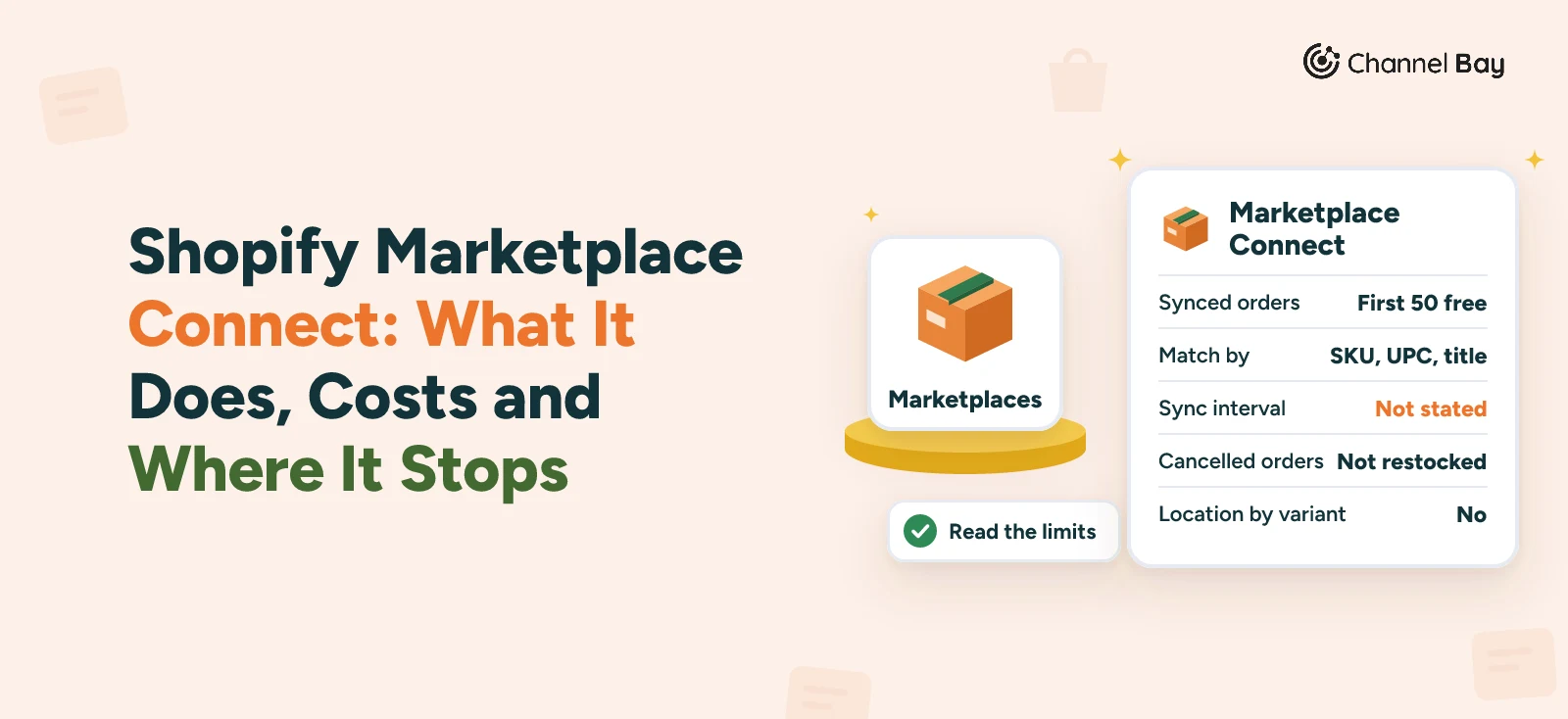
- Marketplace Connect is Shopify's own app, formerly Codisto. It lists products on Amazon, eBay, Walmart and Target Plus and imports their orders into Shopify. The first 50 synced orders a month are free.
- On Amazon it matches listings by SKU, UPC or title. Its default quantity rule can be a fixed value, a buffer or a maximum, and it applies to new listings only.
- Shopify's pages state no sync interval, say nothing about how FBA quantities reach Shopify, and say cancelled or returned orders aren't restocked.
- Merchant complaints concern eBay and Walmart most. Two App Store reviews on the pages we read mention Amazon, and none of the Community threads we read is marked solved.
- It is a sound first try for a store that needs listings, orders and stock. Look elsewhere when purchase orders, transfers and counts must feed the same stock count, or you run more than one Shopify store.
Shopify Marketplace Connect is Shopify's own app, formerly Codisto, for selling on Amazon, eBay, Walmart and Target Plus from your Shopify admin. It is free to install, and the first 50 synced marketplace orders a month cost nothing. For a store that sells on Shopify and Amazon and needs listings, orders and stock, it is the first thing to try.
It stops in places Shopify's own pages mark. They state no sync interval, say nothing about how FBA quantities reach Shopify, and say cancelled or returned orders aren't restocked. This guide covers what the app does with Amazon, what it costs, where Shopify's pages stop, what merchants report, who should look elsewhere, and a short trial you can run on your own store. It is built from Shopify's Help Center, the App Store listing and dated merchant posts, all read on 17 November 2026.
What Is Shopify Marketplace Connect?
Shopify's help describes it as an app that lets you connect your product catalog to multiple marketplaces and manage orders, listings and inventory in your Shopify admin (Shopify Help Center, Marketplace Connect). If one stock count across channels is a new idea, our guide to multichannel inventory management explains it first.
| Item | What Shopify says |
|---|---|
| Marketplaces | Amazon, eBay, Walmart (United States only) and Target Plus (United States only). New connections to Etsy can't be made, and existing ones continue (Shopify Help Center, Marketplace Connect) |
| Regions | Any region, and any currency the marketplace offers (Shopify Help Center, Marketplace Connect) |
| What you need | An online store, a valid payment provider, shipping rates for the countries you sell to and a verified seller account on each marketplace (requirements). No Shopify plan is named |
| Support | The chat feature in the app (Shopify Help Center, set up Marketplace Connect), and the App Store lists Shopify as the support provider (Shopify App Store) |
| App Store | Rating shown as 4.2 from 2,146 reviews, with Shopify as the developer (Shopify App Store) |
What Marketplace Connect Costs
Shopify's setup page lists what is free: connecting and listing your products on supported marketplaces, unlimited manual order imports, and automatically syncing your first 50 marketplace orders a month. For additional synced orders it points to Shopify's pricing (Shopify Help Center, set up Marketplace Connect).
The App Store listing words the charge as "First 50 marketplace-synced orders/mo free, 1% fee per additional synced-order, capped at $99/month", billed in USD (Shopify App Store). It doesn't spell out whether the 1% is of the order's value or of each order, so read that line on the day you decide. Shopify's own pages are the ones to trust.
How Does Marketplace Connect Work With Amazon?
- Linking. For listings that already exist, the app suggests a match with a Shopify product by SKU, UPC or title, and labels each one Ready to list, Close match or No match (Shopify Help Center, link existing listings).
- After a link. If the app finds no match, you choose a Shopify SKU from a drop-down. Once linked, it begins syncing orders and inventory for that listing. The page doesn't mention ASINs.
- Identifiers. Amazon, Walmart, eBay and Target Plus require a unique product identifier such as a GTIN for each product, and private-label goods need an exemption (Shopify Help Center, listing requirements).
- Quantity rule. An Amazon offer holds the price, the inventory quantity and the fulfillment options. The default quantity rule can be a fixed value, a buffer or a maximum. With a buffer of 2 and 5 in store, the listing shows 3. Defaults apply to future listings only, and existing listings aren't affected (Shopify Help Center, Amazon offers and listings).
- Location. You choose which Shopify location feeds a marketplace per product, in bulk, or per regional marketplace. You can't set it for specific variants (Shopify Help Center, inventory location).
- Orders. Marketplace orders import "as though it was placed through your online store", with the marketplace named in the Channel field. You choose whether they import as Pending, as soon as they are placed, or as Complete, once paid in full. You can filter by product and by who fulfills the order, and import manually from the Orders page (Shopify Help Center, import orders).
- Tracking. After you fulfill an order, shipping status and tracking sync to the marketplace (Shopify Help Center, manage your orders).
- Fulfillment. On Amazon you can fulfill through Shopify (merchant fulfilled, or FBM), Fulfillment by Amazon (FBA) or Multi-channel Fulfillment (MCF), where Amazon ships orders from other channels. For FBM, Shopify says inventory counts are updated in Shopify and on Amazon (Shopify Help Center, fulfill your orders).
- Store changes. Shopify's FAQ says changes made to products and orders in your online store are automatically synced across your marketplaces (Shopify Help Center, FAQ).
Where Shopify's Own Pages Stop
Each row below is a question the pages answer only in part, with what they say and what you are left to find out.
| Question | What Shopify's pages say | What is left to you |
|---|---|---|
| How often does stock sync? | The listing copy says "real-time integration", and the FAQ says changes are "automatically synced" | No page gives an interval, so time it yourself (see the trial below) |
| Does an Amazon sale lower your Shopify count? | Orders import into Shopify, and FBM counts are updated in Shopify and on Amazon | The pages don't say how the count moves, so check it on one real order |
| Does FBA stock reach Shopify? | FBA is a fulfillment option, and depleted FBA stock switches to your FBM inventory | Whether the FBA quantity flows into Shopify, and which Amazon number it uses, is not stated |
| What happens to a cancelled or returned order? | The inventory "isn't restocked" | Adjust it by hand, every time |
| Can each variant have its own location? | You set a location per product, in bulk or per marketplace | No, variants of a product share one |
| What if you change a default rule later? | Defaults apply to future listings | Existing listings keep their old rule |
| Can you run another sync app beside it? | Have only one marketplace connector app connected | Disconnect and uninstall the old one first |
A count that reaches a channel late is one of the five causes in our guide to overselling on Shopify, which is why the interval row matters most.
What Do Merchants Report?
The App Store shows 2,146 reviews and a rating of 4.2 as read on 17 November (Shopify App Store reviews).
| Stars | Reviews | Share |
|---|---|---|
| 5 | 1,686 | 79% |
| 4 | 72 | 3% |
| 3 | 33 | 2% |
| 2 | 44 | 2% |
| 1 | 311 | 14% |
That table is the star filter on the same reviews page. On the first three pages, read on 17 November, the recent reviews lean toward complaints about eBay and Walmart. Two of the reviews on those pages mention Amazon. One from 27 July 2026 says order sync to Amazon failed on tracking and carrier fields, and that support later fixed the format (Shopify App Store reviews, page 3). Another from 1 September 2026 says random items were published to Amazon (Shopify App Store reviews, page 2).
Shopify Community adds dated threads. These are merchants' accounts, not measurements, and none is marked solved.
- Stock not falling (5 April 2024 to 7 September 2026). Merchants say sales on Etsy, eBay and Amazon did not lower Shopify stock, and some report overselling and refunds (Shopify Community thread).
- Sync delay (March to June 2024). An eBay seller says stock took "up to an hour" to update after a sale on another channel, and a duplicate sale came 30 minutes later. That is one seller's figure (Shopify Community thread).
- eBay sync (13 August to 27 October 2026). A thread says eBay sync broke around July and August 2026. The app's support account said on 17 August that the backlog "may take some time", and on 24 August that it couldn't give an exact timeframe (Shopify Community thread).
Most of this concerns eBay, so an Amazon-only seller may never meet it. What none of it settles is how fast the Amazon sync runs for you.
Is Marketplace Connect Enough, or Do You Need More?
It is a sound first try when:
- You sell on Shopify and one or more marketplaces from a single Shopify store, and the job is listings, orders and stock.
- You want Shopify to create and manage the marketplace listings for you.
- You can accept the limits above, including adjusting cancelled orders by hand.
Look elsewhere when:
- Purchase orders, transfers and stock counts need to update the same count your channels sell from, and you want to keep that count true with cycle counting. Our guide to the best inventory management software for Shopify compares the apps that cover that.
- You run more than one Shopify store. See our guide to syncing inventory between Shopify stores.
- You want to pause the sync for one store, product or location, which Shopify's pages don't describe.
Our guide to Shopify and Amazon inventory sync covers setup for either route.
What Does Channel Bay Do Differently?
Channel Bay is our app, so weigh this section with that in mind. As of November 2026, Channel Bay connects Shopify (any number of stores) and Amazon only. It holds one stock count per product and location, and pushes changes to every connected channel every minute.
| Topic | Marketplace Connect | Channel Bay |
|---|---|---|
| Marketplaces | Amazon, eBay, Walmart, Target Plus | Shopify and Amazon only |
| Listings | Lists your Shopify products on the marketplaces | Works with the Amazon listings you already have, and pushes only their quantity |
| Matching | SKU, UPC or title | SKU or barcode, chosen once when you connect your first extra channel, and only when exactly one product matches |
| Quantity rule | Fixed value, buffer or maximum, for new listings | None: the shared count goes to each channel |
| Amazon orders | Imported into your Shopify orders | Not imported into Shopify. Channel Bay follows quantity changes on the Amazon listing and in Shopify |
| What else moves the count | Not described on the pages read | Purchase orders, transfers and stock counts update the same count |
| Pausing | Not described on the pages read | Per store, product or location |
So Channel Bay suits a merchant who wants one count to feed Shopify and Amazon, plus purchasing and counting in the same place. It gives up marketplace listing tools, extra marketplaces and a buffer rule to do that.
A Short Trial You Can Run
Shopify doesn't state the sync interval, so measure it. Our guide to how fast inventory sync should be shows how to turn the longest gap you measure into the stock a product needs. Use five products on a store where a mistake is cheap. Steps 3 and 4 wait for real orders, so run them over a few days.
- Check the matches. Link five listings and read each badge. Treat Close match as a question, and fix the SKUs behind any No match.
- Time a Shopify change. Pick a product with plenty of stock and lower its Shopify quantity by one. Note the time, then watch the Amazon listing in Seller Central until it changes. Put the quantity back.
- Time an Amazon sale. When a real Amazon order lands, note the time it appears in Shopify Orders and the time your Shopify count moves. If the count doesn't move, you have learned how it works.
- Cancel one order. When an order is cancelled, check the count. Shopify says it isn't restocked, so adjust it and note how often that will happen.
- Compare an FBA product. Put the Shopify quantity beside the fulfillable quantity in Seller Central.
A gap of a minute or two is workable. A gap of an hour is a window in which a fast seller can oversell. Run it before you rely on any app, and look again after a cancelled order.
Frequently Asked Questions
Is Shopify Marketplace Connect free?
Is Marketplace Connect the same as Codisto?
Does Marketplace Connect sync Amazon FBA stock?
Can I run Marketplace Connect with another sync app?
Does Marketplace Connect restock cancelled orders?

Guides from the team that builds and supports Channel Bay, the Shopify inventory app for purchase orders, stocktakes, stock transfers and multichannel stock sync. About Channel Bay