Shopify Purchase Order API: How It Works and What It Can't Do
Shopify's Purchase Order API is read-only. See the GraphQL queries, scopes and an example, what it can't do, and how to fill the gap.
On this page
- What is the Shopify purchase order API?
- Why wasn't there a public purchase order API before?
- What is new in the Shopify purchase order read API?
- How does the Shopify purchase order API work?
- Purchase orders and inventory transfers
- What you can create through the API
- Is there a draft purchase order REST API?
- What can and can't you automate with the Shopify purchase order API?
- What does this mean for Shopify merchants?
- How do Shopify's native purchase orders compare with Channel Bay?
Key Takeaways
- Shopify's public Purchase Order API is read-only. Two GraphQL queries read POs in Admin API 2026-10 and later. Nothing in it creates or edits a PO.
- You need the `read_inventory_purchase_orders` scope, plus `read_inventory_transfers` to read linked transfers. `read_inventory` alone no longer works, and no preview enrollment is needed.
- The `inventoryTransferCreate` mutation creates a transfer between locations. It is not a way to create a supplier PO.
- The API reads the supplier name, line items and linked transfers. Deciding what to buy, emailing the PO, receiving by delivery and landed cost still need Shopify admin or an app.
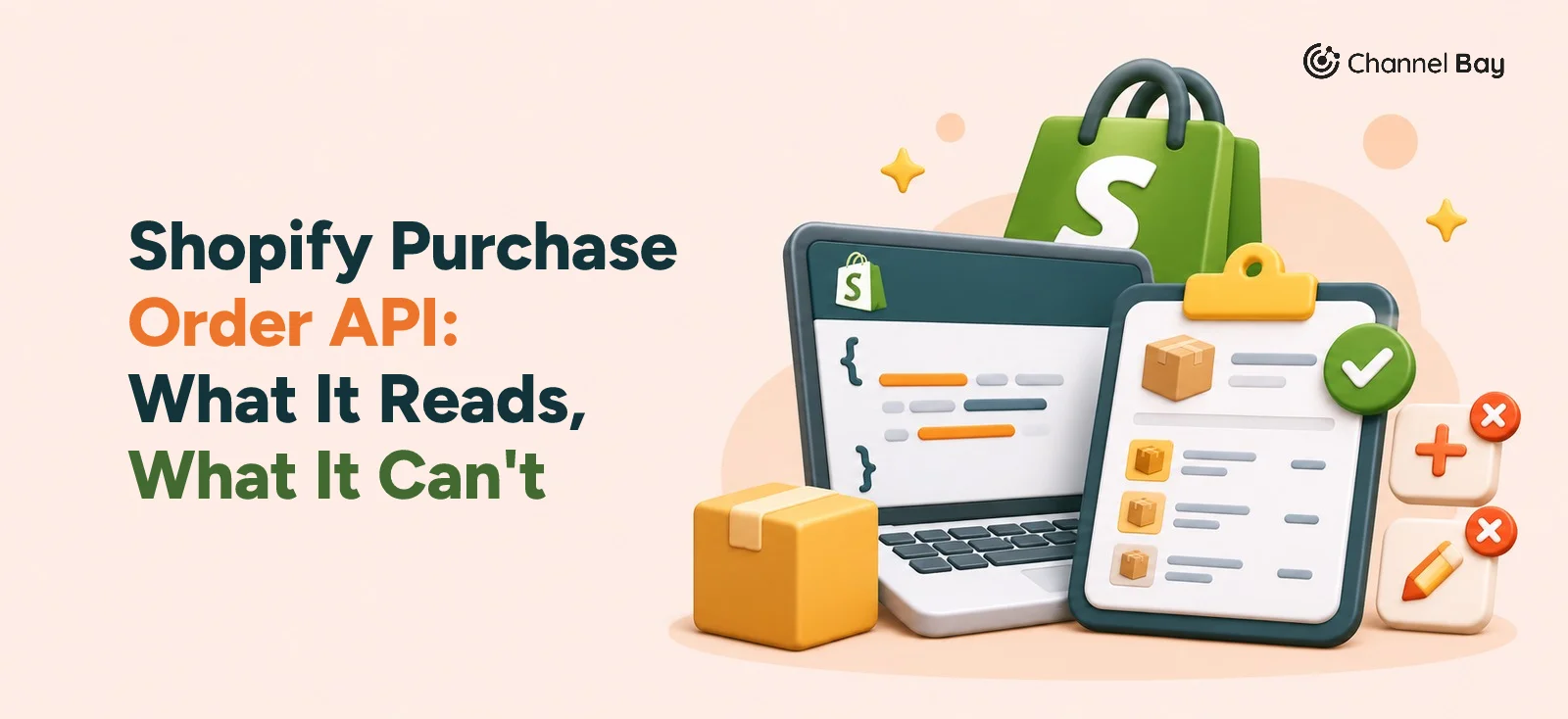
Yes, Shopify has a Purchase Order API, and it is read-only. Announced on 17 September 2026, it lets apps on GraphQL Admin API version 2026-10 and later read purchase orders with two queries, inventoryPurchaseOrder and inventoryPurchaseOrders. They can't create or edit purchase orders, because Shopify's release includes no purchase order mutations.
That is enough to build a dashboard, an accounting export or a sync that reads incoming stock. It is not enough to run purchasing from code. This guide covers what the API returns, the version and scopes you need, an example query, how purchase orders relate to inventory transfers, and what you still need another tool for. The last section shows where Channel Bay fits.
What Is the Shopify Purchase Order API?
The Shopify Purchase Order API is a set of GraphQL Admin API queries that let an authorized app read a store's purchase orders. A purchase order (PO) is the order a merchant places with a supplier to restock inventory: the products, quantities, costs and the supplier. If you are new to the document itself, start with our purchase order guide.
An app that already connects to Shopify, such as an inventory system, an ERP or a reporting tool, can now pull PO data directly instead of asking someone to export a CSV. That is the whole of what the API offers today.
| Item | Detail |
|---|---|
| Announced | 17 September 2026, in Shopify's developer changelog |
| API | GraphQL Admin API, version 2026-10 and later |
| Queries | inventoryPurchaseOrder (one PO by ID) and inventoryPurchaseOrders (a paginated list) |
| What you can read | PO details, line items, the supplier name, linked inventory transfers |
| Scopes | read_inventory_purchase_orders, plus read_inventory_transfers for linked transfers |
| Preview enrollment | Not needed |
| Create or edit POs | Not included. The release is read-only. |
Why Wasn't There a Public Purchase Order API Before?
Shopify has long offered public API access to customer orders. A purchase order is a different record, and the two are easy to mix up:
| Customer order | Purchase order |
|---|---|
| Created when a customer buys from your store | Created when you order from a supplier |
| Tracks sales, payment and fulfillment | Tracks procurement, suppliers and incoming stock |
| Outgoing stock | Incoming stock |
Purchase orders have existed in the Shopify admin, but public apps had no stable way to read them. Shopify's earlier access was an unstable API version, and the changelog describes it as needing enrollment in the physical inventory feature preview. Shopify doesn't recommend the unstable version for production, because features can be added or removed at any time, so there was little reason to build a production app on it. Shopify hasn't said why it took until 2026-10 to release a public read API.
If you built anything on Stocky's API, note that it is a separate API. Shopify says Stocky APIs stopped working on 31 August 2026, and our guide to what the Stocky API returned covers what to move across. The 2026-10 API is the supported way to read Shopify's own purchase orders.
What Is New in the Shopify Purchase Order Read API?
On 17 September 2026, Shopify announced public read access to purchase orders through the inventoryPurchaseOrder and inventoryPurchaseOrders queries. Before this, the same data was only reachable through the unstable preview. These changes matter if you used the preview:
- No preview enrollment or API beta access is needed any more.
read_inventoryalone no longer authorizes purchase order reads, including onunstable. Keep it if your app uses other inventory resources.InventoryPurchaseOrder.referenceNameis not part of the public 2026-10 API. Remove it from any query that selects it.- Versions 2026-07 and earlier don't get the public queries.
What Can an App Read?
- PO details: the name, status, creation date and the date the PO was confirmed with the supplier.
- Supplier: the supplier name, from the supplier snapshot on the PO.
- Line items: the products on the PO, with their own paginated list.
- Linked inventory transfers: the transfers connected to the PO, with their status.
What Do You Need to Request Access?
Request read_inventory_purchase_orders, and add read_inventory_transfers if you read the transfers connection. Apps that already hold read_inventory_purchase_orders or write_inventory_purchase_orders need no new purchase order scope. In shopify.app.toml, merge the scopes into your existing list rather than replacing it:
[access_scopes]
scopes = "read_inventory_purchase_orders,read_inventory_transfers"
Changing the requested scopes doesn't grant anything on its own. Existing installations have to approve them, and you can confirm what a shop granted through currentAppInstallation.accessScopes. Shopify's testing steps are short:
- Update the requested scopes and deploy.
- Complete the approval flow for existing installations.
- Send queries to
/admin/api/2026-10/graphql.json. - Test on a development store that has a purchase order and a linked transfer, and check for
ACCESS_DENIEDand schema errors. Both the app's scopes and the acting user's permissions apply.
How Does the Shopify Purchase Order API Work?
You send a GraphQL query and get back only the fields you ask for. This query reads five purchase orders with their supplier name, line items and linked transfers:
query PurchaseOrders($cursor: String) {
  inventoryPurchaseOrders(first: 5, after: $cursor) {
    nodes {
      id
      name
      status
      orderedAt
      origin {
        supplierName
      }
      lineItems(first: 5) {
        nodes {
          id
          title
        }
      }
      transfers(first: 5) {
        nodes {
          id
          name
          status
          totalQuantity
          receivedQuantity
        }
      }
    }
    pageInfo {
      hasNextPage
      endCursor
    }
  }
}
The field names follow Shopify's 2026-10 purchase order reference and its changelog sample. Run the query on a development store that has a purchase order and a linked transfer before you build on it. Each field returns one thing:
inventoryPurchaseOrders(first: 5, after: $cursor): a page of up to five purchase orders. The query also acceptslast,beforeand aqueryfilter.id,nameandstatus: the PO's ID, its name and its current status.orderedAt: when the PO was confirmed with the supplier. It is empty until then.origin.supplierName: the supplier name captured on the PO.lineItems(first: 5): up to five products per PO.transfers(first: 5): up to five linked inventory transfers per PO, each with its status and its total and received quantities.
To read one PO, use inventoryPurchaseOrder with its ID:
query PurchaseOrder($id: ID!) {
  inventoryPurchaseOrder(id: $id) {
    name
    status
    origin {
      supplierName
    }
  }
}
How Does Pagination Work?
The list uses cursor-based pagination. Read pageInfo.endCursor from each response and pass it as after in the next request, until hasNextPage is false. lineItems and transfers are connections too, so a PO with more than five of either needs its own pagination. If you don't need transfers, leave the transfers selection out and you can skip the read_inventory_transfers scope.
For the full field list, see Shopify's inventoryPurchaseOrders query and InventoryPurchaseOrder object.
Purchase Orders and Inventory Transfers
They are separate records. A purchase order records what you ordered from a supplier. An inventory transfer moves stock and records what arrived. Since 22 June 2026, Shopify receives a PO's stock on a linked transfer: the PO keeps two statuses, Draft and Ordered, and partial, received and closed states live on the transfer. Once the two are linked, changing a quantity on one doesn't change the other. Our guide to receiving inventory in Shopify walks through the steps.
For an API reader, that has one practical effect. The PO tells you what was ordered. To see what has arrived, read the linked transfer. Shopify's InventoryTransfer object carries status, totalQuantity, receivedQuantity, an origin and a destination, line items and shipments, which is why the query above selects the quantities on transfers. Reading transfers needs read_inventory_transfers.
What You Can Create Through the API
Purchase orders, no. The 2026-10 release has no mutation to create or update one. Inventory transfers, yes, with inventoryTransferCreate, which creates a draft transfer between two Shopify locations. It needs the write_inventory_transfers scope.
mutation CreateInventoryTransfer($input: InventoryTransferCreateInput!)
  @idempotent(key: "REPLACE-WITH-A-UNIQUE-KEY") {
  inventoryTransferCreate(input: $input) {
    inventoryTransfer {
      id
      name
      status
    }
    userErrors {
      field
      message
    }
  }
}
Variables:
{
  "input": {
    "originLocationId": "gid://shopify/Location/111111111",
    "destinationLocationId": "gid://shopify/Location/222222222",
    "lineItems": [
      {
        "inventoryItemId": "gid://shopify/InventoryItem/333333333",
        "quantity": 100
      }
    ]
  }
}
InventoryTransferCreateInputholds the origin and destination locations, the line items and optional fields such as a note, tags and a reference name.- The
@idempotentdirective is required from API version 2026-04. Generate one key per logical request and reuse it when you retry, so a retry can't create a duplicate transfer. userErrorslists anything Shopify rejected.- The new transfer starts as a draft. The
inventoryTransferMarkAsReadyToShipmutation, which also needswrite_inventory_transfers, moves it to ready to ship.
Important: inventoryTransferCreate creates a transfer, not a supplier purchase order. It can't stand in for creating a PO. See the inventoryTransferCreate reference for the full input.
Is There a Draft Purchase Order REST API?
Not in this release. Shopify announced the Purchase Order Read API for GraphQL. Shopify's REST Admin API has been legacy since 1 October 2024, and since 1 April 2025 new public apps must be built on GraphQL only. If you search for a "draft purchase order" endpoint, you may land on Shopify's draft orders. Those are orders a merchant creates on behalf of a customer, not orders placed with a supplier.
What Can and Can't You Automate With the Shopify Purchase Order API?
| Operation | In the public API? | Scope |
|---|---|---|
| Retrieve one purchase order | Yes | read_inventory_purchase_orders |
| Retrieve a paginated list of purchase orders | Yes | read_inventory_purchase_orders |
| Read line items | Yes | read_inventory_purchase_orders |
| Read the supplier name | Yes | read_inventory_purchase_orders |
| Read linked inventory transfers | Yes | read_inventory_purchase_orders and read_inventory_transfers |
| Create a purchase order | No, not in this release | Not applicable |
| Edit a purchase order | No, not in this release | Not applicable |
| Create an inventory transfer | Yes, as a transfer | write_inventory_transfers |
| Mark a transfer ready to ship | Yes | write_inventory_transfers |
What Does This Mean for Shopify Merchants?
For developers, the API means a reporting tool or ERP can read what is on order without a CSV. For a merchant running purchasing, it changes less than the headline suggests, because reading a PO isn't the same as managing one. Around the order itself, Shopify's native purchase orders still leave these jobs to you or to an app:
- Deciding what to buy. Shopify's purchase order help pages don't describe reorder suggestions, so you work out what to order from your own sales and stock levels. Our Stocky comparison covers what Shopify does and doesn't offer here.
- Several suppliers per product. Shopify keeps one vendor per product and a single fixed cost per item for each variant. Shopify's Stocky migration guide suggests variant metafields for supplier SKUs, lead times, minimum order quantities and case packs, which are for reference only.
- Sending the PO. You export a PDF and send it to the supplier yourself.
- Landed cost. Freight and duty can be recorded on the shipment, but Shopify's Stocky migration guide says a variant's cost per item stays fixed when you receive a purchase order or transfer, so margins stay overstated until you update it. Our guide to Shopify landed cost shows how to work it out.
Our comparison of Stocky and Shopify's native purchase orders goes through each of these with Shopify's own help pages, and the guide to creating a purchase order in Shopify covers the admin side.
How Do Shopify's Native Purchase Orders Compare With Channel Bay?
Channel Bay is our app, so we're not neutral here. It is a Shopify inventory app for purchase orders, stocktakes, transfers and multichannel stock sync. This table compares Shopify's native purchase orders with Channel Bay's, side by side:
| Shopify native purchase orders | Channel Bay | |
|---|---|---|
| Creating a PO | In the admin under Products > Purchase orders, with a supplier, draft and ordered statuses and a PDF export | In the app, with the supplier, products, quantities and costs. The PO is emailed to the supplier as a PDF |
| Suppliers per product | One vendor and one fixed cost per variant | Several suppliers per product, each with its own supplier SKU, cost, pack size and minimum order |
| What to reorder | No suggestions on the PO | Days of stock left and a suggested quantity on the Pro plan, plus a reorder point per product, 10 units by default and editable |
| Low-stock alerts | Not described on Shopify's purchase order pages. Needs an app or a workflow you build | Alerts when a product drops below its reorder point, plus a daily digest |
| Receiving | On the linked transfer, with partial shipments and accepted, rejected or cancelled units | Against the PO, one batch per delivery, each with its own invoice number and freight |
| Landed cost | Freight and duty recorded as cost adjustments on the shipment. Cost per item stays fixed | Freight and discounts spread across the lines by value, for a landed cost per unit. Unit cost can be changed as you receive |
| Channels | Shopify | Shopify stores and Amazon (merchant-fulfilled listings), on the Basic and Pro plans |
Channel Bay doesn't create POs on its own, route them for approval, match invoices or connect to QuickBooks or Xero. You decide what to order and create the PO. A typical run looks like this:
- A product drops below its reorder point and an alert fires.
- You check days of stock left and the suggested quantity.
- You open a PO for the supplier, set the quantities, and the PO is emailed to the supplier as a PDF.
- Each delivery is received as its own batch with its invoice number and freight.
- Received stock updates Shopify, and Amazon too on the Basic and Pro plans.
Channel Bay is free for stores with fewer than 1,000 orders in the last 365 days, and the rest is on the pricing page. To see the workflow, read how Channel Bay handles purchase orders. If you are choosing between apps, start with the best purchase order apps for Shopify.
Sources: Shopify's Purchase Order Read API changelog (17 September 2026); the 2026-10 GraphQL Admin API reference for inventoryPurchaseOrders, inventoryPurchaseOrder, InventoryPurchaseOrder, InventoryTransfer, inventoryTransferCreate and inventoryTransferMarkAsReadyToShip; and the Shopify Help Center pages on creating purchase orders, viewing purchase orders, creating inventory transfers, managing suppliers and transitioning from Stocky.
Frequently Asked Questions
Does Shopify have a purchase order API?
inventoryPurchaseOrder query reads one PO and inventoryPurchaseOrders reads a paginated list. It is read-only.Can you create purchase orders through the Shopify API?
How do I retrieve purchase orders using the Shopify GraphQL API?
inventoryPurchaseOrders query to /admin/api/2026-10/graphql.json with the read_inventory_purchase_orders scope. Select the fields you need, such as name, status and origin.supplierName, and page through results with first, after and pageInfo.endCursor.What permissions does the Shopify purchase order API need?
read_inventory_purchase_orders to read purchase orders, and read_inventory_transfers as well to read their linked transfers. read_inventory alone isn't enough. The acting user also needs the right permissions in the store.Can you edit or update purchase orders through the Shopify API?
Can the inventory transfer API create purchase orders?
inventoryTransferCreate creates a draft transfer of stock between two locations. It doesn't create a supplier purchase order.Is there a Shopify purchase order REST API?
What is the difference between Shopify native purchase orders and an inventory management app?

Guides from the team that builds and supports Channel Bay, the Shopify inventory app for purchase orders, stocktakes, stock transfers and multichannel stock sync. About Channel Bay