Shopify Draft Orders vs Purchase Orders: What's the Difference?
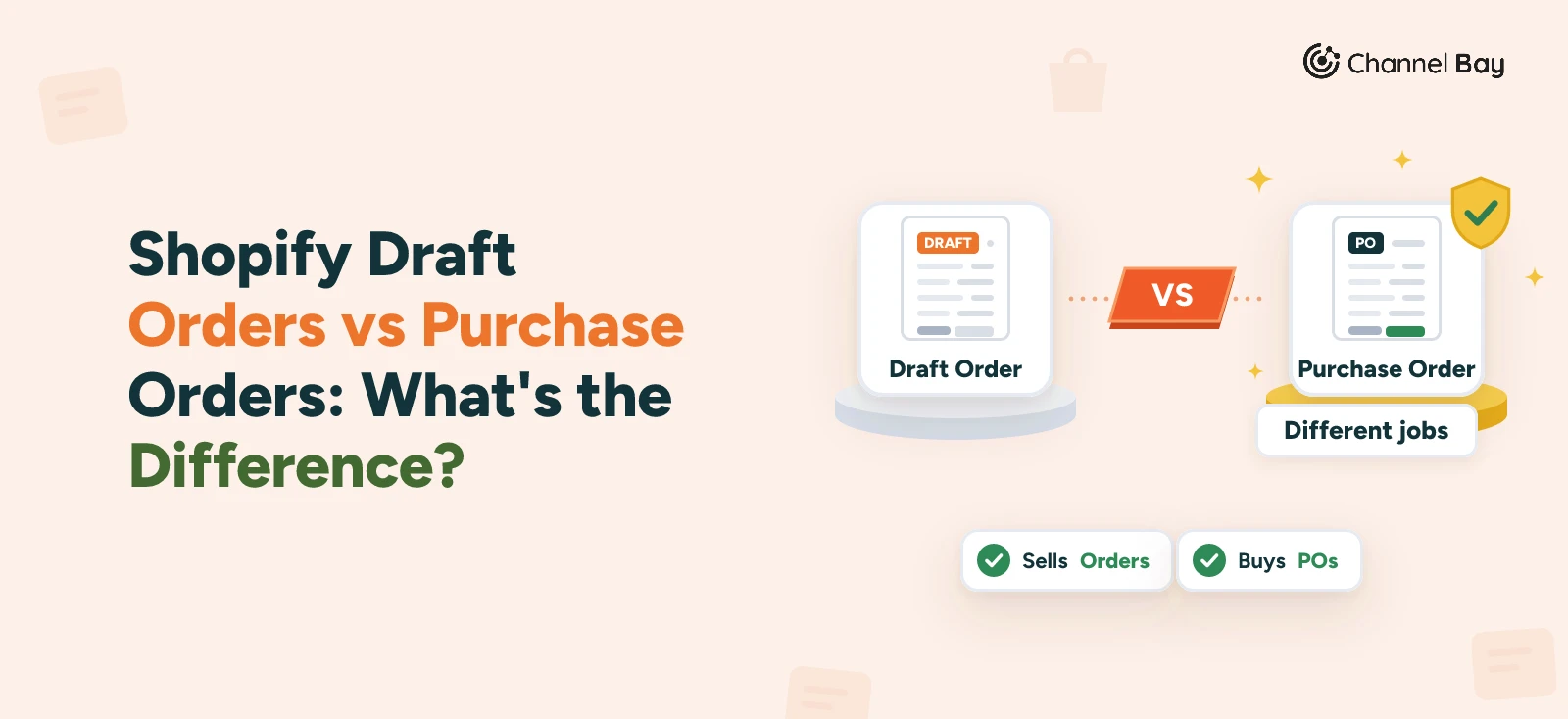
A Shopify draft order is an order you build for a customer. A purchase order is one you place with a supplier. See how they differ and what each does to stock.
On this page
- What is the difference between a draft order and a purchase order?
- What is a Shopify draft order?
- What is a Shopify purchase order?
- Why do people mix them up?
- What does each one do to your stock?
- Which one do you use?
- Common mistakes with draft orders and purchase orders
- How Channel Bay handles draft orders and purchase orders
- Where to start
Key Takeaways
- A Shopify draft order is an order you create for a customer, from Orders then Drafts. A Shopify purchase order is an order you place with a supplier, from Products then Purchase orders. One sells stock and the other buys it.
- Both have a Draft stage, which is why they get mixed up. A draft order is a separate object that turns into an order when it is paid. A purchase order stays one record, and its Draft status changes to Ordered after the supplier confirms.
- A draft order only holds stock if you choose Reserve inventory. Reserved units move to Committed. Unreserved units stay Available, and another customer can buy them.
- A purchase order adds stock only on the way in. Shopify's Incoming state covers units on transfers, purchase orders or apps, and they are not sellable until received.
- Channel Bay has no draft sales order. Create Order saves the order and commits the units, and purchase orders have their own Draft status that adds no incoming stock.
A Shopify draft order is an order you build for a customer, usually after a phone call or an email, and then turn into a paid order. A Shopify purchase order is the record of an order you place with a supplier to buy stock. The first sells stock and the second buys it, so they point in opposite directions.
The mix-up is understandable. Both have a Draft stage, both live in the Shopify admin and both list products and quantities. This guide is part of our Shopify purchase order guide, and a companion to the general sales order vs purchase order guide.
What Is the Difference Between a Draft Order and a Purchase Order?
A draft order is a sales document and a purchase order is a buying document. You write a draft order for a customer who will pay you. You write a purchase order for a supplier you will pay.
| Draft order | Purchase order | |
|---|---|---|
| Who it is for | A customer | A supplier |
| What it records | What the customer will buy from you | What you will buy from the supplier |
| Where it lives | Orders, then Drafts | Products, then Purchase orders |
| Stages | A draft until paid, then an order | Draft, then Ordered |
| Who pays whom | The customer pays you | You pay the supplier |
| Effect on stock | Holds units only if you reserve them | Adds incoming stock, once the stock is on its way |
| What you send | An invoice with a checkout link | A PDF for the supplier to review |
"Order" in the Shopify admin can mean either, which is the root of the confusion. If a customer will pay you, it is a draft order or an order. If you will pay someone, it is a purchase order.
What Is a Shopify Draft Order?
A draft order is an order you create on behalf of a customer. You add the products, then send the customer an invoice. By default the invoice holds a link to a checkout where the customer pays (Shopify Help Center, creating draft orders, read 11 November 2026).
You build one from Orders, then Drafts, then Create order. Shopify lets you add a customer, apply discounts, set custom prices on line items, turn taxes on or off and add tags or a note. Then you do one of four things: send an invoice, accept payment, set payment terms, or save it as a draft to update later.
Four details matter for stock and cash:
- Reserving is optional. Choosing Reserve inventory puts the units in Committed and other customers can't buy them. If you don't reserve, the units stay Available. Reserving needs inventory tracking turned on for the product, and you pick the date and time the reservation expires.
- Payment can come later. Choose Payment due later and pick a term: due on receipt, due on fulfillment, net 7, 15, 30, 45, 60 or 90, or a fixed date. A percentage deposit is a Shopify Plus feature (Shopify Help Center, payment terms on draft orders, read 11 November 2026).
- It becomes an order when paid. After the customer completes checkout from the invoice or link, the draft becomes an order on the Orders page and is marked Paid. Don't mark a draft as Paid before the money arrives, because the invoice link then stops working (Shopify Help Center, sending invoices for draft orders, read 11 November 2026).
- It can go stale. If a product price or shipping rate changes before you complete it, Shopify warns you and asks you to resolve the change (Shopify Help Center, getting paid for draft orders, read 11 November 2026). Lock product pricing on the draft to hold a quoted price. Drafts created on or after 1 April 2025 are deleted after 1 year of inactivity (Shopify Help Center, creating draft orders, read 11 November 2026).
What Is a Shopify Purchase Order?
A purchase order records the commercial agreement you make with a supplier. It lists the products, prices and quantities, and helps you track costs, payment terms and supplier details. You create it from Products, then Purchase orders, and each one needs a supplier (Shopify Help Center, purchase orders, read 11 November 2026).
It has two statuses. Draft means it is still being created or reviewed, and you can edit everything. Ordered means it has been submitted to the supplier. You can export a draft as a PDF for the supplier to review, and Shopify says to mark it Ordered after the supplier confirms. Receiving is not tracked on the purchase order itself. After it is Ordered, you create an inventory transfer, and receiving, partial receipt and closing are tracked there. Our create a purchase order in Shopify guide walks through the steps, and the receiving guide covers the transfer.
Notice what is missing. A purchase order has no customer, no invoice link and no checkout. Nobody pays through it. It is paperwork between you and the supplier.
Why Do People Mix Them Up?
Mostly because of the word "draft". It appears in both places and means a different thing in each:
| Draft order | Purchase order in Draft status | |
|---|---|---|
| What "draft" is | A separate object, not yet an order | A status on a record that stays the same record |
| What ends it | Payment turns it into an order | You mark it Ordered, once the supplier confirms |
| Who sees it | The customer sees an invoice, if you send one | The supplier sees a PDF, if you send one |
| What it does to stock | Nothing, unless you reserve the items | Nothing yet. Stock shows as incoming only after a linked transfer is in transit |
| Where it is | Orders, then Drafts | Products, then Purchase orders |
A draft order disappears from Drafts when it becomes an order and shows up on Orders. A purchase order never moves. It keeps its place in the purchase order list, and only its status and the transfer linked to it change.
What Does Each One Do to Your Stock?
Shopify tracks stock in states. Committed units are set aside, including units reserved in a draft order. Incoming units are on their way from transfers, purchase orders or apps, and they are not available to sell until they are received (Shopify Help Center, inventory states, read 11 November 2026). On a native Shopify purchase order, the stock shows as incoming once you create the linked transfer and move it to in transit. Shopify says that step marks the inventory as incoming at the destination (Shopify Help Center, creating and processing transfers, read 11 November 2026). Our create a purchase order in Shopify guide has the steps, and the guide to seeing incoming inventory in Shopify shows where the figure appears.
Take the mug brand from our other guides. It has 150 mugs on hand, which is its reorder point, and PO-2026-0142 for 500 more is on its way. Harbor Cafe Supply, an invented wholesale customer, emails its own PO, HCS-2291, for 120 mugs. You create a draft order for it. The figures are illustrative, the same ones as in the sales order vs purchase order guide.
| Event | On hand | Committed | Available | Incoming |
|---|---|---|---|---|
| PO-2026-0142 on its way, nothing else open | 150 | 0 | 150 | 500 |
| Draft order for 120 saved, items not reserved | 150 | 0 | 150 | 500 |
| Items reserved on the draft order | 150 | 120 | 30 | 500 |
| Customer pays, order fulfilled | 30 | 0 | 30 | 500 |
| The 500 are received | 530 | 0 | 530 | 0 |
The second row is the trap. A saved draft order that doesn't reserve anything leaves Available at 150, so a web shopper can buy mugs you meant for Harbor Cafe Supply. Reserving is what holds them. The reserved row also shows why shelf stock looks low while a big order is open: 30 available against a reorder point of 150, with 500 on the way. Reorder from available plus incoming, as the reorder point guide explains.
Which One Do You Use?
It depends on who is paying whom. These are the four situations an online seller meets most:
| Situation | Use | Why |
|---|---|---|
| A business customer emails you its PO | A draft order | You are selling. Enter the items, add their PO number if B2B is on, and send an invoice |
| You quote a price over the phone | A draft order | Set custom prices, lock them and send an invoice link |
| You are running low on a product | A purchase order | You are buying. Send the supplier a PDF and track the delivery |
| A customer order has used up your stock | Both, one after the other | The draft order sells it, and a separate purchase order replaces it |
The first row is covered in our Shopify B2B purchase orders guide: a draft order is how a PO that arrives outside your store becomes an order, with its PO number and net terms. The last row is the one people ask about. No step turns a draft order into a purchase order. You raise the purchase order yourself, from what the draft order tells you about demand.
Common Mistakes With Draft Orders and Purchase Orders
- Using a purchase order to record a customer's order. A purchase order is addressed to a supplier. A customer's order belongs in a draft order or an order.
- Leaving items unreserved on a large draft order. Stock stays Available, so another shopper can take it before the customer pays.
- Marking a draft as Paid before the money arrives. Shopify warns that the invoice link then stops working.
- Sending a draft order invoice with no contact details. Shopify says the order confirmation can't be sent if the draft has no email address or phone number, and it can't be sent afterwards.
- Leaving a quoted draft open for weeks. Prices can change under it, so lock product pricing, and remember that a reservation has its own expiry date.
- Treating Draft status on a purchase order as stock on its way. Draft means the PO is still being prepared. Use a PO's Ordered status and its transfer to see what is incoming.
- Mixing up the two number series. A purchase order and an order can both end in 0142. Keep a PO prefix on your own purchase orders, as in the PO number guide.
How Channel Bay Handles Draft Orders and Purchase Orders
Channel Bay is a purchasing and inventory app, so it covers the purchase order side in depth and the draft order side only lightly. This is what it does, as of November 2026:
- Purchase orders have their own Draft status. On the purchase order form, Save as Draft keeps an order for later. A draft still needs a supplier and a warehouse, but it can be saved before products are added. If the expected delivery is more than 90 days away, it is saved as Planned instead. Activate PO or Mark as ordered makes it open.
- A draft PO adds no incoming stock. Channel Bay counts open, partly received, overdue and expired purchase orders as incoming. Draft and planned ones can't be received, marked paid, invoiced or emailed to the supplier until you activate them. Our open purchase order guide covers those statuses.
- There is no draft sales order. Create Order on the Sales Orders page saves an order. It takes a customer and products, and you assign each line to a warehouse location. Saving commits those units, so they come out of available. Nothing in the order form or the documentation describes a draft or quote state, and Reserve inventory is not a separate step.
- You can still send an invoice. Generate Invoice on the order form saves the order and opens an invoice page with a PDF preview. You can download it or email it to the customer. Invoicing, fulfilling and marking as paid are only offered on orders created in Channel Bay, not on orders synced from Shopify or Amazon.
- Shopify drafts are not covered. Shopify says a draft order becomes an order when it is paid, and Sales Orders lists the orders your channels send in. The documentation doesn't describe how a draft is treated before that, so don't count on Channel Bay seeing one.
Some limits to know about:
- No link from a customer order to a purchase order. Nothing turns a sales order into a PO, so you raise it yourself from the restock list or the Forecast tab (Pro).
- No field for a customer's PO number on orders you create. The form has Customer Notes, which is the nearest place to keep it. Our sales order guide covers the same gap.
- Sales Orders depends on your plan. On the standard plans it is in Basic and Pro, and purchase orders are in Lite too. Plans can change, so check the pricing page.
Where to Start
Open Orders, then Drafts, and check for drafts older than a few weeks. For each one, see whether its items are reserved and whether the reservation has expired. Then open Products, then Purchase orders, and look for any still in Draft that you meant to send. Those two checks catch the most common draft mistakes: stock promised to nobody, and stock ordered from nobody.
Frequently Asked Questions
What is the difference between a draft order and a purchase order in Shopify?
Is a Shopify draft order the same as a purchase order?
Does a draft order reduce inventory in Shopify?
Can I turn a draft order into a purchase order?
When does a Shopify draft order become an order?
Do draft orders expire?
Which one do I use when a customer sends me their purchase order?

Guides from the team that builds and supports Channel Bay, the Shopify inventory app for purchase orders, stocktakes, stock transfers and multichannel stock sync. About Channel Bay