How to Import and Export Purchase Orders in Shopify (CSV)
Shopify imports PO lines from a CSV, but its help describes only a PDF export. See the columns, the errors and ways to get your POs out as a file.
On this page
Key Takeaways
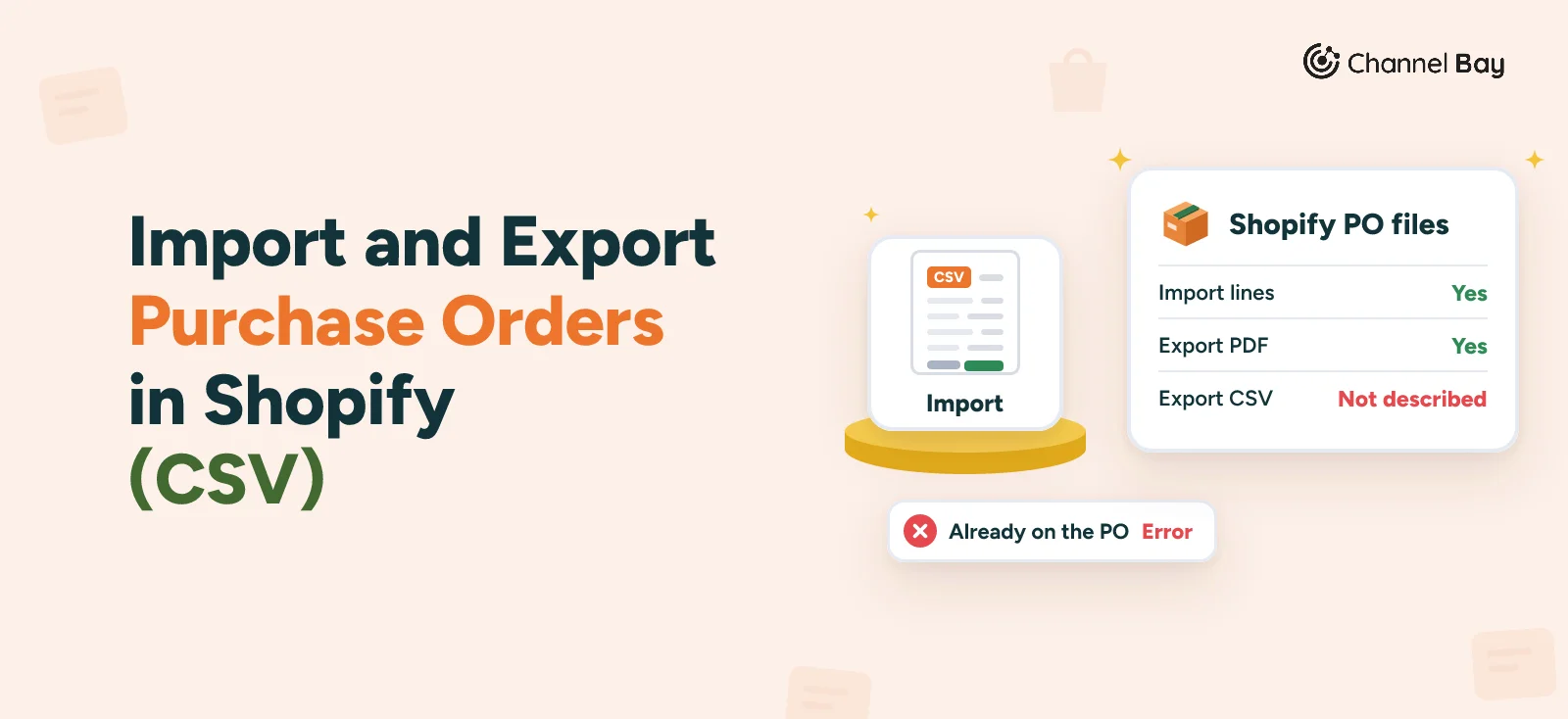
- Shopify imports purchase order lines from a CSV into a new or an existing PO. Its help describes only a PDF for export, and no CSV export of purchase orders.
- The sample file has six columns: SKU, Barcode, Supplier SKU, Quantity, Cost and Tax. Each row must identify a variant by SKU, barcode or both, and a variant already on the PO is rejected as an error.
- To change a quantity that is already on the PO, edit it on the PO. Importing the line again will not update it.
- To get PO data out, use the PDF for one PO, the inventory export for incoming totals, the read-only purchase order query from 2026-10 for a developer or an app, or a tracker you keep yourself.
- Channel Bay imports PO lines from a CSV, exports one PO or up to 20 at a time, and exports a register of all POs in a date range.
Shopify's help describes a CSV import for purchase orders and a PDF export, and no CSV export. Its purchase order page (read on 11 November 2026) says you can bulk import products to a new or an existing PO from a CSV file, and that you can save a PO as a PDF. Nothing on it exports a PO, or a list of POs, as a CSV (Shopify Help Center).
This guide covers the import step by step, with the sample file's columns and a worked file, and the one error Shopify names. It then covers what you can get out of Shopify instead, and what Channel Bay does for both. For the whole PO routine, see our Shopify purchase order management guide.
What Shopify Does With a CSV, and What It Doesn't
| Job | What Shopify's help describes |
|---|---|
| Add line items to a PO from a file | Yes. A CSV imports into a new or an existing PO |
| Update quantities on lines already on the PO | No. Edit them on the PO |
| Export one PO | Yes, as a PDF, under More actions |
| Export one PO or a list of POs as a CSV | Not described |
| See incoming stock as a file | Yes, by variant and location, in the inventory export. It is a total, not a list of POs |
| Read POs from code | Yes, through a read-only query in Admin API 2026-10 |
How to Import Purchase Order Lines From a CSV in Shopify
Shopify's steps are short (Shopify Help Center):
- In Shopify admin, go to Products, then Purchase orders.
- Click Create purchase order, or open an existing one.
- Click Import, then Add file.
- Select your CSV.
- Click Import products.
The file holds one row per variant. Shopify's help says you can identify each variant by SKU, by barcode or by both, and give the quantity you want to order. Cost and tax are optional, and you can add them in the file or on the PO afterwards. The sample file linked from the help page has these headers:
SKU,Barcode,Supplier SKU,Quantity,Cost,Tax
Shopify's help doesn't say what the import does with the Supplier SKU column, and doesn't say how Tax is read. The sample's tax values (5, 0 and 13) look like percentages, which would match the tax percentage on a PO line, but confirm that on a draft PO before you rely on it. It also states no limit on rows or file size, so split a very large file and check the line count on the PO afterwards.
A Worked Example: PO-2026-0158
A homewares shop has a draft PO, PO-2026-0158, with one line already on it: 50 white mugs, SKU MUG-WHT-12. It prepares this file for the rest of the order. All SKUs, barcodes and figures are invented for the example.
SKU,Barcode,Supplier SKU,Quantity,Cost,Tax
MUG-WHT-12,,SUP-4410,300,2.60,0
MUG-SAG-12,,SUP-4411,200,2.60,0
,0123456789012,SUP-5120,120,3.40,0
TWL-LIN-NAT,,SUP-6001,150,3.40,
Three rows are new variants, and one is identified by barcode only. Row one, MUG-WHT-12, is already on the PO. Per Shopify's help, that row doesn't import and shows as an error. The shop wants 300 white mugs in total, so it edits the existing line from 50 to 300 on the PO, and the other three rows come in as new lines. If it had expected the import to overwrite the 50, the PO would still say 50 white mugs, and only the error message would have told it so.
Before you upload a file:
- Match the identifier exactly. Copy SKUs and barcodes from Shopify's product export, not from the supplier's catalogue, because the supplier's codes may differ from yours.
- Protect barcodes in the spreadsheet. A spreadsheet can strip the leading zero from a barcode or turn a long number into scientific notation, so format the column as text before you paste. Our barcode scanning guide explains how lost leading zeros happen.
- Check for variants already on the PO. That is the one failure Shopify's help describes. Open the PO and compare its lines with your file before you upload.
- Check the PO afterwards. Count the lines, then open a few and compare the quantity, cost and tax with your file.
How to Export Purchase Orders From Shopify
A PDF is the only PO export Shopify's help describes. Open the PO, click More actions, then Export PDF (Shopify Help Center). It is meant for the supplier or your own records. Our guide to the Shopify purchase order template covers what the PDF holds and what it can't be changed to hold.
For a CSV of your POs, the evidence points one way. A Shopify staff reply in the community on 10 May 2024 said bulk CSV export of purchase orders was not currently possible and that the request had been passed to the development team. Posts in 2026 on the same subject were still asking, one from a store with 47 POs, and none was answered with a built-in export (Shopify Community, Shopify Community). That is community evidence, not Shopify's documentation, so check the admin for an export button before you build a workaround.
Four routes get PO data out, none of them a CSV button on the PO list:
- The inventory export, for incoming stock. Go to Products, then Inventory, click Export and choose All states. The file has an Incoming (not editable) column for each variant and location (Shopify Help Center). It is one total, not a list of POs. Our incoming inventory guide shows where the figure comes from.
- The API. Admin GraphQL API 2026-10 has an
inventoryPurchaseOrdersquery that returns a paginated list of POs. It needs theread_inventory_purchase_ordersscope and is read-only (Shopify developer docs). It suits a developer or an app, and our Shopify purchase order API guide has the queries. - A tracker. One row per PO, filled in by hand from the PO and its linked transfer. Our free purchase order tracker has the columns, and it is the dependable route for a small number of POs.
- A script that reads the page. Replies in the community threads above describe unofficial browser-console scripts that copy POs one at a time. They can stop working when Shopify changes the page, so don't build a process on one.
Don't Use the Inventory CSV to Receive a PO
The inventory file can be edited and imported, so it is tempting to use it to book a delivery. It isn't a way to receive a PO. Shopify's help says to edit the On hand (new) column, and that the Incoming column can't be edited (Shopify Help Center). Receiving is recorded on the linked transfer, which is also where the accepted and rejected quantities live. Our receiving guide has the steps, and the inventory transfer guide covers the transfer CSV import.
What the Import Won't Do
- It doesn't update lines. A variant already on the PO is an error, so a revised order is an edit on the PO.
- It doesn't carry the PO's details. Shopify's help describes lines only, so the supplier, destination, payment terms and reference number still come from the PO form (Create a purchase order in Shopify).
- It doesn't check your supplier's price list. Cost and tax come from the file, so a price that crept up in the supplier's file arrives on the PO unless you look. Compare it with the confirmed price before you pay.
Where Channel Bay Fits
Channel Bay is our app, so we're not neutral here. It has its own purchase orders, and it does both halves: a line-item import and CSV exports.
Importing Lines
In the PO form, pick the supplier first, then click Import CSV under Selected Products. The window has a Sample CSV link and takes a file of up to 5MB.
- Columns. The file needs a
sku/barcodecolumn and a quantity column, calledpacksfor a supplier that delivers in packs andquantityfor the rest. The import accepts either name. Addunit_costto override the supplier's saved cost. - Result panel. It lists the rows it added or updated and the rows it skipped, with the reason for each. A SKU that appears twice in the file is skipped the second time.
- A variant already on the PO is updated, not rejected. The line takes the quantity from the file, and the cost too when the file has
unit_cost. Without that column, the cost falls back to the supplier's saved cost, then the variant's cost price, which would overwrite a cost you edited by hand. This is the reverse of Shopify's behaviour. - Each product must be linked to the supplier. Rows for variants not linked to the selected supplier, or inactive, are skipped and reported. Our Shopify suppliers guide covers setting up supplier products, including a CSV import.
- Up to 500 products per PO. Rows beyond that are skipped.
Exporting Purchase Orders
- One PO. Open it, click More Actions, then Export CSV. The file has one row per line, with the PO number, supplier, product, variant, SKU, barcode, supplier code, a delivery status for the line, the last received date, the quantities ordered and received, pack size, and cost and total cost.
- Several POs. On the Purchase Orders list, tick the rows, then Bulk Action, then Bulk Export CSV. You get one ZIP file with one CSV per PO, for up to 20 POs at a time. It is not a single merged file, and cancelled POs can't be selected.
- All POs in one file. The Purchase Order Register report lists POs by supplier, status and date, with units and value ordered against received. Export CSV queues a background export of the current view and the file lands on the Exports page. With the product columns hidden, each row is one PO.
- Receiving from a file. On the Receive Items page, Import CSV fills the unit cost and the quantity received from a file such as a packing list. Nothing is saved until you save the batch, and the button isn't shown on the Lite plan.
- By email. When you email a PO to the supplier, you can attach the PDF, a CSV export or both.
One check before you use an export with a supplier who bills in another currency: the file has two columns headed supplier currency, and the app leaves them empty. Compare the cost columns with the PO before you rely on them.
Channel Bay has no scheduled export of POs. Channel Bay is free for stores with fewer than 1,000 orders in the last 365 days, and the prices are on the pricing page. See how Channel Bay handles purchase orders.
Frequently Asked Questions
Can you import a purchase order into Shopify from a CSV?
What columns does Shopify's purchase order CSV need?
Why did a row fail to import into my Shopify purchase order?
Can you export purchase orders from Shopify to CSV?
Can you export a purchase order as a PDF in Shopify?
Can you export Shopify purchase order data through the API?

Guides from the team that builds and supports Channel Bay, the Shopify inventory app for purchase orders, stocktakes, stock transfers and multichannel stock sync. About Channel Bay