Sales Order vs Purchase Order: What's the Difference?
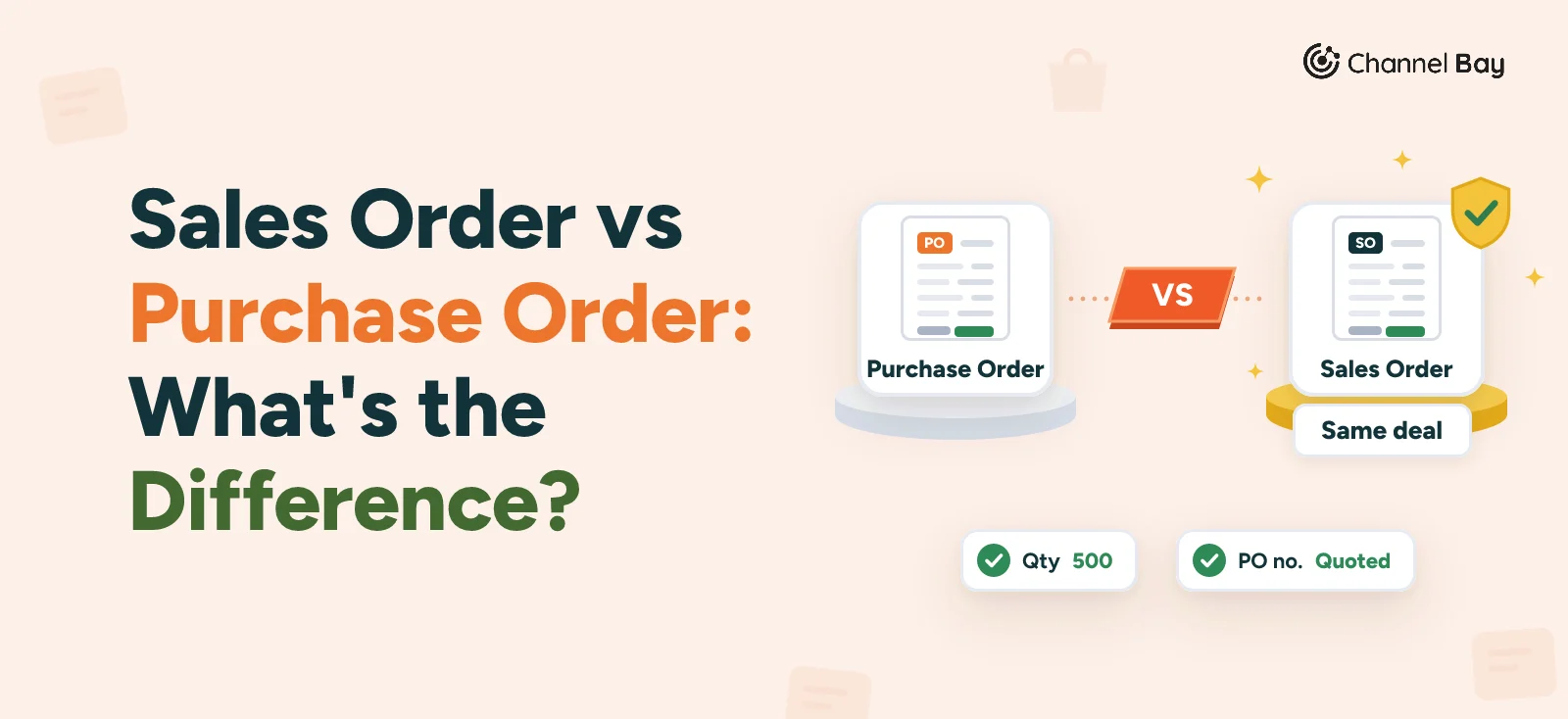
A purchase order is the buyer's order to a supplier. A sales order is the seller's record of the same deal. See how they link and what each does to stock.
On this page
- What is the difference between a sales order and a purchase order?
- One deal, two sets of documents
- Three situations for an online seller
- What each one does to your stock
- Sales order vs invoice
- Who is bound, and when?
- Common mistakes with sales orders and purchase orders
- Sales orders and purchase orders in Shopify
- How Channel Bay handles sales orders and purchase orders
- Where to start
Key Takeaways
- A purchase order (PO) is the buyer's document, sent to a supplier before delivery. A sales order is the seller's record of the same order once it accepts it. Your PO to a supplier is that supplier's sales order, and a customer's PO to you is your sales order.
- The sales order is usually the seller's internal record. What the buyer receives is an order confirmation quoting its PO number. Read each confirmation against your PO the day it arrives.
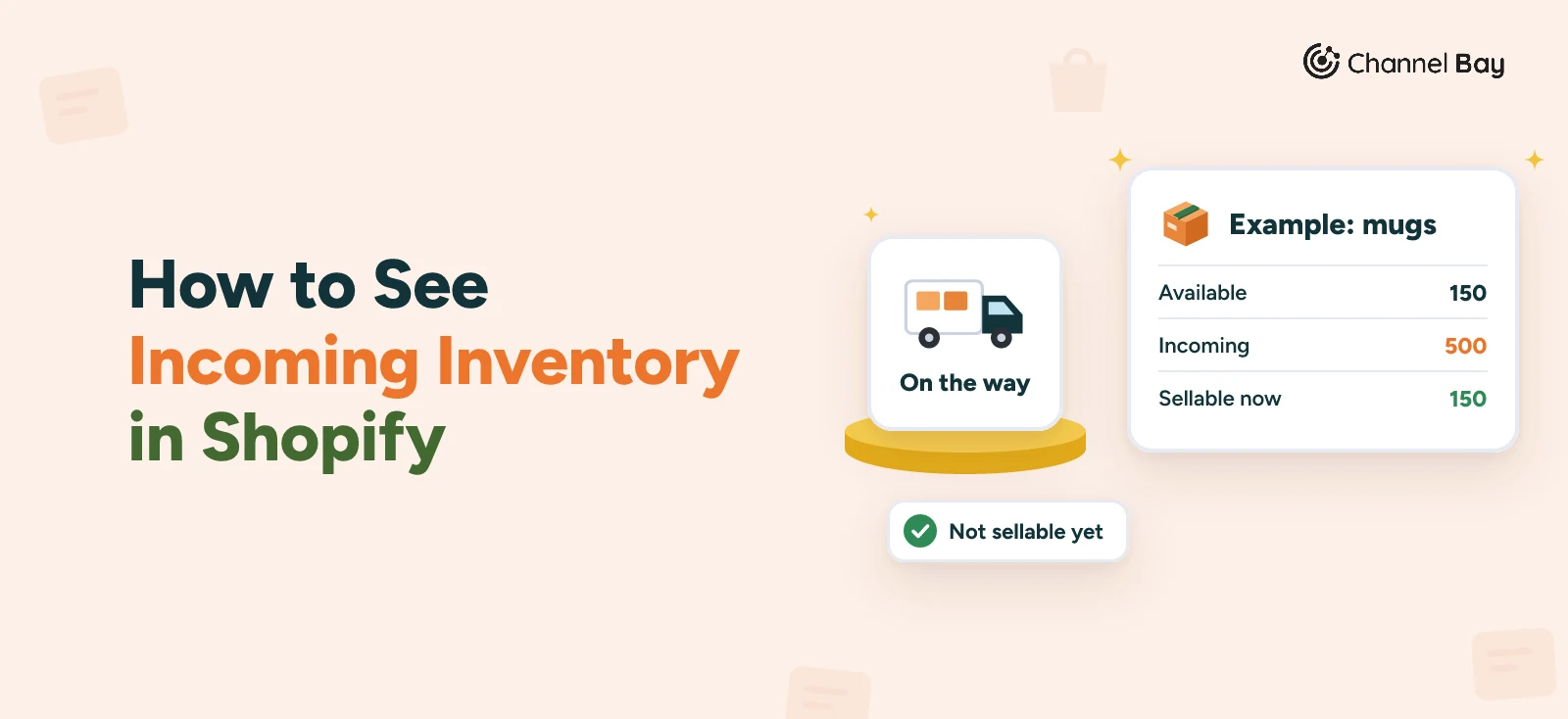
- A PO adds incoming stock. A sales order commits stock. In the mug example a 120 unit order cuts available stock from 150 to 30 while 500 are still on a PO, so reorder from available plus incoming, not available alone.
- A sales order is not an invoice. The sales order records what was ordered and drives picking. The invoice asks for payment. At a store checkout they collapse into one step, and on net terms they come apart.
- Channel Bay keeps the two in separate places: Purchase Orders under Purchasing and Sales Orders under Sales. Creating a sales order there commits the units at a location. It does not turn into a purchase order.
A purchase order (PO) is the document a buyer sends a supplier to order goods. A sales order is the seller's record of the same order, created when the seller accepts it. They describe one deal from two sides: your purchase order to a supplier becomes that supplier's sales order, and a customer's purchase order to you becomes yours.
For an online seller the difference is practical, because you sit on both sides at once. You raise purchase orders to restock, and every customer order is a sales order that takes stock back out. This guide covers who creates each document, whether the sales order is sent to the buyer, the paperwork on both sides of one deal, what each does to your stock count, how a sales order differs from an invoice, and how Shopify and Channel Bay treat them. It is a companion to the purchase order guide, which follows one PO from approval to payment.
What Is the Difference Between a Sales Order and a Purchase Order?
The difference is whose document it is. The buyer writes a purchase order to ask for goods. The seller writes a sales order to record what it has agreed to supply.
| Purchase order | Sales order | |
|---|---|---|
| Whose document | The buyer's | The seller's |
| Created by | The buyer, to order goods | The seller, when it accepts an order |
| Created when | Before the goods ship | After the order is received, before it ships |
| What it does | Asks for goods at agreed prices and terms | Records what the seller will supply, and drives picking, shipping and invoicing |
| Sent to the other side | Yes, to the supplier | Usually not. The buyer gets an order confirmation |
| Number | The buyer's PO number | The seller's own number, quoting the buyer's PO number |
| Effect on stock | Adds incoming stock | Commits stock to the order |
"Order" means a purchase order when you are the buyer and a sales order when you are the seller. The document is the same deal, written from your side of it.
Is a Sales Order Sent to the Customer?
Usually the sales order is the seller's internal record. It holds the customer, the items, the prices and the ship-to address, and the warehouse works from it. What the buyer receives is an order confirmation, also called an order acknowledgement, which says the order is accepted and when it should ship. Some sellers send the sales order itself as the confirmation. Sage describes the sales order as a confirmation the seller issues in response to a purchase order (Sage, sales order vs purchase order, read 11 November 2026). Explainers disagree on this point, so ask what your supplier sends and check that it quotes your PO number.
Does a Purchase Order Become a Sales Order?
In effect, yes, but they are two separate documents held by two businesses. You create the PO. The supplier creates its own sales order from it, often by copying the lines, and gives it a number from its own sequence. The two should agree on items, quantities, prices and delivery date. When they don't, someone has to find out why before the goods ship.
One Deal, Two Sets of Documents
The mug example used across our purchase order guides shows both sides. You order 500 white mugs at $3.20 on PO-2026-0142. The numbers on your side come from the PO number guide. The supplier's sales order number, SO-20457, is invented for this example, because every supplier numbers its own.
| Step | You, the buyer | The supplier, the seller |
|---|---|---|
| Order | Send PO-2026-0142 on 16 October for 500 mugs at $3.20 | Creates sales order SO-20457 from your PO |
| Confirmation | Compare the confirmation with your PO | Sends an order confirmation quoting PO-2026-0142 |
| Shipping | PO shows as incoming | Picks and packs from the sales order, with a packing slip quoting your PO number |
| Invoice | Match INV-3318 for $1,780 to the PO and the receipt | Invoices against the sales order on 3 November |
| Delivery | Receive GRN-0457 on 10 November: 480 of 500 accepted | Issues credit note CN-0291 for the 20 broken mugs |
Now turn it round. Harbor Cafe Supply, an invented customer, here buying mugs from you, sends its own purchase order, HCS-2291, on 2 November, on net 30 terms, the same example as our Shopify B2B purchase orders guide. For you it is a customer PO. You create a sales order, record HCS-2291 on it as the customer's reference, pick and ship, and put HCS-2291 on your invoice, due 2 December. If the invoice doesn't show their PO number, many business customers can't approve it for payment, and Shopify counts net 30 from the order date, so the invoice is due on 2 December (PO number guide).
Three Situations for an Online Seller
You will meet both documents in these three situations, and only one of them starts with a purchase order of your own.
| Situation | Document you create | Document you receive | Where it sits |
|---|---|---|---|
| You restock from a supplier | A purchase order | The supplier's confirmation, packing slip and invoice | Your PO list |
| A shopper checks out on your store or Amazon | None. The order is the record | An order notification from the channel | Your order list |
| A business customer sends its own PO | A sales order, often a Shopify draft order | The customer's PO | Your order list, with the PO number on it |
In the second row the order is your sales order in everything but name. Shopify calls it an order, and so do Amazon and most stores. The third row is the wholesale case, which our Shopify B2B purchase orders guide covers: the buyer enters its PO number at checkout, or you add it to a draft order when the PO arrives by email.
What Each One Does to Your Stock
The two documents move your stock in opposite directions. Shopify tracks this with inventory states. Incoming units are on their way to a location from transfers, purchase orders or apps, and are not sellable until received, when they become Available. On a native Shopify purchase order, the stock shows as incoming once you create the linked transfer and mark it in transit (see how to create a purchase order in Shopify). Units in an unfulfilled order, units reserved in a draft order and units in a transfer marked ready to ship are Committed: set aside and not for sale (Shopify Help Center, inventory states, read 11 November 2026). On hand is committed plus unavailable plus available.
Suppose the mug brand from the earlier example has 150 mugs on hand, which is its reorder point, and has just sent PO-2026-0142 for 500, with the stock showing as incoming. Then a wholesale order for 120 arrives. These are illustrative numbers, not tied to Harbor Cafe Supply or to a date. The whole 500 arrive undamaged, unlike the 480 in the earlier example.
| Event | On hand | Committed | Available | Incoming |
|---|---|---|---|---|
| PO-2026-0142 ordered and incoming | 150 | 0 | 150 | 500 |
| Order for 120 mugs placed | 150 | 120 | 30 | 500 |
| Order shipped | 30 | 0 | 30 | 500 |
| Delivery of 500 received | 530 | 0 | 530 | 0 |
After the order is placed, 30 mugs are available, well under the reorder point of 150. Nothing is wrong, because 500 are on their way. If you reordered from available stock alone, you would buy the same mugs twice. The purchase order is why you don't need to order again, and the sales order is why shelf stock looks low. Reorder decisions need available plus incoming, and the reorder point guide shows how to calculate them. When the 500 arrive, the goods receipt guide covers recording what actually came in.
Sales Order vs Invoice
People often ask about the sales order and the invoice together, because both come from the seller. The difference is what each is for.
| Sales order | Invoice | |
|---|---|---|
| Purpose | Records what the customer ordered and drives fulfilment | Asks the customer to pay |
| Created | When the order is accepted, before shipping | At checkout, at shipment or later |
| Moves stock | Yes, it commits stock | No. Shipping does that |
| Sent to the customer | Usually as an order confirmation | Normally, since its purpose is to ask for payment |
| Number | The seller's order number | The seller's invoice number, such as INV-3318 |
At a store checkout the two collapse into one step: the shopper pays as they order, and the confirmation email doubles as a receipt. On wholesale terms they come apart. You take the order on 2 November and ship it, and the invoice is due on 2 December. The other pair, purchase order and invoice, has its own guide: purchase order vs invoice.
Who Is Bound, and When?
A purchase order on its own is an offer. It becomes a binding agreement when the supplier accepts it, by promising to ship or by shipping, as the purchase order guide explains. The sales order is internal, so the seller's written acceptance is usually the order confirmation.
If the confirmation differs from your PO, US law for sales of goods has a rule for it. Under UCC § 2-207, in states that have adopted Article 2, a prompt acceptance or written confirmation can still count as an acceptance even though it states additional or different terms, unless it is expressly conditional on the buyer agreeing to them. Between merchants, additional terms become part of the contract unless the offer limited acceptance to its own terms, the new terms materially change the deal, or the buyer has objected to them already or does so within a reasonable time (UCC § 2-207, Cornell Law School). Whether a change to the price or quantity is an acceptance or a counteroffer is a legal question, and other countries have other rules. This is general information, not legal advice.
The practical rule is the same on both sides. As the buyer, read every confirmation against your PO the day it arrives (our purchase order acknowledgement guide has a worked example) and object in writing to anything that differs. A clause in your PO terms that limits acceptance to your terms helps, though it does not settle every case. As the seller, your confirmation is usually your acceptance, so make sure it matches the customer's PO.
Common Mistakes With Sales Orders and Purchase Orders
- Treating a customer's PO number as one of yours. It belongs on your sales order as the customer's reference, apart from your own numbers.
- Not reading the confirmation against your PO. A changed price or quantity found at invoice time is much harder to fix than one found before the goods ship. The three-way match guide covers the check at invoice time.
- Reordering from available stock alone. Committed units lower available stock, and incoming units are not in it. Look at both before you place an order.
- Counting incoming units as sellable. Shopify's Incoming state is not available to sell until the units are received.
- Sending an invoice without the customer's PO number. Their accounts payable team often can't match it, and your invoice waits.
- Using one number series for both. A purchase order and a sales order can both end in 0142. Give each its own prefix, such as PO and SO, so nobody mixes them.
Sales Orders and Purchase Orders in Shopify
In Shopify the two sit in different parts of the admin. Customer orders are on the Orders page, and purchase orders are under Products, then Purchase orders. They are separate records, and the inventory states described above are what connect them: a purchase order feeds Incoming, an order feeds Committed.
For a business customer's PO, Shopify gives you a PO number on B2B orders, entered by the buyer at checkout or by you on a draft order, and net payment terms. Our Shopify B2B purchase orders guide covers what Shopify documents and what it does not, and Shopify draft orders vs purchase orders explains how a draft order differs from a purchase order and what each does to stock. For the supplier side, see how to create a purchase order in Shopify.
How Channel Bay Handles Sales Orders and Purchase Orders
Channel Bay keeps the two in separate places. In the sidebar, Purchasing holds Suppliers, Purchase Orders and Supplier Returns, and Sales holds Sales Orders, Customers and Returns. This is what it does, as of November 2026:
- Purchase orders add incoming stock. Units on a sent PO that is still open or partly received show in the optional Incoming column of the Inventory list, along with transfers on the way, and a cancelled PO takes its incoming stock out again. The purchase orders page shows the whole flow.
- Sales Orders lists the orders your channels send in. You can search by order number or customer, open an order to see its statuses, line items and totals, and process several in bulk. Fulfilling, cancelling, invoicing and marking as paid are only offered on orders created in Channel Bay, not on Shopify or Amazon orders listed there, and they need full access to the orders module.
- You can create a sales order yourself. Create Order takes a customer and products, and you assign each line to a warehouse location. A line can't take more units than the location has available, and the form says "Only N available at this location" when it does. Saving commits those units at the location: they come out of available and count as committed.
- Fulfilling and cancelling follow the stock. On an order you created in Channel Bay, fulfilling it marks it fulfilled and takes its units out of committed, and cancelling puts back the units on lines not yet fulfilled.
- Invoices come from the order. On an order you created in Channel Bay, you can generate an invoice PDF, or email it to the customer after Channel Bay checks the address. Mark as Paid records a full or partial payment by cash, card, cheque, wire transfer or other, and applies to orders that are pending or partially paid and not cancelled or archived.
- Committed and incoming sit side by side. The Inventory on Hand report shows On Hand, Committed, Available and Incoming for each variant at each location, so you can see both documents' effect on one row.
Some limits to know about:
- No link from a sales order to a purchase order. Nothing turns a sales order into a PO, so you raise the PO yourself, from the restock list or the Forecast tab (Pro). The minimum order quantity guide shows how those quantities are built.
- No field for a customer's PO number on orders you create. The form has Customer Notes, which is the nearest place to keep it.
- Sales Orders depends on your plan. On the standard plans it is included in Basic and Pro, and not in Lite or the free offer, which include purchase orders. Plans can change, so check the pricing page.
Where to Start
Take one open purchase order and find the supplier's confirmation for it. Compare the items, quantities, prices and delivery date line by line, and put your PO number and the supplier's sales order number side by side in your records. Then take one wholesale order you shipped and check that the customer's PO number is on your invoice. Those two checks cover both sides of the deal.
Frequently Asked Questions
What is the difference between a sales order and a purchase order?
Who creates a sales order?
Is a sales order sent to the customer?
Does a purchase order become a sales order?
What is the difference between a sales order and an invoice?
Does a sales order reduce inventory?
Is a sales order the same as an order confirmation?
Is a Shopify order a sales order?

Guides from the team that builds and supports Channel Bay, the Shopify inventory app for purchase orders, stocktakes, stock transfers and multichannel stock sync. About Channel Bay